
This item is no longer available.
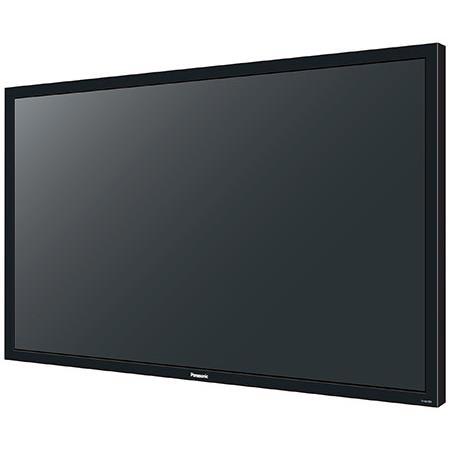
The Panasonic TH-50LFB70U 50" Interactive Full HD LED Display with Speakers incorporate intuitive touch screen technology, fully interactive whiteboard functionality and the very latest in wireless connectivity to allow you and your colleagues to work more closely as a team. These displays are loaded with the next-generation technology you need to be more productive, more efficient and to achieve better quality results. Progress smoothly through your presentation using familiar touch screen gestures to turn pages, zoom in and out content and navigate through multimedia functions without need of a remote control. Whether using a fingertip to cue content for a presentation or the stylus pen to jot down notes for the group, you'll be delighted at how this user-friendly touch interface makes complex tasks simple.
Built-in whiteboard software lets you turn on the display and start work right away no need to connect a PC. Up to four people can write at a time and you can save your pages and email them directly to anyone who missed the meeting, Notes can be made on almost anything, from video and photos to PowerPoint and PDF documents and then saved as an image file simply brilliant for the office or classroom. With vibrant Full HD resolution and a wide display area, remote videoconference participants seem like they're in the room with you. Team members in remote locations can write detailed notes onto shared documents and solve problems in real time, just as they would when working together in the office.
There powerful web and video conferencing capabilities reduce the need for travel, saving your organization time and money. Start working on the built-in whiteboard instantly just switch on the display. You can draw straight or freehand lines and change line thickness, color and background using the tool palette. To switch input sources, picture settings and volume, swipe the edge of the screen to display the main menu no remote control necessary. Four-point multi-touch functionality makes it easy to resize and move graphics around on your documents. The included Stylus Pen and Eraser accessory is a convenient way to write large amounts of text. So simple to use, even for children and less technically experienced presenters. You can write on almost any media you like, including video and still images. Swipe to bring up the main menu, display content from your external device and start making notes.