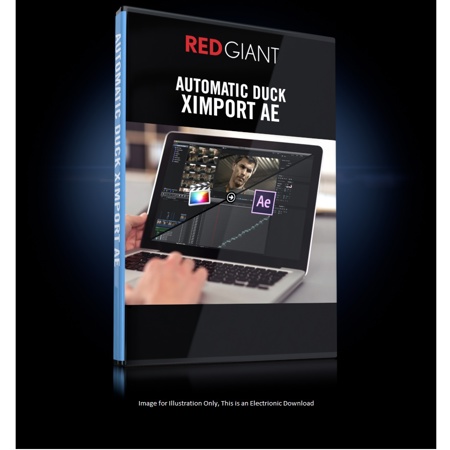
Red Giant Automatic Duck Ximport AE Software, Electronic Download
SKU: RDGXIMPAED
This item is no longer available.
Share:
Overview
Compare
Specs
Protection
About Red Giant Ximport AE Software
Move projects directly from FCPX to AE, with ease.
FAST & EASY
Automatic Duck ximport AE makes it simple to import FCPX xml directly into After Effects with no fuss. No conversion or XML processing required.
Plug-Ins, Transformations & More
Transfer all of your work between FCPX and AE seamlessly. Automatic Duck ximport AE carries over Red Giant and other 3rd-party plugins, along with a vast variety of FCPX features, such as Compound Clips, transforms, retiming's and much more.
FCPX Supported Features
Automatic Duck ximport AE supports a vast variety of FCPX features in Adobe After Effects. Below is a comprehensive list of compatible features:
• Third party plug-ins (see list)
• Audio fades
• Video fades
• Opacity
• Position
• Rotation
• Scale
• Constant retiming
• Variable retiming
• Hold retiming
• Freeze frame
• Crop
• Distort
• Spatial conform
• Blend mode
• Cross dissolve
• Disabled clip
• Audio levels
• Clip markers
• Selected clip from audition
• Selected clip from multicam
• Alpha channel
• Split edits
• Text layers
• Compound clips
• Synchronized clips
• Photoshop layers
• Effect: Colorize
• Effect: Flipped
• FCPX clip notes to AE layer comments
• Clip names become AE layer names
• Custom generator becomes color solid
• HTML report of exceptions
• Library exported as XML
• Event exported as XML
• Multiple file import
• Import of one XML containing multiple projs
• Advanced controls over translation
• Secondary storyline precomp option
• Searches for media if media moved or imported on another computer
• Supported: "Trim"
• Unsupported: "Crop" and "Ken Burns"