
This item is no longer available.
Review Summary
Accidents happen where life happens. Protect your favorite Adorama products and purchase a protection plan to stay covered from accidental damage, mechanical or electrical failure, and more.
If we can’t fix it, we’ll replace it at no additional cost.
Protect your product from drops, spills, and more.
Enjoy your gear without fear. We have you covered!
When regular use of your product over time results in mechanical or electrical failure.
We will never charge you a deductible after the purchase of a plan.
Our claims process is simple & easy and our customer service team is happy to help.
Adorama Protect powered by Extend is available for purchase to customers in the United States. Not available for purchase Internationally or in U.S. Territories.
Browse our FAQ
Revolabs FLX VoIP Phone
Ethernet
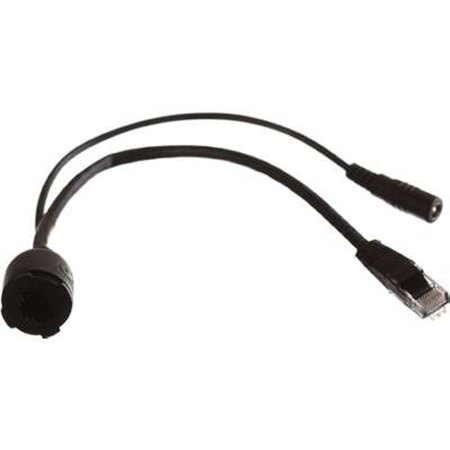
The Revolabs PoE (Power over Ethernet) Injector Kit allows to use the Revolabs FLX VoIP behind Ethernet outlets that are not PoE enabled. To add the power to the Ethernet connection, plug the PoE adapter into your Ethernet wall outlet or your Ethernet Hub or Ethernet Switch outlet on which you want to use the Revolabs FLX. Connect the power connector of the PoE Injector with the power supply and plug the power supply into a power outlet. Now plug an Ethernet cable into the outlet on the PoE Injector and the other side into the Revolabs FLX VoIP unit, the FLX will now power up.






