



This item is no longer available.
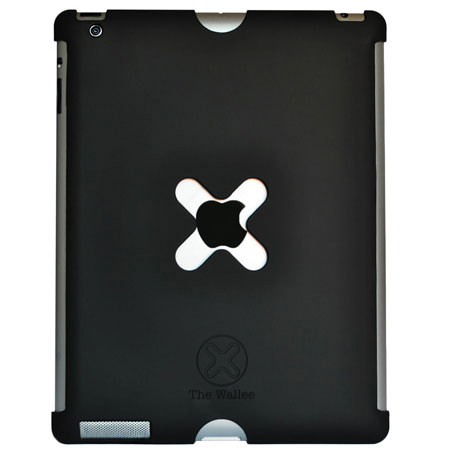
The Studio Proper X Lock iPad precision molded cases are the heart of the X Lock modular system. Simply plug any X Lock compatible accessory into the patented "X" mounting receptor for a versatile tablet configuration that fits just about any situation. When not docked to one the many interchangeable accessories, the X Lock serves as a durable protective case for your tablet. All physical buttons, cameras and speaker are left easily accessible.
The X Lock's patented locking system ensures that your tablet securely mounts to any compatible accessory. Take your iPad from a location photo shoot to the studio and then home or off to a cafe. The X Lock compatible accessories are so versatile that the tablet can be mounted practically anywhere. Best of all, say goodbye to obsolete accessories. X Lock accessories are future compatible so as tablets evolve, all you have to do is update the case - the X Lock mounts, stands and accessories will work with the new case.
Using accessories is easy. All mounts come with a locking X attachment which inserts into the X Lock Case. Insert the X on the X Lock case into the X on the accessory and turn. The slight rotation locks the tablet into position; rotate another 90 degrees to switch from portrait to landscape viewing. Turn another 45 degrees and the tablet and case release.






