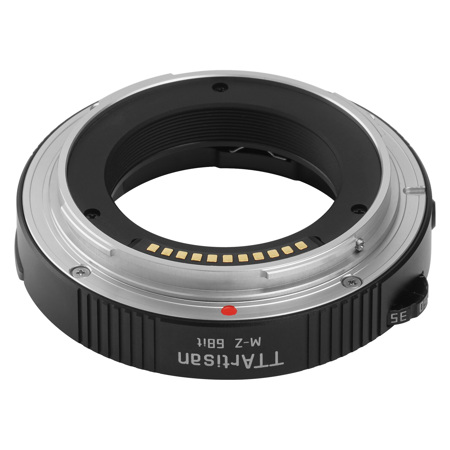
Picture does not represent the actual item
See what's in the box
Picture does not represent the actual item
See what's in the box
This item is no longer available.
Trap Focus
This 6Bit adapter ring also supports trap focus. First, set the camera focus mode to AF-S. Then, while pressing the shutter fully, slowly turn the focus ring, When the focus is clear, The camera can quickly take a clear photo.
Focus Indicator Function
This 6Bit adapter ring also supports the focus distance indicator function, Set manual focus mode on the body, There will be two opposite triangular icons at the bottom left of the display, Find out faster whether the focus point is in front of or behind the subject, Take clear photos.
Notes: Focus distance indicator is required on the camera body
Button for Resetting the Focus Length
After changing lens or setting the focal length on the dial, press the reset button to record the focal length information of the new lens.
Focal Length Identifying with a Click Focal Length Dial
Uses a click focal length dial, It can better avoid changing the focal length on the dial by mistake during the use.
When using a lens without the 6Bit contact, the focal length dial needs to be set to be consistent with the focal length of the lens. Press the reset button to record the focal length information;
Use the lens with the 6Bit contact, there is no need to set the focal length dial. Press the reset button to record the focal length information.
Aperture Data Recording
Set the same aperture data as the current aperture of the lens on the camera, and the aperture data of the manual lens will be recorded in the EXIF information.
Notes: The switching of aperture data needs to be done manually on the lens, not on the camera.
Camera Anti-shake turn on
Even with the adapter ring, advanced features like the camera anti-shake can also be used as usual.
Lightweight Body Feel Free to Carry
The adapter ring is made of high-grade aviation aluminum, and the weight is only 56 gram, to lighten the burden of photography and keep the focus on creation.
High extinction coating of inner wall
Extinction thread suppresses stray light and ensures image qual.






