



Need help? Ask our experts.
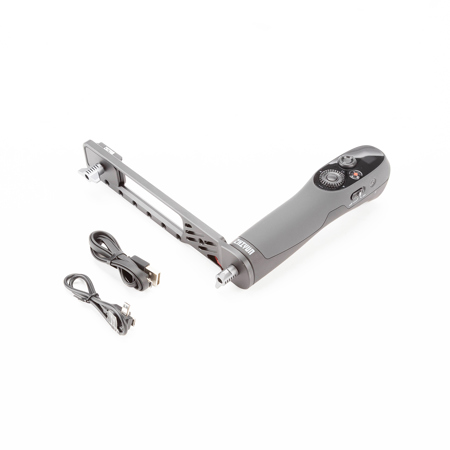
The Zhiyun TransMount Motion Sensor Remote Control enables you to view and control your camera while the stabilizer itself is out of reach or to split control between an operator and a camera assistant. This controller requires the use of a professional video monitor and the separately available TransMount transmitter and receiver. It includes an extension plate that connects to your monitor so that the controller acts as a handgrip. The controls on the remote control include a four-way directional joystick, a menu dial, and motion sensor, start/stop recording, reset, mode, live preview, menu, shutter, and power buttons.
It also incorporates a zoom slider and a focus/zoom control wheel for use with select cameras or the separately available TransMount Servo Focus/Zoom Controller. The TransMount Motion Sensor Remote Control for WEEBIL-S has an approximate five-hour runtime and can be charged and updated via its USB Type-C port.
