This item is no longer available.
For the serious photographer, designer, and artist...
Intuos3 gives you the power to quickly and professionally edit photos and create digital artwork by turning on the full power of Adobe Photoshop, Corel Painter, and over 100 other leading software applications.
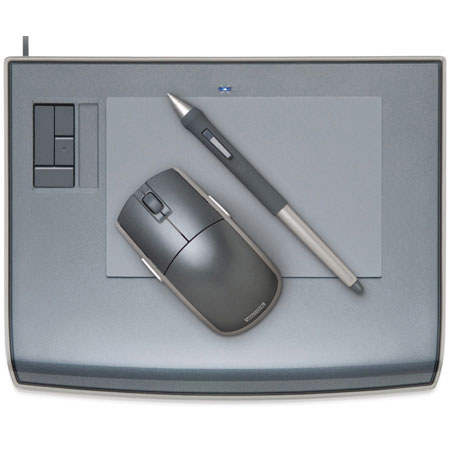
Intuos3 tablets now put ExpressKeys and Touch Strips right at your fingertips for convenient keyboard shortcuts, scrolling, zooming, brush size control, and more.
Wacom's Penabled technology gives you the natural feel and superior performance of Wacom's patented cordless and battery-free tablet technology. You'll find that using an Intuos pen, mouse, and tablet gives you more control, comfort, and productivity.
Alternating between the comfortable Grip Pen and the ergonomic five-button Intuos3 mouse reduces repetitive motion. It's an easy and natural way to work.
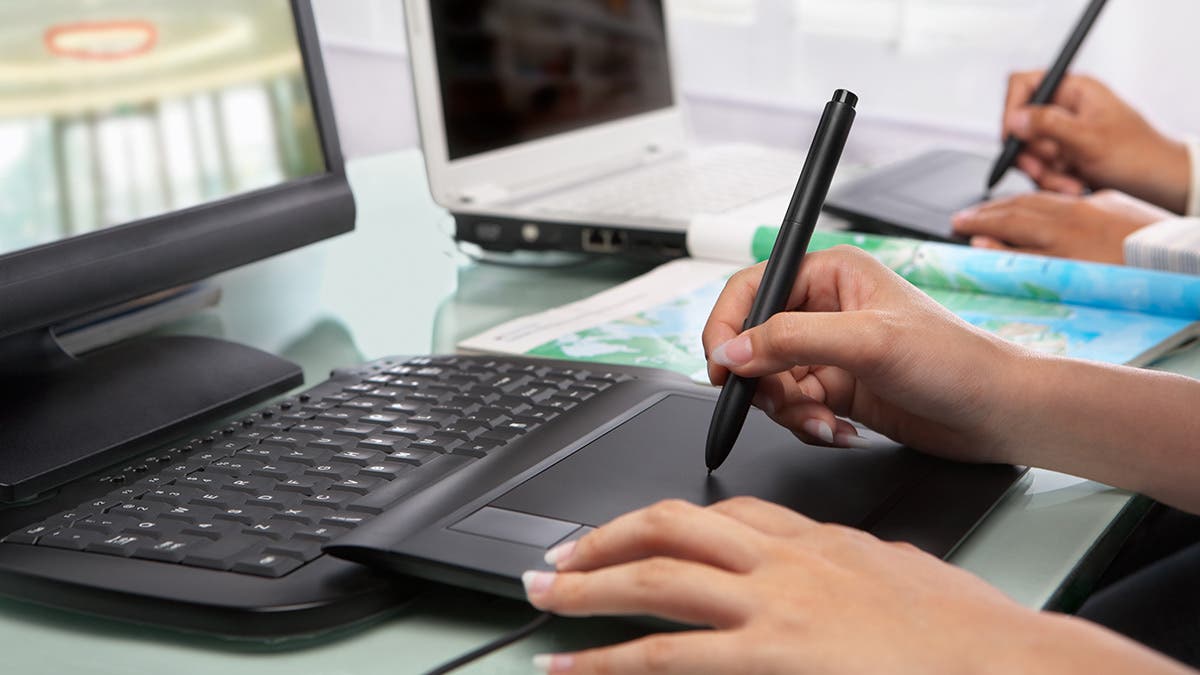
Using a pen tablet is easy: It's easy to use a pen tablet because every point on the tablet has a matching point on the screen. When you move your pen over the tablet the cursor moves in precisely the same way on the screen. Where you touch your pen tip to the tablet is where you click.
Pressure sensitivity: The Intuos3 Grip Pen gives you the power of pressure-sensitive control. Pressure sensitivity lets you control your software tools by changing how hard you press the pen tip to the tablet surface. Using pressure sensitivity you can dynamically control things like brush size, opacity, and more.