
This item is no longer available.
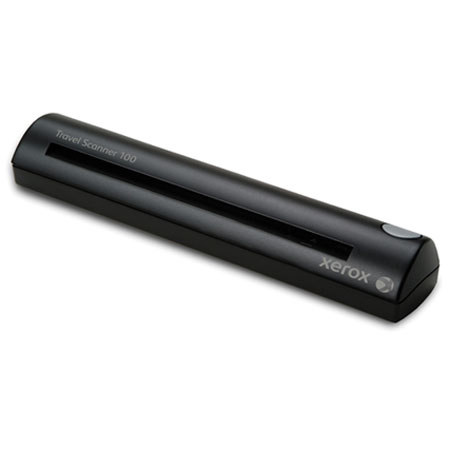
The Xerox Travel Scanner 100 is lightweight (less than 11 ounces), smaller than a three hole punch and needs no AC outlet. Just connect the USB cable to your laptop, insert a document and you're already scanning. (If you can insert a dollar bill into a change machine, you have the scanning operation mastered.) And not just scanning, but scanning to popular and productive destinations such as email and Word, or local or network hard drives or Microsoft SharePoint, supported by the most popular file formats including text-searchable PDF so that you can find your scanned documents by their content.
Visioneer OneTouch is an easy to use utility that connects you to a powerful set of scanner settings to greatly improve the efficiency of your workflow - so that with one touch, the document is scanned automatically to email, or Word, or your printer, or simply a file folder. In addition to scanning direct to all popular destinations, Visioneer OneTouch also links the Travel Scanner 100 with industry-leading document management software, such as, Microsoft SharePoint, Xerox DocuShare and DocuWare - forming an easy to use workflow from paper to a selected destination. A Software Development Kit (SDK) is also available which provides the ability to develop specific links and integrate them into the Visioneer OneTouch control panel quickly and easily.