


8 Port KVM Switches
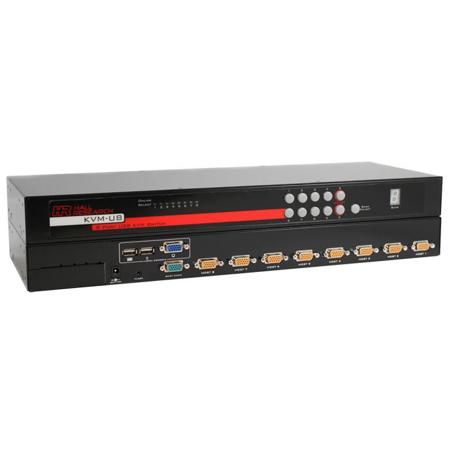
For IT professionals, creative studios, and anyone managing multiple computers in a workspace, 8 port KVM switches offer a practical and efficient solution to streamline control and reduce clutter. These devices are designed to allow seamless switching between up to eight computers using a single keyboard, monitor, and mouse, making them invaluable in environments where space, organization, and rapid response matter. Whether you’re overseeing a bustling server room, coordinating post-production workflows, or managing a classroom lab, the right KVM switch can transform the way you interact with your hardware. As winter projects ramp up and teams prepare for spring upgrades, an 8 port KVM switch can be a timely addition, supporting everything from regular maintenance to high-stakes troubleshooting without the need for extra peripherals or tangled cables.
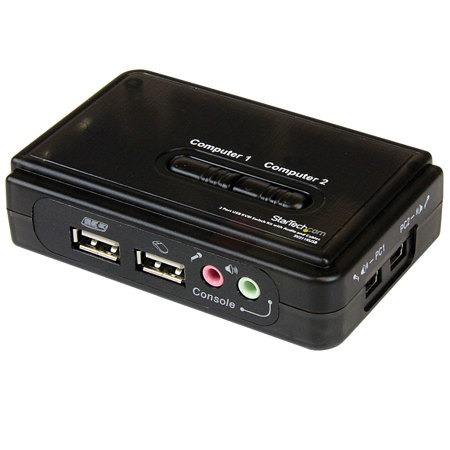
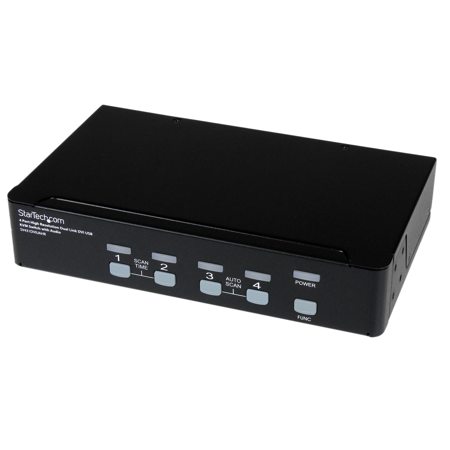
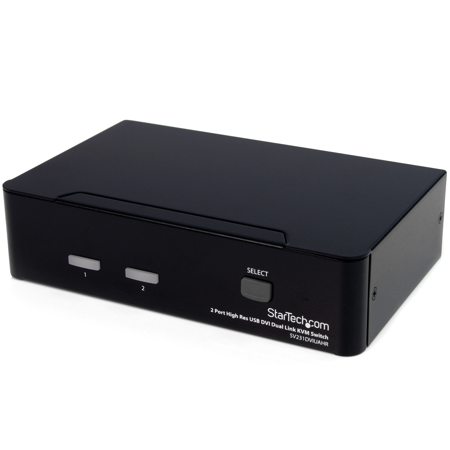
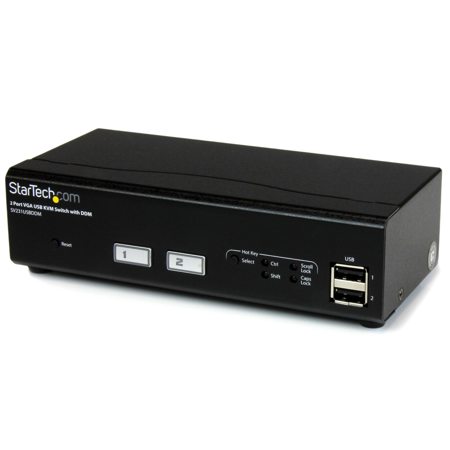
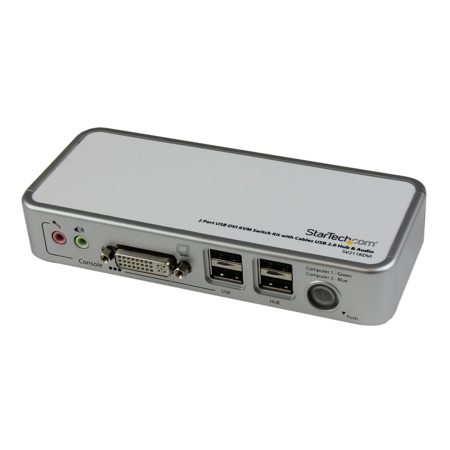
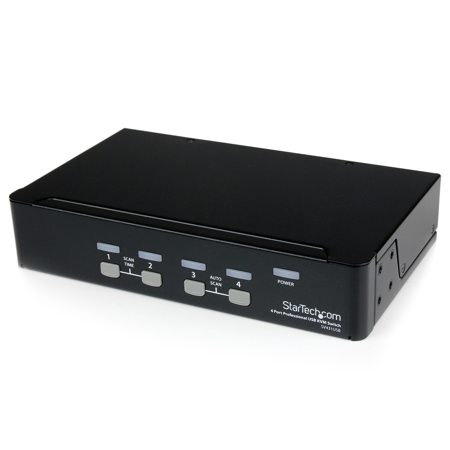
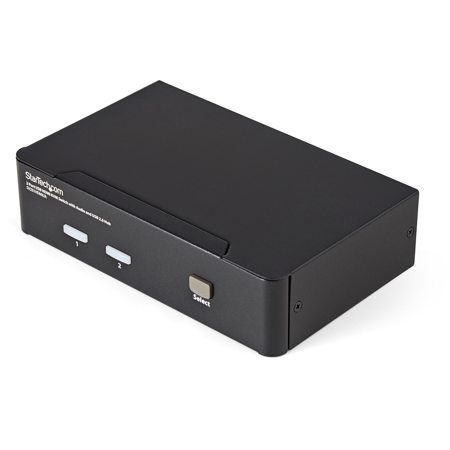
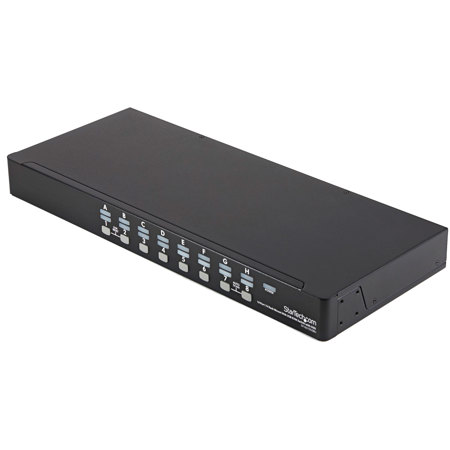
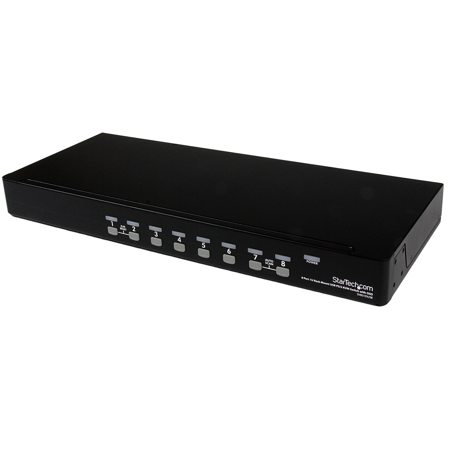
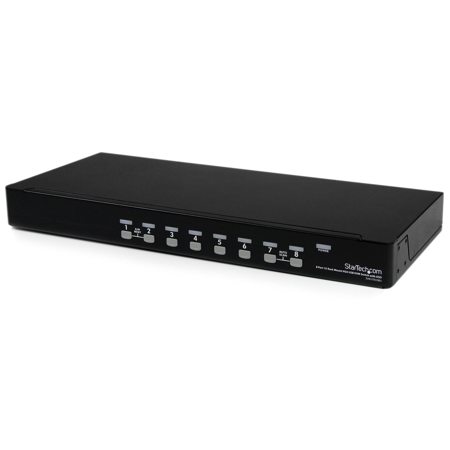
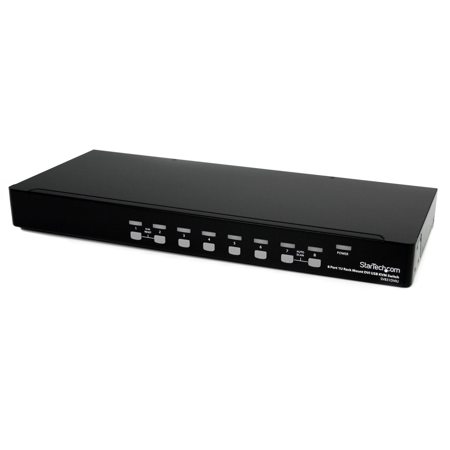
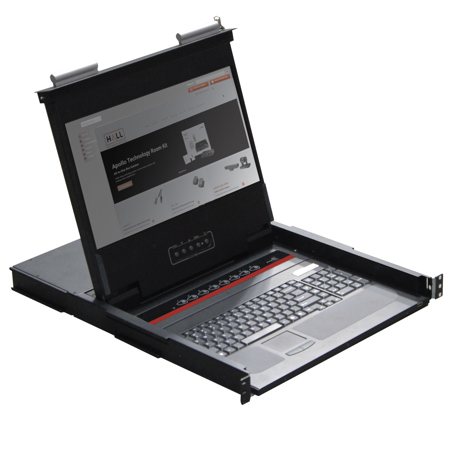
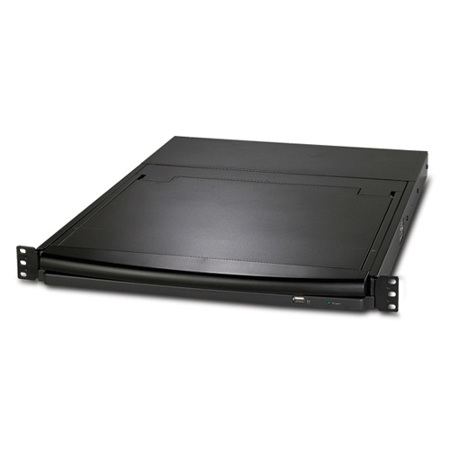
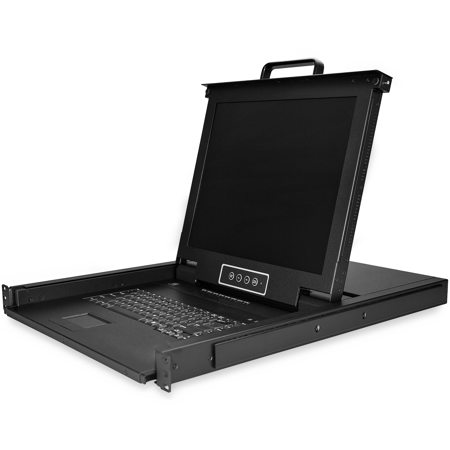
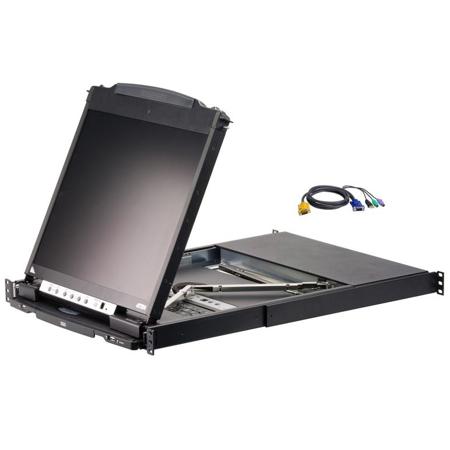
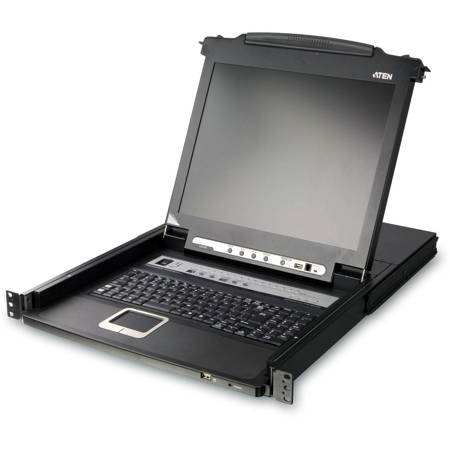
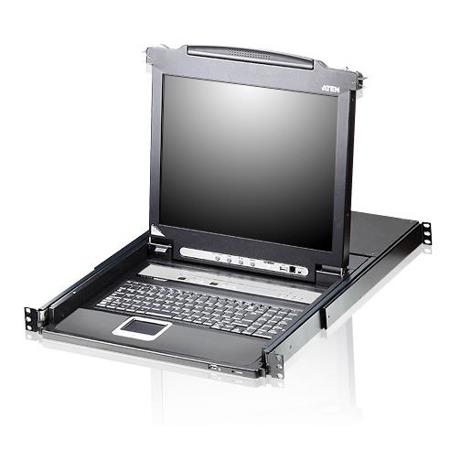
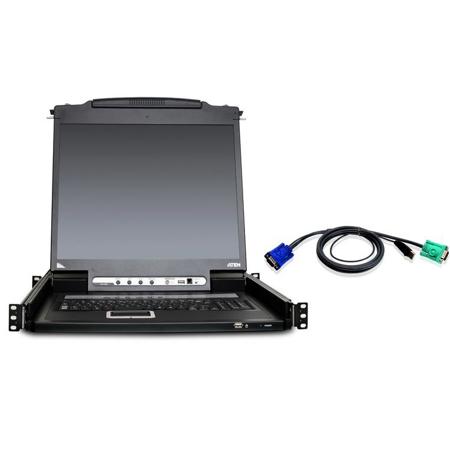
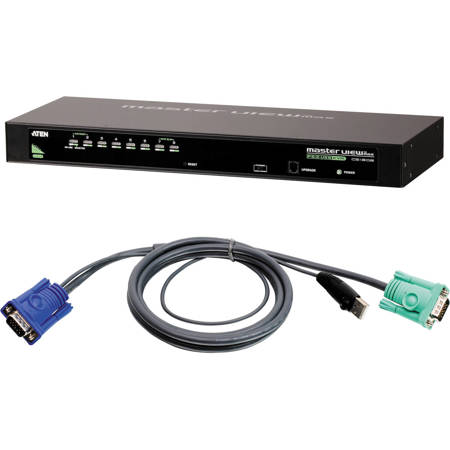
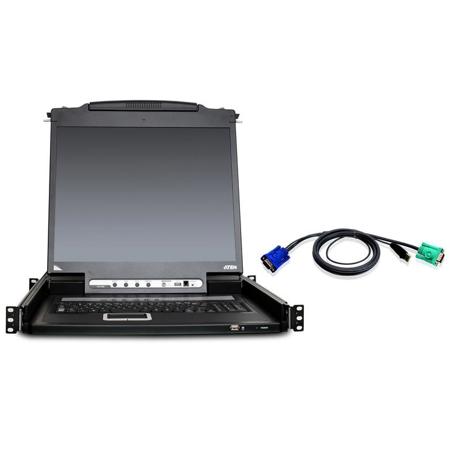
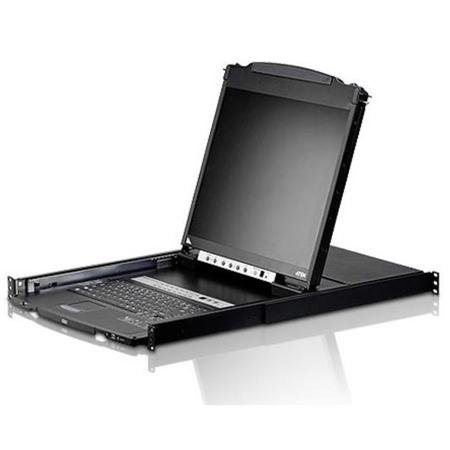
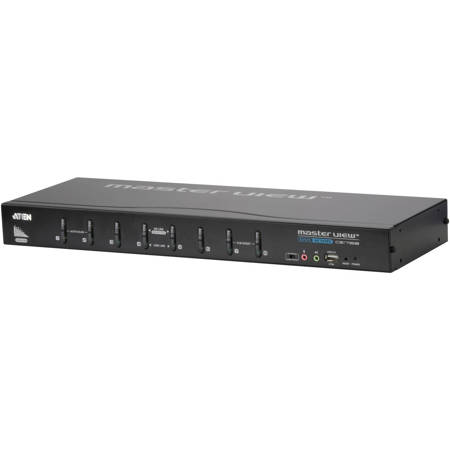
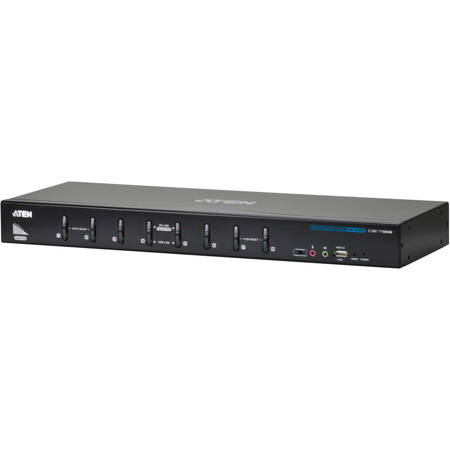
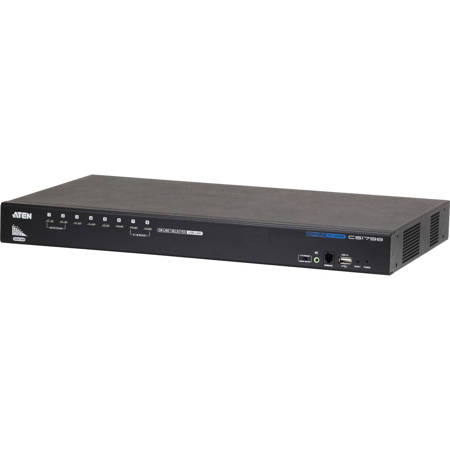
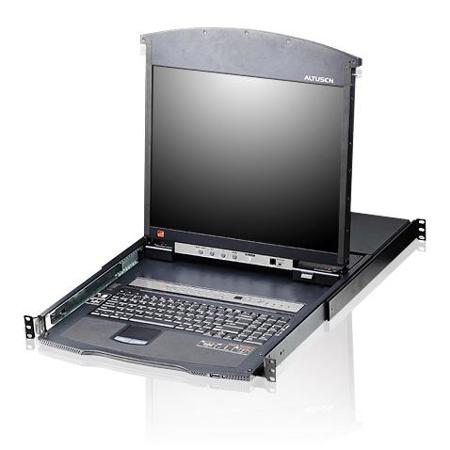
When selecting an 8 port KVM switch, it’s important to consider the specific needs of your setup. Rack-mountable models are ideal for data centers and server rooms, fitting neatly into standard racks and conserving valuable workspace. Desktop versions cater to smaller offices or studios where equipment may be spread across tables or workbenches. Video compatibility is another key factor—modern KVM switches support a range of interfaces including HDMI, DisplayPort, and VGA, ensuring seamless integration with both legacy and current systems. Many models now feature USB 3.0 hubs, allowing you to share peripherals like external drives or printers across multiple computers. For remote management, KVM over IP switches provide the flexibility to access and control machines from virtually anywhere, a feature that’s become increasingly vital for hybrid work environments and after-hours support. Security-conscious users will appreciate switches with advanced data isolation features, which are essential in government, healthcare, and financial settings where privacy and compliance are paramount.
Gifting an 8 port KVM switch can be a thoughtful gesture for the tech-savvy professional or the avid hobbyist who juggles multiple systems—imagine the relief of a home lab enthusiast finally taming their tangle of cables, or the peace of mind for a small business owner who can now oversee their entire network from a single station. As you browse options, pay close attention to compatibility with your existing hardware, the types of connections supported, and the physical footprint of the switch in your workspace. For a broader selection and more details on models that fit every need and budget, explore our full range of Computer KVM Switches. With the right KVM solution in place, you can look forward to a more organized, responsive, and efficient workflow—no matter how many computers you manage.
When selecting an 8 port KVM switch, it’s important to consider the specific needs of your setup. Rack-mountable models are ideal for data centers and server rooms, fitting neatly into standard racks and conserving valuable workspace. Desktop versions cater to smaller offices or studios where equipment may be spread across tables or workbenches. Video compatibility is another key factor—modern KVM switches support a range of interfaces including HDMI, DisplayPort, and VGA, ensuring seamless integration with both legacy and current systems. Many models now feature USB 3.0 hubs, allowing you to share peripherals like external drives or printers across multiple computers. For remote management, KVM over IP switches provide the flexibility to access and control machines from virtually anywhere, a feature that’s become increasingly vital for hybrid work environments and after-hours support. Security-conscious users will appreciate switches with advanced data isolation features, which are essential in government, healthcare, and financial settings where privacy and compliance are paramount.
Gifting an 8 port KVM switch can be a thoughtful gesture for the tech-savvy professional or the avid hobbyist who juggles multiple systems—imagine the relief of a home lab enthusiast finally taming their tangle of cables, or the peace of mind for a small business owner who can now oversee their entire network from a single station. As you browse options, pay close attention to compatibility with your existing hardware, the types of connections supported, and the physical footprint of the switch in your workspace. For a broader selection and more details on models that fit every need and budget, explore our full range of Computer KVM Switches. With the right KVM solution in place, you can look forward to a more organized, responsive, and efficient workflow—no matter how many computers you manage.