
KVM Switches With USB
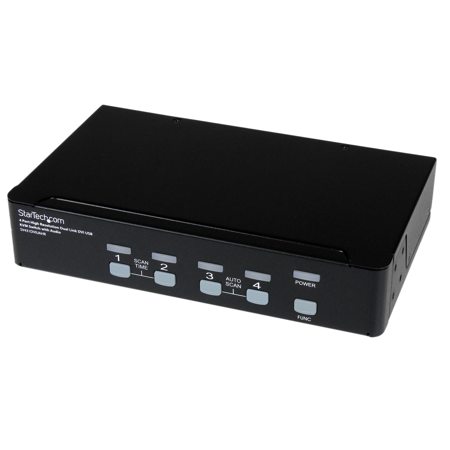
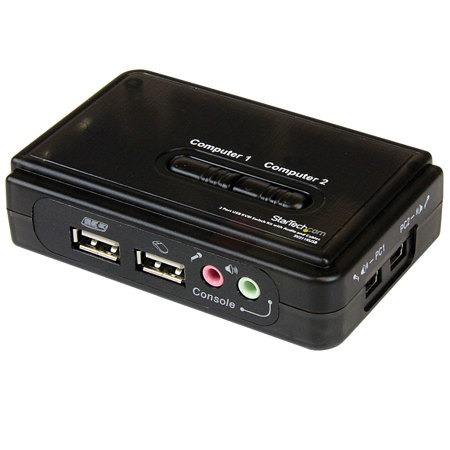
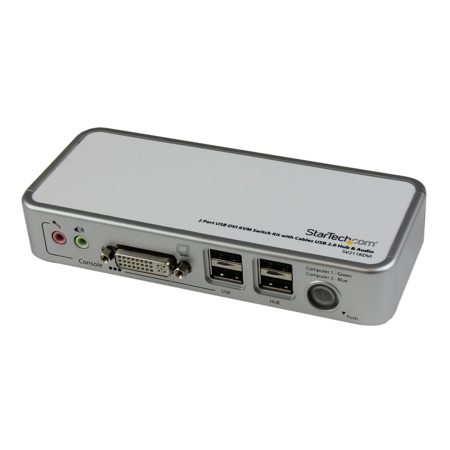
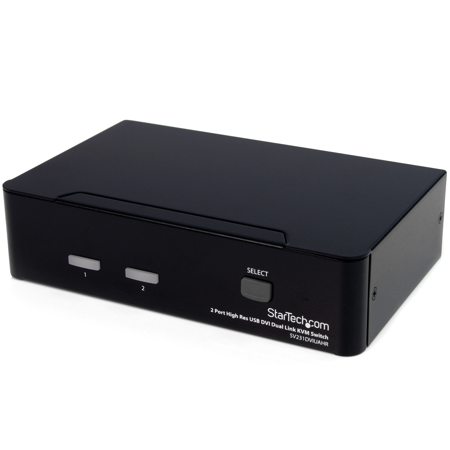
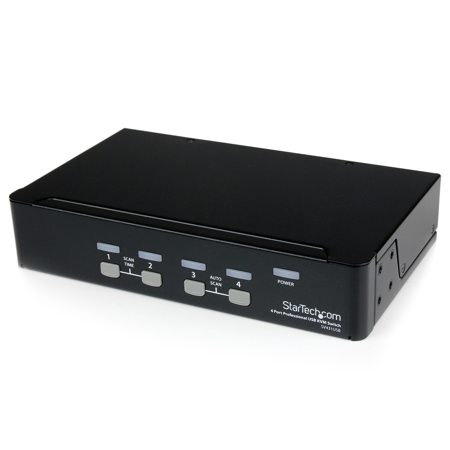
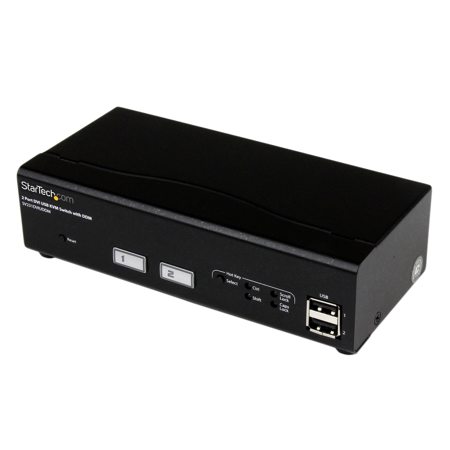
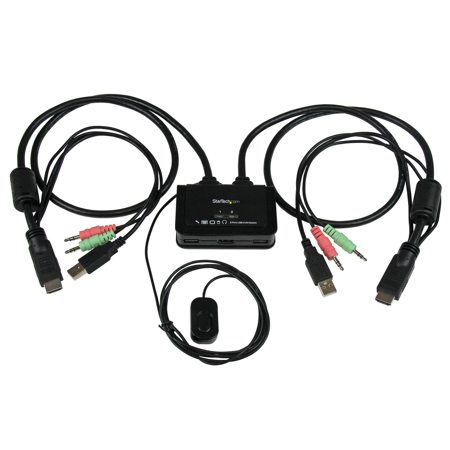
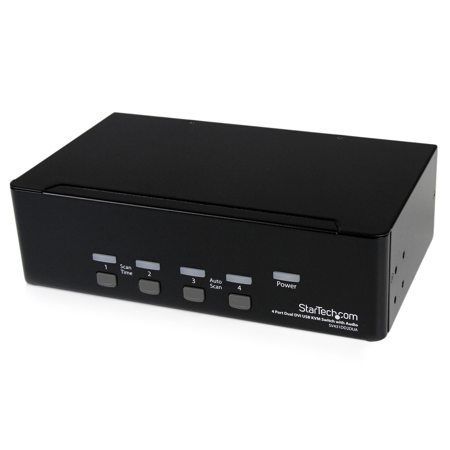
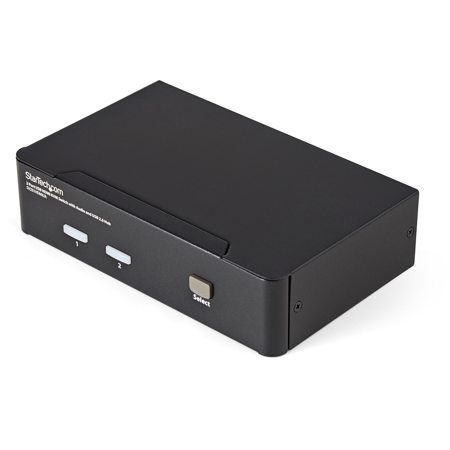
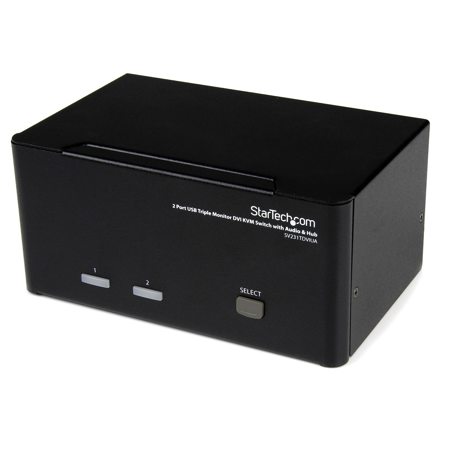
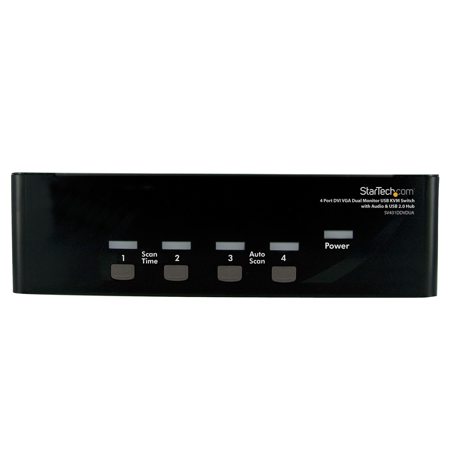
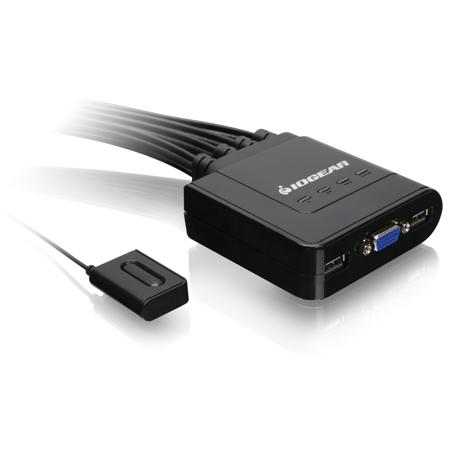
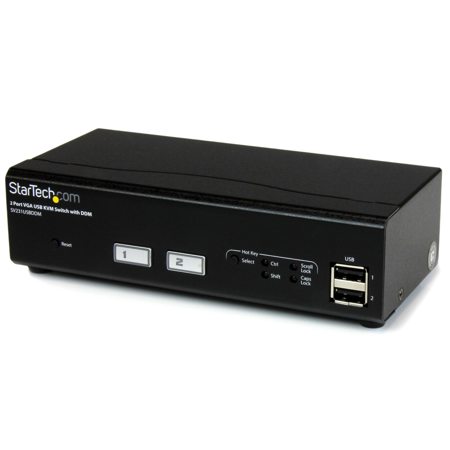
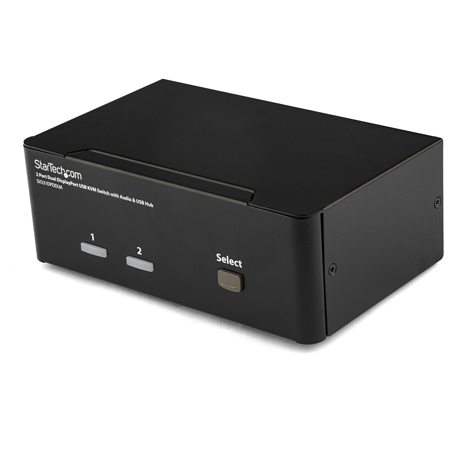
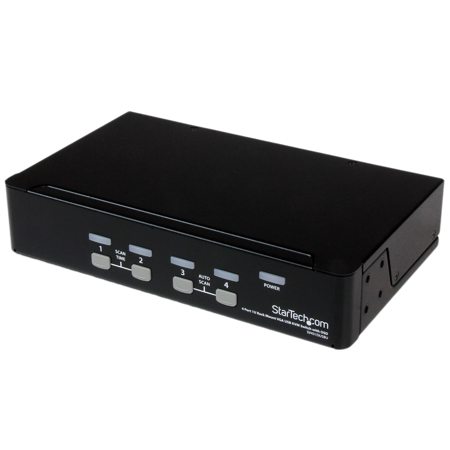
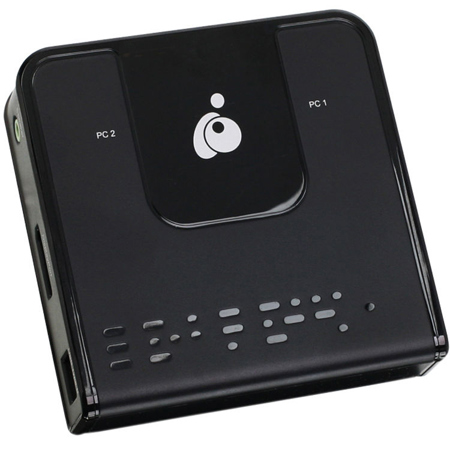
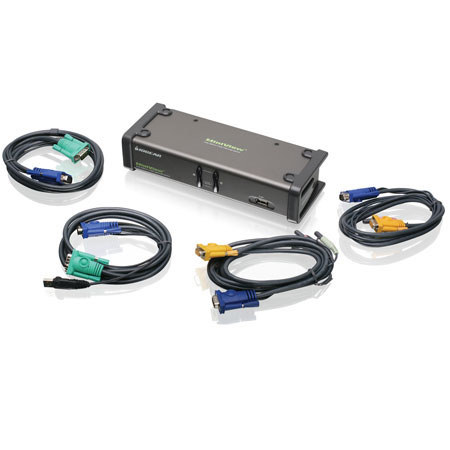
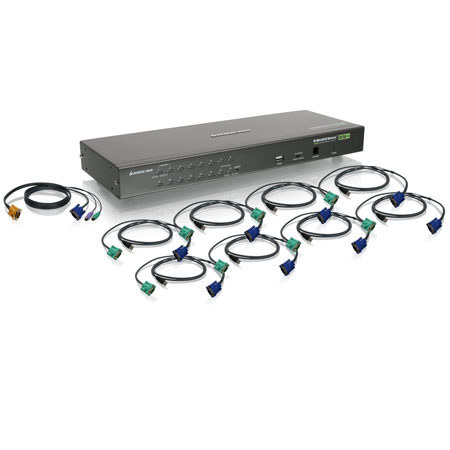
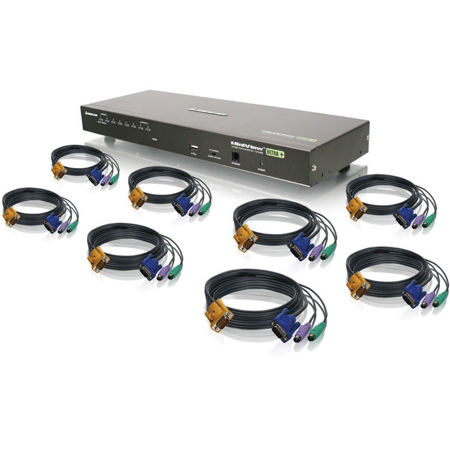
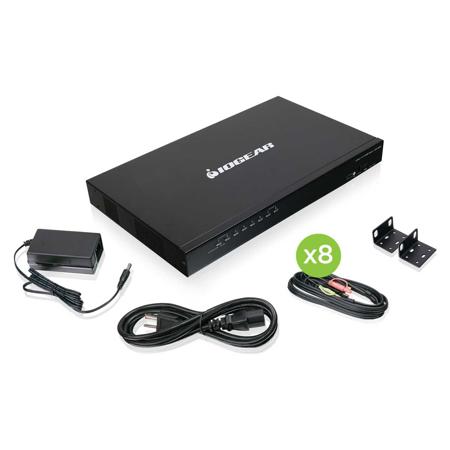
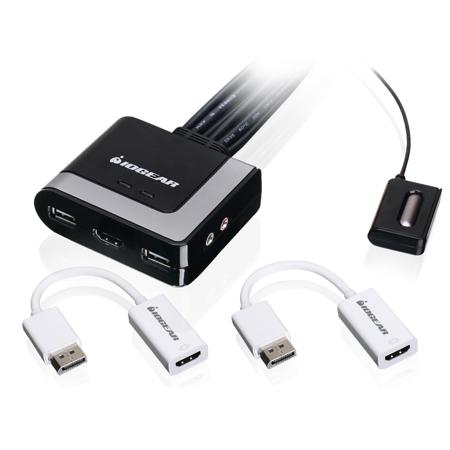
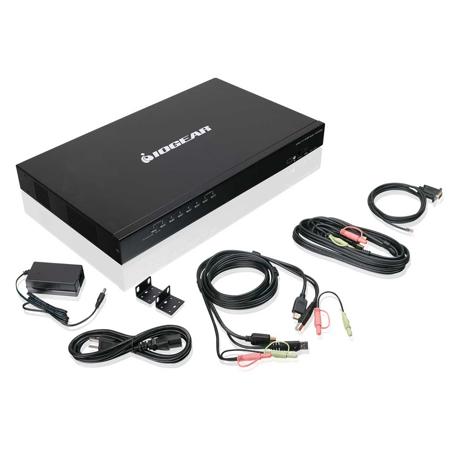
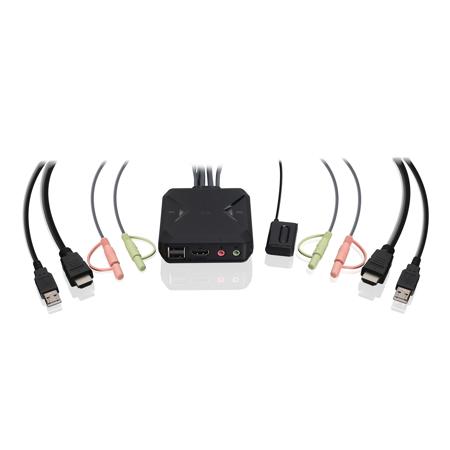
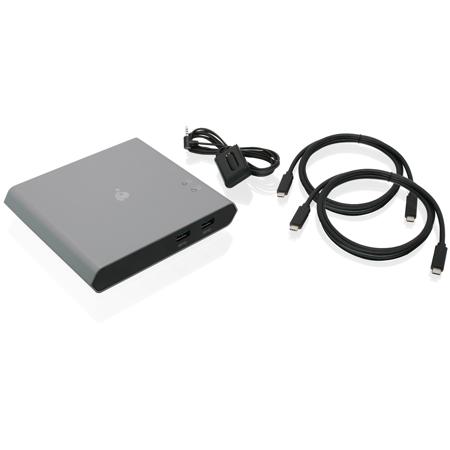
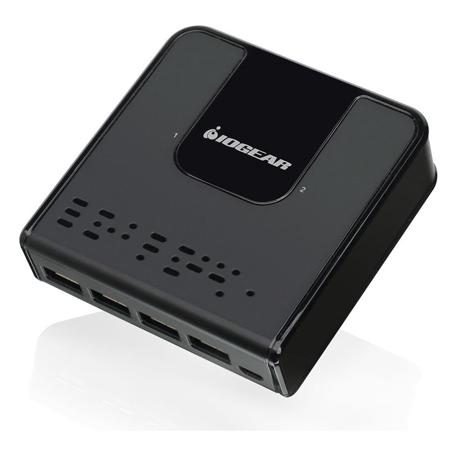
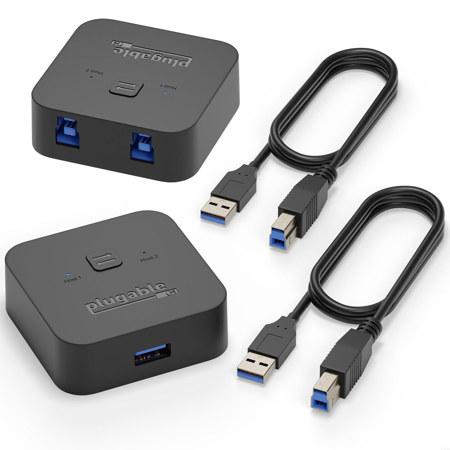
Whether you’re streamlining your workspace for greater efficiency or managing multiple systems in a professional environment, KVM switches with USB functionality are a practical addition to any modern setup. These versatile devices let you control two or more computers using a single set of peripherals—keyboard, mouse, and monitor—while also sharing USB devices like flash drives, printers, or webcams. For anyone who juggles between a desktop and a laptop, or perhaps a work PC and a personal system, a KVM USB switch can eliminate the hassle of connecting and disconnecting cables throughout the day. This convenience is especially valuable during the busier mid-year months, when home offices and creative studios often see a surge in productivity and collaborative projects. Whether you’re a content creator editing high-resolution video, a software developer testing code across multiple platforms, or an IT professional managing servers, having seamless access to all your systems through a single interface is a real game-changer. Even for families or shared workspaces, a KVM switch can make it easy to toggle between different users’ machines without clutter or confusion.
When considering which KVM switch to choose, it’s important to think about your specific connectivity needs and workflow. Some models are designed for modern setups, offering HDMI or DisplayPort support with resolutions up to 4K at 60Hz or higher, ensuring crisp visuals for graphic-intensive tasks. Others cater to legacy systems with VGA or DVI support, including options like a dvi switch 2 in 1 out for those who need to manage older equipment. USB compatibility is another key factor: basic USB 2.0 ports are sufficient for standard keyboards and mice, but if you plan to share high-speed peripherals such as external SSDs, webcams, or capture cards, look for switches equipped with USB 3.0 or 3.1. For users who frequently switch between a USB-C-enabled laptop and a desktop, certain KVM switches can even supply power to your laptop while in use, making for an ultra-efficient workflow. Port configuration is another consideration—most KVMs come in 2-port or 4-port variants, but larger setups are available for more demanding environments. If you’re searching for the best kvm switch under $1000, you’ll find a range of reliable options that balance performance and affordability, suitable for both home offices and enterprise settings. It’s generally recommended to connect your USB devices directly to the switch’s built-in ports rather than daisy-chaining additional USB hubs, as this ensures stable connectivity and adequate power for all your peripherals.
KVM switches with USB are also thoughtful gifts for tech enthusiasts, remote workers, or students heading into a new academic year with multiple devices to manage. As the weather transitions from the warmth of summer into the cooler days of fall, many people find themselves reorganizing their workspaces or upgrading their home office tech. A well-chosen KVM switch can make a tangible difference in daily productivity, reducing desktop clutter and simplifying device management. For those who require multi-monitor setups, especially for tasks like video editing, financial trading, or immersive gaming, it’s worth exploring specialized options—our curated list of KVM Switches For Dual Monitors offers solutions designed to maximize screen real estate and workflow efficiency. Whether you’re outfitting a creative studio, building a flexible work-from-home station, or setting up a command center for IT operations, a quality KVM switch with USB support brings order and simplicity to even the most complex environments, making it an essential tool for productivity and organization year-round.
When considering which KVM switch to choose, it’s important to think about your specific connectivity needs and workflow. Some models are designed for modern setups, offering HDMI or DisplayPort support with resolutions up to 4K at 60Hz or higher, ensuring crisp visuals for graphic-intensive tasks. Others cater to legacy systems with VGA or DVI support, including options like a dvi switch 2 in 1 out for those who need to manage older equipment. USB compatibility is another key factor: basic USB 2.0 ports are sufficient for standard keyboards and mice, but if you plan to share high-speed peripherals such as external SSDs, webcams, or capture cards, look for switches equipped with USB 3.0 or 3.1. For users who frequently switch between a USB-C-enabled laptop and a desktop, certain KVM switches can even supply power to your laptop while in use, making for an ultra-efficient workflow. Port configuration is another consideration—most KVMs come in 2-port or 4-port variants, but larger setups are available for more demanding environments. If you’re searching for the best kvm switch under $1000, you’ll find a range of reliable options that balance performance and affordability, suitable for both home offices and enterprise settings. It’s generally recommended to connect your USB devices directly to the switch’s built-in ports rather than daisy-chaining additional USB hubs, as this ensures stable connectivity and adequate power for all your peripherals.
KVM switches with USB are also thoughtful gifts for tech enthusiasts, remote workers, or students heading into a new academic year with multiple devices to manage. As the weather transitions from the warmth of summer into the cooler days of fall, many people find themselves reorganizing their workspaces or upgrading their home office tech. A well-chosen KVM switch can make a tangible difference in daily productivity, reducing desktop clutter and simplifying device management. For those who require multi-monitor setups, especially for tasks like video editing, financial trading, or immersive gaming, it’s worth exploring specialized options—our curated list of KVM Switches For Dual Monitors offers solutions designed to maximize screen real estate and workflow efficiency. Whether you’re outfitting a creative studio, building a flexible work-from-home station, or setting up a command center for IT operations, a quality KVM switch with USB support brings order and simplicity to even the most complex environments, making it an essential tool for productivity and organization year-round.