
Softron EASController Option, Emergency Alert System for OnTheAir Node Software (Download) (US Only)
SKU: SO3IB53
This item is no longer available.
Recommended Alternatives

Share:
Overview
Compare
Specs
Protection
About Softron 3IB53
The Softron EASController Option is an add-on for Softron's OnTheAir Node software that displays and plays out an EAS message. It also integrates with OnTheAir Live or OnTheAir Manager and OnTheAir CG, as well as Blackmagic Design video cards. When the EAS encoder receives an alert in the form of a text message and optional audio message, it sends a signal to the EASController. It then mutes the audio playout from any number of OnTheAir Node applications and plays the audio alarm message in its place.
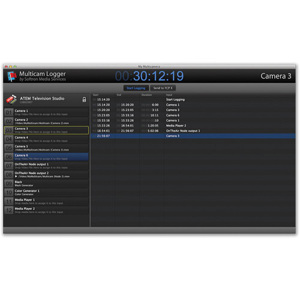
Simultaneously, the controller takes charge of OnTheAir CG and generates a ticker with the text message received from the encoder. This ticker is then overlaid onto the video played out from Node. Once the encoder has finished playing the audio message, it requests the EASController to cease the message and return to a normal playout. Then, the OnTheAir CG ticker stops and the audio of the OnTheAir Nodes is unmuted. All operations and messages get logged in the log files and on-screen.
Softron 3IB53 Features
- Requires an EASEncoder (only TFT911 is supported), an RS232 to USB converter to connect computer to EASEncoder, a license of OnTheAir CG to overlay graphics and a license of OnTheAir Node (not included)
- Add-on for Softron's OnTheAir Node software that displays and plays out an EAS message
- Integrates with OnTheAir Live or OnTheAir Manager and OnTheAir CG, as well as Blackmagic Design video cards