Used Wacom Movink 13 Creative Pen and Touch Display

SKU: US2069884 MFR: DTH135K0A
Earn VIP Reward Points

Key Features

  • Unleash creativity with the Wacom Movink 13's vibrant Full HD OLED display.
  • Experience seamless drawing on a 13.3" creative pen display with Pro Pen 3.
  • Enjoy precise control with 8192 pressure levels using the Wacom Pro Pen 3.
  • Create on the go with a lightweight, portable pen tablet, weighing only 14.8 oz.
  • Customize your workflow with ExpressKeys and touch keys on this Wacom tablet.
  • Benefit from wide compatibility with Windows, macOS, Android, and ChromeOS.
See More Product Details

INCLUDES FREE WARRANTY

  • This used item comes with a free 1-year warranty. ?
Overview
Compare
Accessories
Learn
Specs
Protection

Reviews about this item

Review Summary

Wacom Movink 13 Specifications

  • Display Size / Resolution / Aspect Ratio

    13.3" (33.78cm) (diagonal) / Full HD 1920 x 1080 / 16:9

  • Active Area

    11.6 x 6.5" (294 x 165mm)

  • Thinnest

    0.16" (4mm)

  • Thickest

    0.26" (6.6mm)

  • Color Performance

    1.07 billion colors (10bit x RGB = 30bit), 100% DCI-P3 (CIE 1931) (typical), 95% Adobe RGB (CIE 1931) (typ)

  • Display Certificates

    Pantone Validated, Pantone SkinTone Validated, Eye Care Display by SGS

  • Display Viewing Angle

    170 Degree (85 / 85) H, (85 / 85) V (typ)

  • Display Refresh Rate / Response Rate

    60Hz / 0.2 ms

  • Display Brightness / Contrast Ratio

    350 cd/sq. m (typ) / 100,000:1

  • Power Consumption

    15W or less

  • Connectivity

    USB-C port with DisplayPort Alt Mode

  • Multi-touch

    10 finger multi-touch featuring available selective touch with Grid and Radial Menus
    Virtual and physical switch tablet button to turn multi-touch on and off; system default gestures (1-finger or 2-finger) are supported, pan, zoom and rotate gestures available in most applications including Adobe Photoshop and Illustrator; 3-finger gestures and above can be customized through Wacom Center

  • Pen

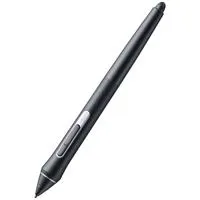
    Battery-free Wacom Pro Pen 3 with 3 customizable side switches and customizable grip size, 8192 pressure levels
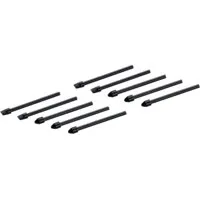
    Comes with an internal nib holder for spare nibs storage and nib removal tool

  • Pen Compatibility

    Compatible with EMR pens from well-known stationery brands, i.e. Hi-Uni x Wacom, STAEDTLER Noris Digital, Pilot Dr. Grip, LAMY, etc.

  • Supported pen tilt angle

    -60/60 degrees

  • ExpressKey shortcuts

    2x Tablet Buttons, 2x Touch Keys
    Easily accessible & customizable

  • Productivity Boosters

    Virtual or physical on/off switch for multi-touch; touch and physical button ExpressKeys; 3 pen side switches, and touch selective on-screen shortcuts including Radial Menus, Grid Panels, and pen gestures

  • Ergonomics

    Right or left-handed use; optional Wacom Movink Foldable Stand that supports 20 Degree tilted angle; Pro Pen 3 with comfortable, ergonomic grips

  • Compatibility / System Requirements

    Windows 10 (Latest service pack/build) and later, macOS 12 and later, Android 8.0 and above, the latest version of ChromeOS
    USB-C port with DisplayPort Alternate Mode; internet access to download driver

  • Stand

    Wacom Movink Foldable Stand (ACK652Z) - sold separately

  • Dimensions

    12.6 x 8.1 x 0.16-0.26" (319.5 x 205.2 x 4-6.6mm)

  • Weight

    14.8 oz (420g)

31 Accessories for Wacom Movink 13 Creative Pen and Touch Display

  • All Accessories (31)
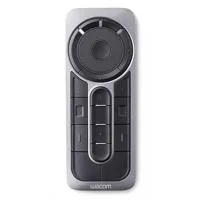
  • Remotes & Accessories (1)
  • Stylus Pens (7)
  • Gloves (2)
  • Stands & Mounts (3)
  • Hubs (6)
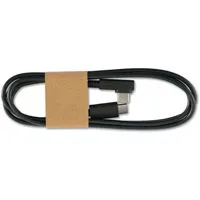
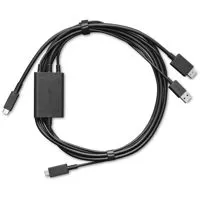
  • Cables & Adapters (8)
  • Cleaning Accessories (4)

About Wacom Movink 13 Creative Pen and Touch Display

Register with Wacom Movink & accelerate your creative exploration with access to a diverse range of professional-grade software trials: receive 3-month trials of Clip Studio Paint EX, Rebelle 7, Capture One, Magma, and MASV file transfer service. Offer available for customers located in the Americas

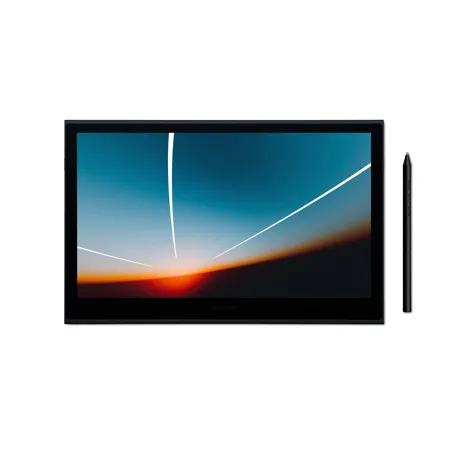
Enjoy the freedom of working wherever creativity strikes with Wacom Movink, our lightest and thinnest digital drawing tablet yet. Engineered to be incredibly compact, slim, and sturdy, this 13" creative display weighs less than a pound and is only 4-6.6 mm thick. Wacom Movink's magnesium alloy exterior is lightweight yet sturdy enough to be carried in a backpack or bag, transforming any location into your creative sanctuary - whether it's the local cafe, the serene confines of a school library, or the comfort of your own bed. Connect it to your Mac or PC, and you'll have the processing power you need for your professional work, in a graphics tablet that's always ready to go.

Wacom Movink features a 13.3" full HD Samsung OLED display that offers more vibrant colors, enhanced vividness, and a faster response time (<1 ms) compared to non-OLED displays. Its contrast ratio of 100,000:1 results in deeper blacks, providing a more realistic representation of your artistic vision. The stunning 10-bit color display unlocks a palette of a billion shades. High coverage of Adobe RGB and DCI-P3 provides you with wider color gamuts, yielding a larger breadth and depth of colors to work with. And this art tablet is Pantone Validated and Pantone SkinTone Validated, ensuring that the color you see on the screen matches real-life skin tones and prints. Say goodbye to guesswork, as this graphics tablet arrives with built-in presets for Adobe RGB, sRGB, DCI-P3, and Rec. 709, EBU, and Rec. 2020.

Because OLED works without a backlight, Wacom Movink has no light leakage. Wacom Movink's "Eye Care Display" certification, achieved through its reduction of harmful blue light, ensures that whether you're a student burning the midnight oil on a project or a creative professional racing against a deadline, you can work comfortably and with reduced eye strain.

The display features an ultra-thin bezel that maximizes the active area, providing a compact yet formidable workstation for creativity. The anti-glare and anti-fingerprint glass helps you work without distraction while the OLED screen maintains color integrity even under heavy pen pressure.

Wacom Movink also integrates cutting-edge touch technology with 10-point multi-touch, which enables you to interact with your content simultaneously with your fingers as well as the pen on screen. Use natural gestures like panning, zooming, and rotating to enjoy a completely immersive experience in your creative process. Wacom Movink also features touch-selective on-screen shortcuts including touch keys, Radial Menus, Grid Panels, and pen gestures that you can assign as shortcuts to increase efficiency in your favorite software programs.

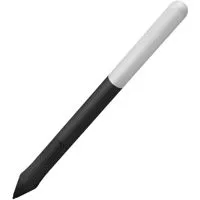
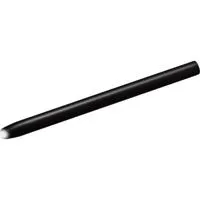
Every aspect of Wacom Movink has been meticulously crafted. From its effortless connectivity via the included single USB-C cable to the customizable ExpressKey shortcut buttons on the sides of the display, every detail is designed with convenience and portability in mind. Additionally, this digital drawing pad includes a customized Wacom Pro Pen 3 exclusive to Wacom Movink. This customized pen not only features the pressure sensitivity and tilt detection you've come to expect from Wacom Pro Pen 3 but also cleverly stores replacement nibs in its back end, ensuring you're always prepared even when you're on the move.

Wacom Movink is Wacom's first professional-level creative pen display to incorporate Dual Pen Technology, meaning it works with the digital tool of your choice - whether Wacom Pro Pen 3, another professional Wacom pen like Wacom Pro Pen 2, or a stylus made with universal digital pen technology from brands such as Dr. Grip Digital, LAMY, or STAEDTLER.

Wacom Movink can be connected to nearly any device with a USB-C port (DisplayPort Alt Mode or Thunderbolt) with the included USB-C cable to expand the creative options for your professional work. If you need to connect via HDMI, you can purchase the Wacom Converter for Movink (ACK45219Z). Wacom Movink is compatible with Windows and Mac computers, Chromebooks, and select Android mobile devices.

If you already have a preferred creative software choice, Wacom Movink is natively compatible with it. But if you're on the hunt for something new, every Movink purchase gives you access to a range of trials for top-tier creative software applications such as CLIP STUDIO PAINT EX, Rebelle, Capture One, and Magma Blaze plan, in addition to 250GB of MASV file transfer service. Picture yourself somewhere new, creating a character, painting a dynamic digital landscape, or editing photos of your surroundings. Whether you're collaborating with classmates on a shared canvas or sculpting detailed 3D models, Wacom Movink empowers you to create wherever and whenever inspiration strikes.

Wacom Movink 13 Creative Pen and Touch Display Features

  • Thin, Light, Portable Display: Whether on campus, in the studio, or at home, work wherever you feel creatively inspired with this compact & sturdy OLED display that weighs less than 1 lb and measures a mere 4-6.6mm thick
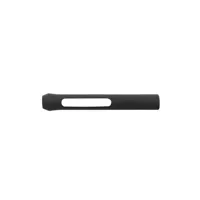
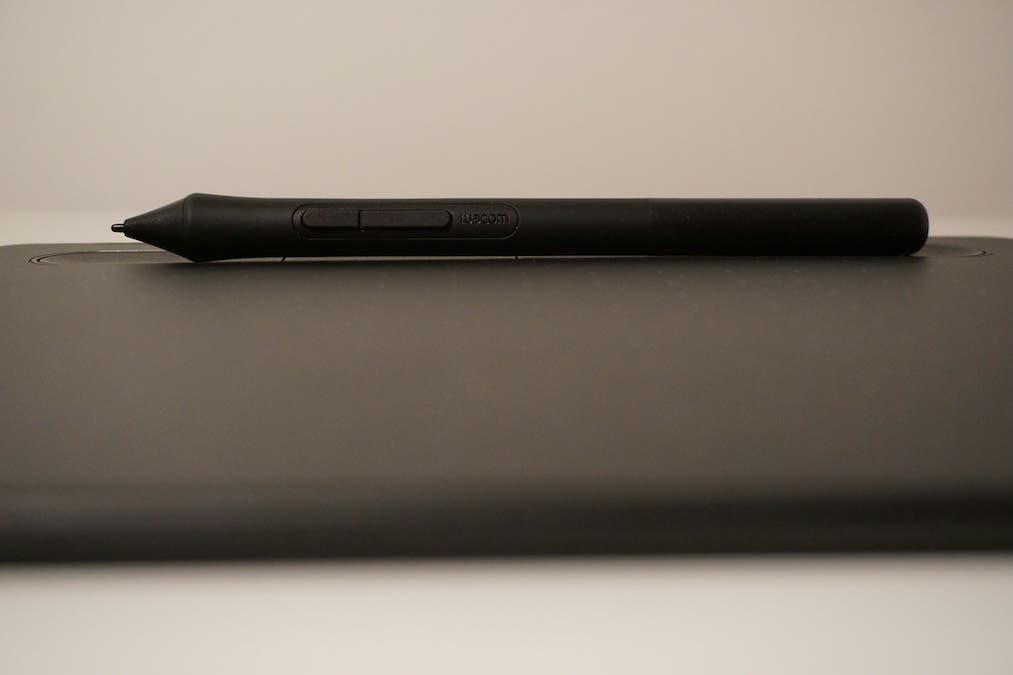
  • Best-In-Class Pen Performance: Wacom Pro Pen 3 exclusively designed for Wacom Movink takes Wacom's most advanced pen and customizes it for portability - with extra nibs conveniently stored in the back end and featuring 8192 levels of pressure sensitivity and three side switches.
  • Vibrant Color: 10-bit color, contrast ratio of 100,000:1, Pantone validated, built-in hardware presets for Adobe RGB, sRGB, DCI-P3 and Rec. 709, EBU, & Rec2020, and a lightning-fast response time (<1ms) for near-zero latency
  • Touchscreen & Shortcut Keys: Effortlessly navigate your canvas with intuitive touch gestures. Enhance productivity with on-screen shortcuts like Radial Menus and Grid Panels, as well as physical and virtual ExpressKeys, all customizable to your favorite keyboard shortcuts to streamline your workflow
  • Software Trials: Register your Wacom Movink & accelerate your creative exploration with access to a diverse range of professional-grade software trials: receive trials of CLIP STUDIO PAINT EX, Rebelle, Capture One, Magma Blaze plan, and MASV file transfer service. Offer available for customers located in the Americas
  • Compatibility: PC (Windows 10 or later), Mac (OS 12 or later), Chromebook (devices running the latest Chrome OS) and Android smartphones/tablets (OS version 8.0 and above); connects via USB-C (with DisplayPort Alt Mode or Thunderbolt 3 or 4). HDMI adapter sold separately

Warranty Information

This used item has a FREE 1-year warranty. See details.

Key Features

  • Unleash creativity with the Wacom Movink 13's vibrant Full HD OLED display.
  • Experience seamless drawing on a 13.3" creative pen display with Pro Pen 3.
  • Enjoy precise control with 8192 pressure levels using the Wacom Pro Pen 3.
  • Create on the go with a lightweight, portable pen tablet, weighing only 14.8 oz.
  • Customize your workflow with ExpressKeys and touch keys on this Wacom tablet.
  • Benefit from wide compatibility with Windows, macOS, Android, and ChromeOS.