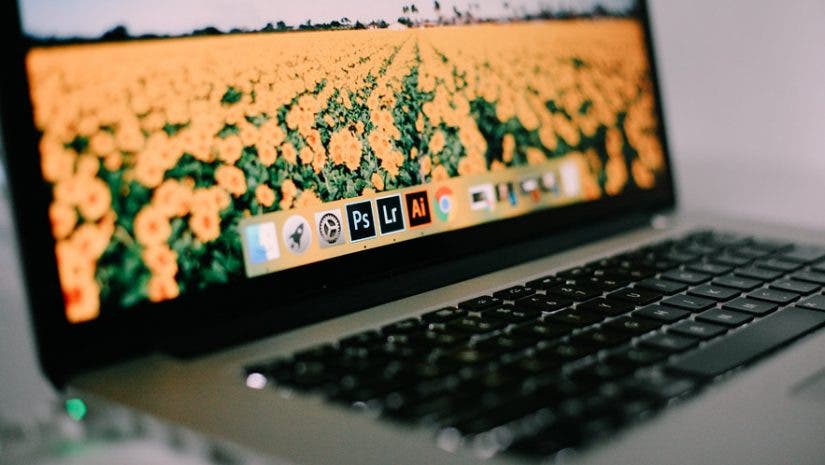

When it comes to software that empowers and equips creatives to create amazing things, the Adobe Creative Cloud offerings are a creative-favorite. From Lightroom to Photoshop, and Premiere Pro to Illustrator, Adobe covers all the bases for creatives.
Adobe software programs are incredibly useful because they are designed to be integrate and work together. And with Adobe’s cloud-based monthly subscription, you can buy into almost every program that the software giant makes.
If you’re thinking about taking the plunge and learning more about these software programs, this article is for you. Here are seven important Adobe Creative Cloud software programs that creatives should learn in 2020. All of these will help take your creativity to the next level.
Adobe Lightroom
While there are other photo editing software programs out there, Adobe Lightroom stands out among the rest. It makes learning how to edit photos relatively straightforward, with powerful tools that turn RAW files out of your camera into works of art.
Adobe Lightroom is where you can learn how to develop and create your unique style through presets and color grading. Thanks to Adobe’s powerful cloud-based subscription platform, you can back up files with ease. You can even edit photos on your phone, using the Adobe Lightroom Mobile App.
If you are a photographer, Adobe Lightroom is a must-learn software that will change how you create. It’s powerful, intuitive, and surprisingly easy-to-use, and the best part: you can take it anywhere your photography takes you.
Adobe Photoshop
Adobe Photoshop is an industry icon for a reason. It raised the bar to what was possible in digital art and allows creators around the world to create masterful pieces, whether it’s for photography, graphic design, or unique digital creations.
For photographers, Lightroom and Photoshop go hand-in-hand. Lightroom handles the editing, and Photoshop takes it further with powerful tools. Clone Stamp and Spot Healing Brush, two popular tools, help eliminate imperfections and manipulate an image for the better.
It could take months of discovery to become skillful in Adobe Photoshop. There are just so many features and tools to learn. However, being proficient at Photoshop will not only make you a better photographer, but much more well-rounded creative.
Adobe Illustrator
Adobe Illustrator is another industry-leading, cloud-based software from Adobe. Considered a vector graphics editor and design program, it is by far one of the best tools a creative and graphic designer should learn. Vectors are image layers that can be repurposed and manipulated without losing their original quality. They’re incredibly important in graphic design when creating original logos or artwork for brands or clients.
Like Adobe Photoshop, Illustrator is a sophisticated program and takes years to master. However, if you are serious about graphic design or learning how to diversify as a creative, Adobe Illustrator is a software you need to learn.
Adobe Premiere Pro
When it comes to professional video editing software, Premiere Pro is hard to beat and is used by commercial videographers and Hollywood directors alike. It’s just that powerful.
However, power also means complexity. Premiere Pro is probably one of the most challenging programs to master. A tip from a pro: hit “Command + S” or “Ctrl + S” often to make sure your work is saved. If you want to make videography part of your creative career, and are passionate about video editing, Premiere Pro is a must-learn. It’s one of the most powerful video editing softwares on the planet.
Adobe After Effects
Meet Adobe Premier Pro’s powerful and beloved cousin, Adobe After Effects. After Effects is a digital visual effects and motion graphics software that, once mastered, can add a whole other dimension to your video projects.
Whether you are using After Effects for animation, compositing, or tracking, this software is fantastic. It can create visual pieces that are crucial to your video project in Premiere Pro and take your visual storytelling to the next level.
Adobe Audition
Adobe Audition is all about audio and audio mixing. If you are a creative who has recently broken into podcasting or want to work in a software that can help perfect your video project’s sound and audio components, then Adobe Audition is for you.
Auditions multi-track layout allows for editing multiple sounds and voices seamlessly and allows the editor to control pitch, noise, reverb, and more. It’s a fantastic software that is part of the Adobe Creative Cloud software package and is essential to learn for audio mixers, podcasters, and videographers alike.
Adobe InDesign
Finally, we have Adobe InDesign, which is another powerful software for graphic designers. It can be used to make anything including posters, flyers, magazines, and fillable PDFs. It can also create contracts or surveys, that can be sent to clients and electronically signed.
InDesign is easily one of the most versatile and useful softwares that Adobe makes. While it’s a popular tool for graphic designers, it is just as helpful to learn for business owners who want to learn how to create eye-catching marketing materials for their business.
Feature photo by Mikaela Shannon on Unsplash