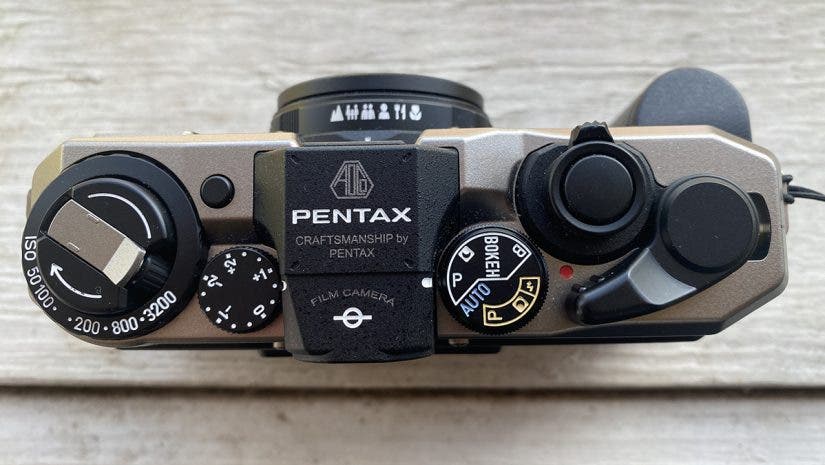
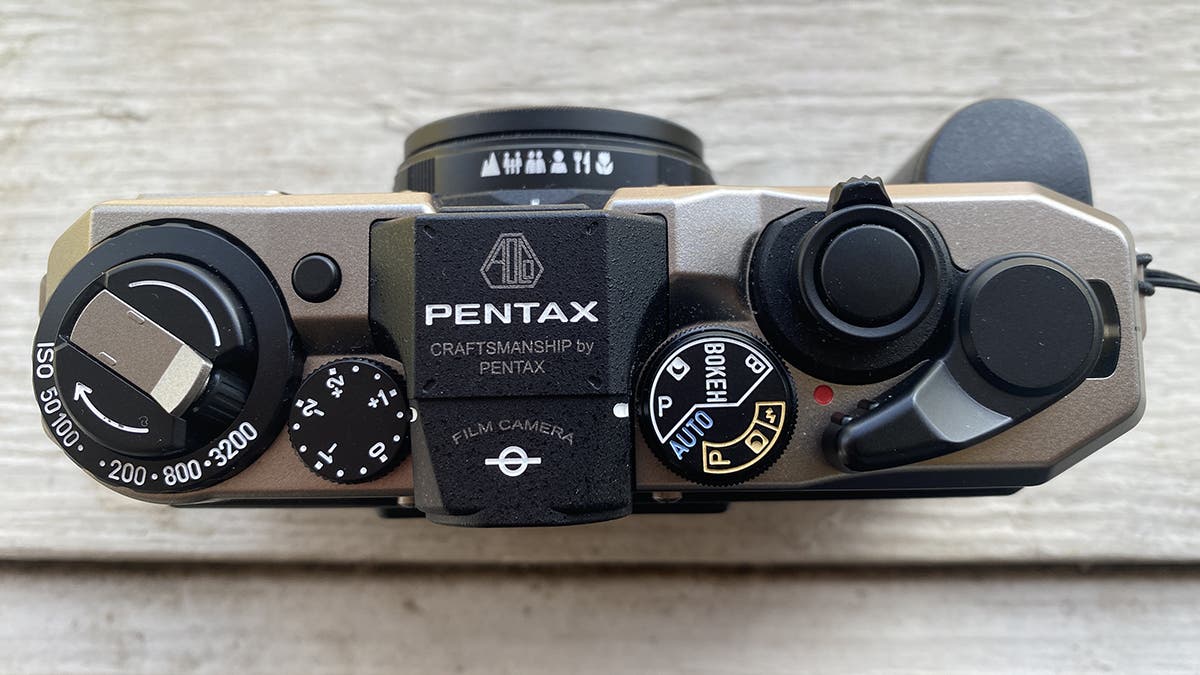
Anytime you shoot in automatic mode, your camera uses its light metering to determine and set the correct exposure. These modes include aperture and shutter priority, program mode, Manual (with Auto ISO), and more. To truly get the most out of these modes, you must understand exposure compensation. Compensation gives you control over the outcome of your image, even though the camera will still be picking some (or all) of the settings. In this quick guide, we’ll be covering everything you need to know about exposure compensation. Even simple analog cameras like the Pentax 17 (shown above) use exposure comp. Giving photographers more control.
What is Exposure Compensation?
Exposure compensation is the way that you tell your camera how bright or dark you want the image to be. It works directly with your camera’s metering, allowing you to specify how many stops of light to over- or underexpose by. Your camera will then adjust the exposure to match the desired compensation selected in the metering mode. Different types of photography benefit from different metering modes, so make sure you are using the appropriate one, as explained in this article.
How Do I Adjust Compensation?
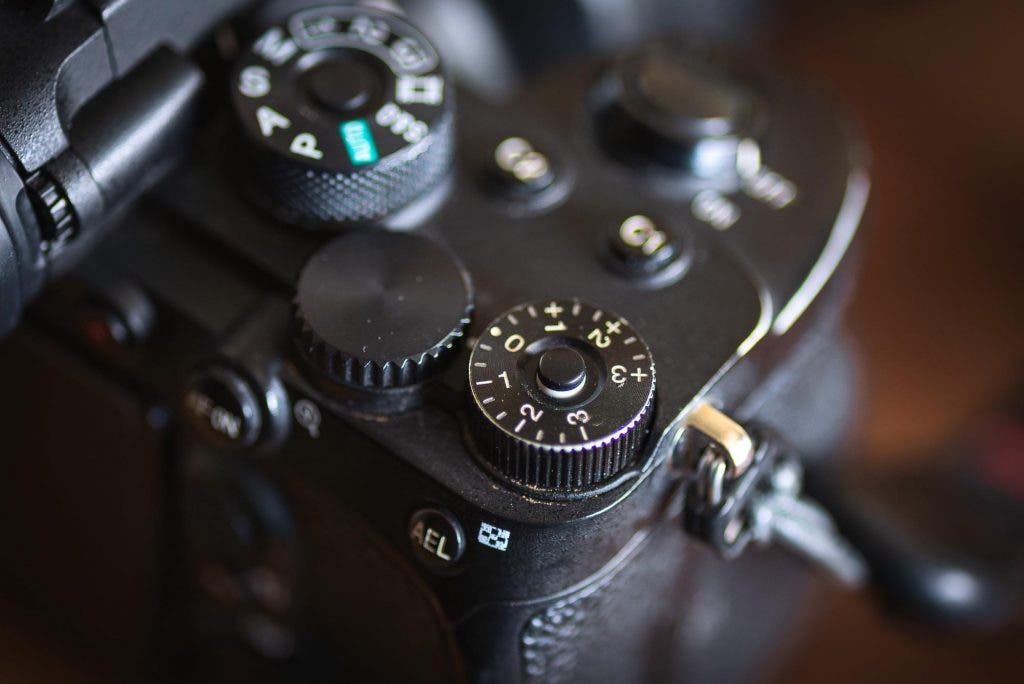
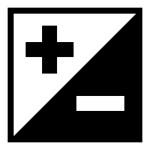
Exposure compensation control varies by camera, but most allow quick, easy adjustment via a custom button or dial. Many cameras have an additional dial on top that lets you adjust exposure in ⅓-stop increments from -3.0 to +3.0. Simply rotating this dial changes your camera’s compensation. Other cameras may have a custom button that you press or hold down to adjust compensation. Look for a button with a plus and minus symbol, as shown below.
What Exposure Compensation Should I Use?
Choosing the right amount of compensation depends on the type of photography you’re doing and the metering mode you’re using. For landscape photographers, consider pairing Highlight-Weighted Metering with Compensation set to -0.3 to slightly underexpose highlights, preserving all scene detail. On the other hand, portrait photographers should try using Center-Weighted Metering and a Compensation of 0.0 to properly expose the center of their scenes, which is generally the subject. If you’re shooting with a modern camera, it is generally recommended to err on the side of underexposure, as it is easier to recover shadows that are too dark rather than highlights that are blown out. If you aren’t sure which amount will work best, take multiple exposures and adjust the compensation in each shot, allowing you to have a selection of images to choose from later on.
Do I Need Exposure Compensation in Manual Mode?
This type of compensation serves no purpose in full manual mode, but it is necessary if you are using auto ISO. When using auto ISO in manual mode, compensation helps the camera select the appropriate ISO to achieve the desired exposure. However, if you’re using manual mode and adjusting the ISO yourself, compensation is unnecessary.
Understanding exposure compensation is crucial for properly exposed images. Even though you may be using automatic modes on the camera, you still need to take control and pick how bright or dark you want the image to be, and that’s where compensation comes into play. As always, try this out at home to get a good feel for adjusting the compensation before jumping into the field. Happy shooting!
Further reading: https://www.adorama.com/alc/discovering-the-heart-of-photography-artistic-journey/