Memory Upgrades For Mac
Upgrading the memory in your Mac can breathe new life into your system, whether you’re a creative professional editing high-resolution photos and videos, a student managing large research projects, or a home user looking to keep multiple applications running smoothly. For those with older Intel-based Macs, such as certain iMac, Mac mini, or MacBook Pro models, a memory upgrade is one of the most effective ways to enhance performance and extend the useful lifespan of your device. As the weather warms and projects ramp up—whether you’re prepping for summer travel, organizing digital photo libraries, or tackling new creative endeavors—having ample, reliable memory ensures your Mac can keep pace with your ambitions. Memory upgrades are also a thoughtful gift for anyone in your life who relies on their Mac for work, school, or creative hobbies, offering a practical improvement that’s appreciated every time the machine boots up faster or handles demanding tasks with ease.
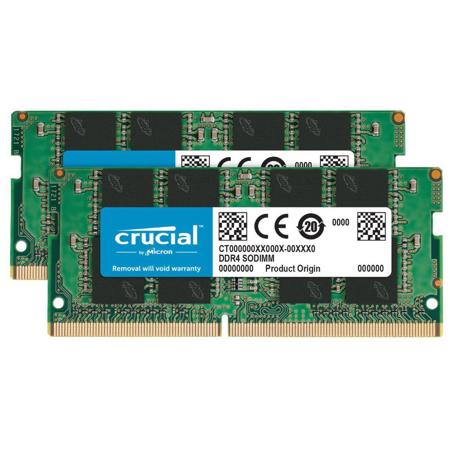
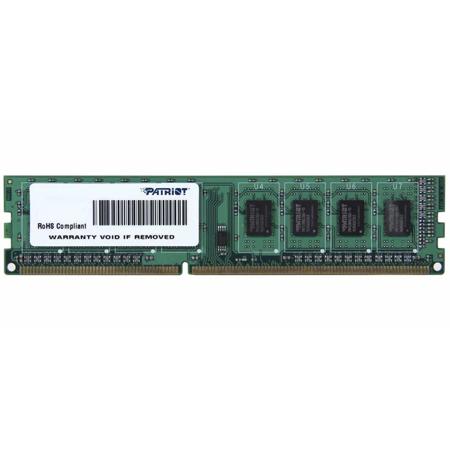
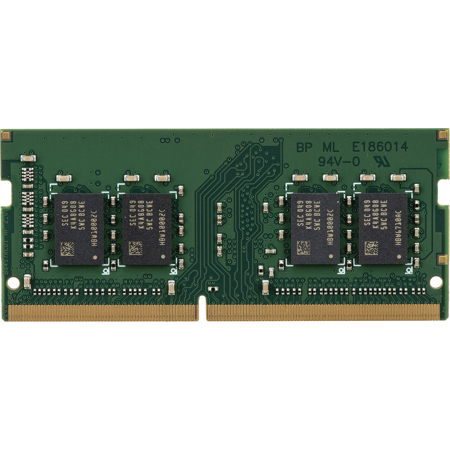
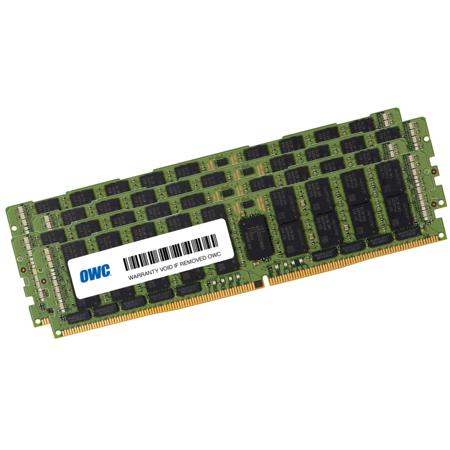
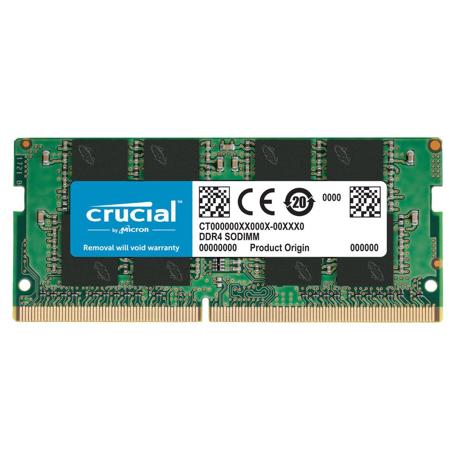
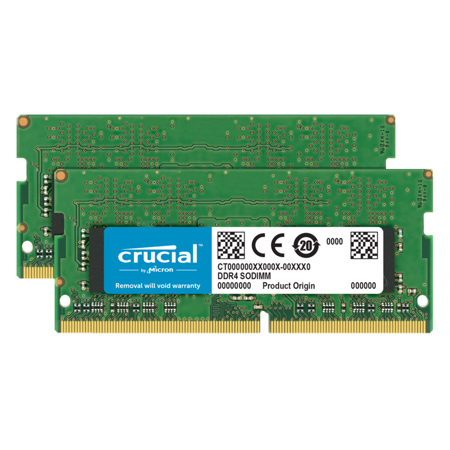
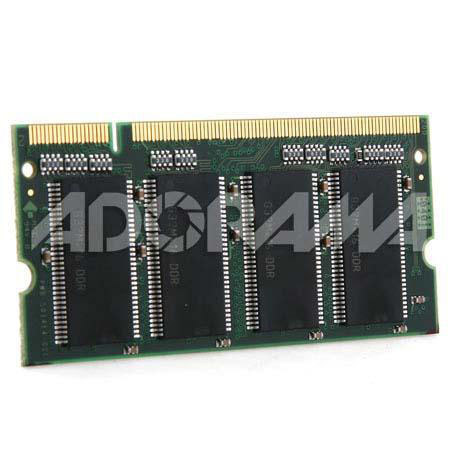
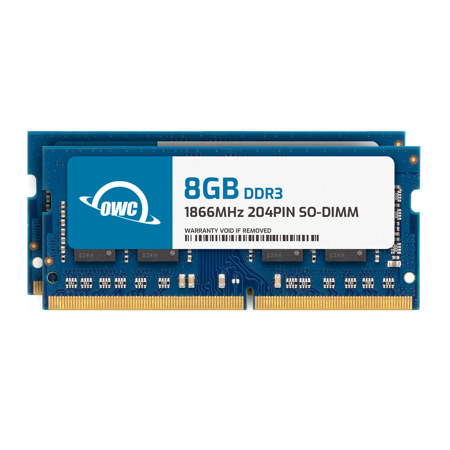
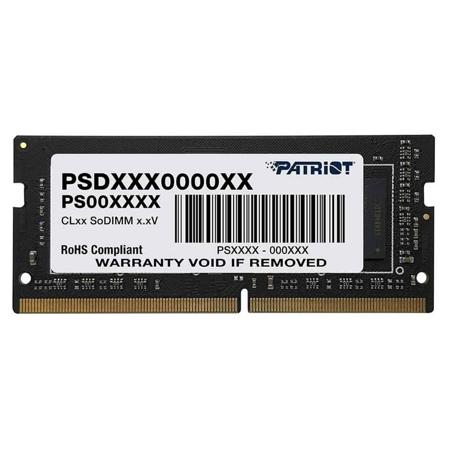
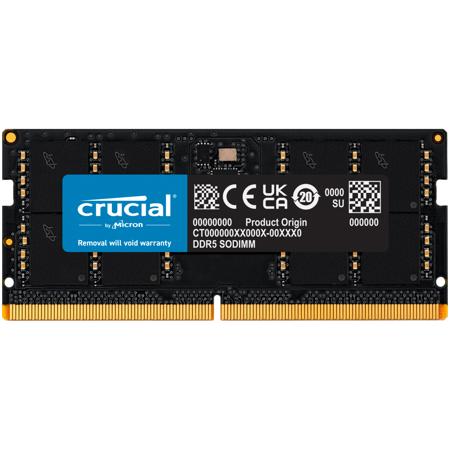
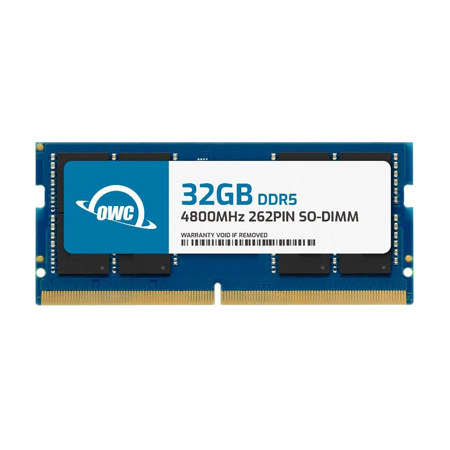
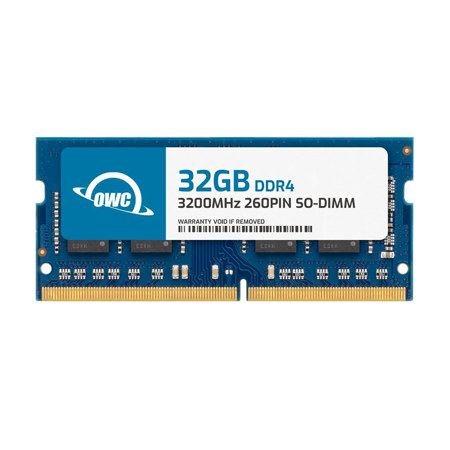
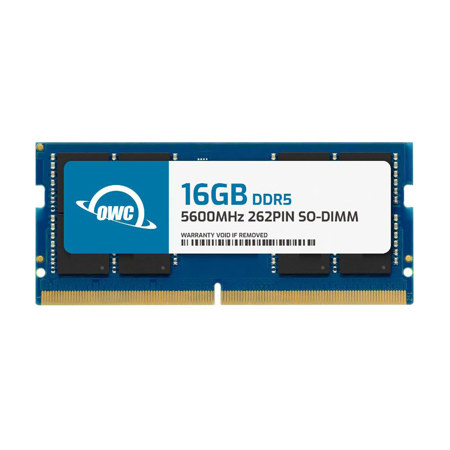
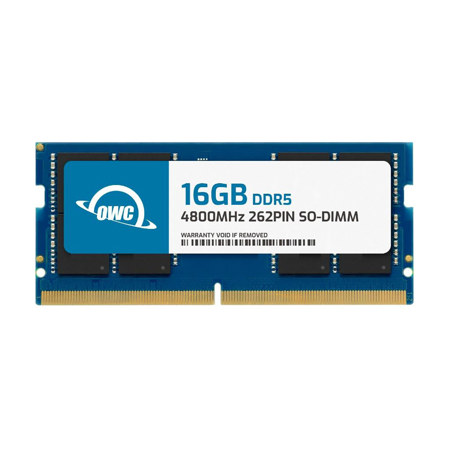
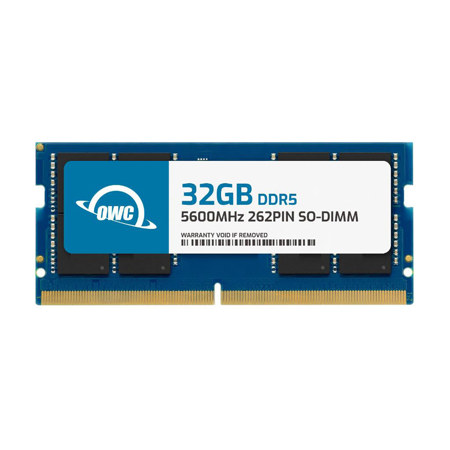
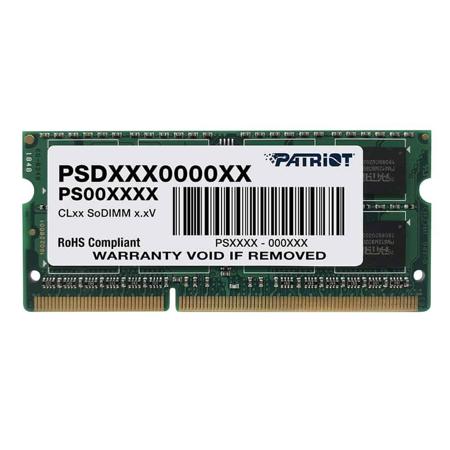
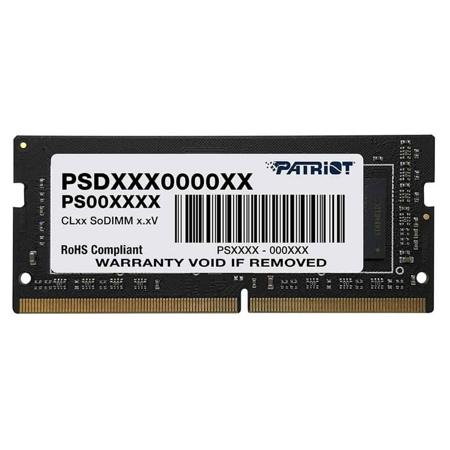
When considering a memory upgrade for your Mac, it’s important to first determine your device’s compatibility and requirements. Not all Macs allow for memory upgrades, especially newer Apple Silicon models where the RAM is integrated directly into the processor. For those with upgradeable systems, such as legacy PowerMac, Mac Pro, or select iMac and MacBook models, choosing the right memory module is essential. Look for Mac-tested SODIMM or DIMM modules that meet your system’s specifications for speed, capacity, and form factor. A powermac memory upgrade, for example, requires careful attention to these details to ensure seamless integration and optimal performance. Take time to review your Mac’s technical documentation or use system tools to verify the maximum supported memory and the correct type for your particular model. Many users find that a memory upgrade is a straightforward installation, often requiring only basic tools and a bit of patience, making it a rewarding weekend project as the seasons transition from the busy days of summer into the productivity-focused months of early fall.
Whether you’re upgrading your own system or helping a friend or family member get more out of their Mac, investing in quality memory is a smart choice. More RAM means smoother multitasking, faster application launches, and improved performance when working with large files or complex software. This is especially valuable for photographers, videographers, musicians, and designers who depend on their Macs for resource-intensive tasks. Even for everyday users, a memory upgrade can reduce frustration and extend the life of a beloved device, postponing the need for a costly replacement. If you’re unsure which memory modules are compatible with your Mac, consult our comprehensive guide to Compatible Memory Upgrades for detailed information and recommendations tailored to a wide range of models. By choosing the right memory upgrade, you can ensure your Mac remains a reliable, high-performance companion through every season and every project.
When considering a memory upgrade for your Mac, it’s important to first determine your device’s compatibility and requirements. Not all Macs allow for memory upgrades, especially newer Apple Silicon models where the RAM is integrated directly into the processor. For those with upgradeable systems, such as legacy PowerMac, Mac Pro, or select iMac and MacBook models, choosing the right memory module is essential. Look for Mac-tested SODIMM or DIMM modules that meet your system’s specifications for speed, capacity, and form factor. A powermac memory upgrade, for example, requires careful attention to these details to ensure seamless integration and optimal performance. Take time to review your Mac’s technical documentation or use system tools to verify the maximum supported memory and the correct type for your particular model. Many users find that a memory upgrade is a straightforward installation, often requiring only basic tools and a bit of patience, making it a rewarding weekend project as the seasons transition from the busy days of summer into the productivity-focused months of early fall.
Whether you’re upgrading your own system or helping a friend or family member get more out of their Mac, investing in quality memory is a smart choice. More RAM means smoother multitasking, faster application launches, and improved performance when working with large files or complex software. This is especially valuable for photographers, videographers, musicians, and designers who depend on their Macs for resource-intensive tasks. Even for everyday users, a memory upgrade can reduce frustration and extend the life of a beloved device, postponing the need for a costly replacement. If you’re unsure which memory modules are compatible with your Mac, consult our comprehensive guide to Compatible Memory Upgrades for detailed information and recommendations tailored to a wide range of models. By choosing the right memory upgrade, you can ensure your Mac remains a reliable, high-performance companion through every season and every project.