If you’re consistently procrastinating ordering prints, it may be time for an at-home photo printer. These printers—which also double as typical home printers—can make a world of difference when it comes to printing images for yourself or your clients.
Now, choosing the best photo printer for you can seem like an overwhelming and daunting task when it comes to pricing, brands, quality, and other variables. To help you make an informed decision, we’ve compiled the important features photographers should consider when choosing a printer.
How To Choose the Right Photo Printer
First things first, think about what you’re going to use the photo printer for. Is it for family photos and portraits? Maybe you’re a landscape photographer therefore your printing needs are a bit different. What brand makes sense for you? Is it on sale? How big of a print can you make? Maybe there’s a happy middle ground that would satisfy a bit of everything. These are all important questions to consider when analyzing the right printer for photographers.
Other things to keep in mind include:
- Quality: Different printers have different resolutions which will affect the print quality. How much does resolution matter to you? How many ink cartridges does it have? If there are more cartridges, it will make a difference in the colors and more colors can be mixed because more shades of ink are available.
- Cost: While the printer itself is a short-term cost, ink and paper will be long term. Some ink cartridges need to be replaced while others can be refilled. Depending on your printing habits, ink costs will vary as will photo paper which varies in size and quality. The bigger the printer, the bigger the cost.
- Connectivity: Many of today’s printers are wireless. But that doesn’t mean you need a wireless printer. The last thing you want is your WiFi to drop out halfway through a print job. Ask if your space requires wireless or if a wired printer is more optimal. If you’re a mobile phone photographer, then wireless might be a better choice over a wired connection.
- Size: If you travel and print photos on the go, then consider a compact printer. Be prepared to shell out a bit more money for these. But if you’re looking for one for your home or office, then go for a large, quality printer that gives you better resolution and will stay in one place.
- Compatibility: Check the printer’s specifications to make sure it’s compatible with your computer’s operating system and any external HDDs or SSDs you currently own.
- Speed: Quality is more important than speed. But, you may also love efficiency. Check the specifications or online manual to make sure you find the right speed that fits your needs so you’re not waiting around for that one photo that takes forever to print.
Photo Printer Terms You Should Know
Before you go further in your photo-printer search, here are some key printer terms to keep in mind:
- Inkjet Photo Printer: This is both a reliable and affordable digital photo printer that’s perfect for printing photos and office documents. Generally, inkjet photo printers are a great investment because they can handle daily needs and have the ability to print photos when needed.
- Dye Sublimation: This option is more geared toward professional photographers or studios who need to print high-res photos on a regular basis. These printers use glossy paper to produce high-quality photographs but do not print everyday documents.
- Resolution: A word to the wise: Don’t buy the cheapest printer. You’ll instantly regret it when it prints incredibly poor photographs. Choose a printer that’s a happy medium with a resolution around 4800 x 1200 dpi. Depending on your needs or cash flow, you can always go higher.
- Ink Quality: Ink is what makes a photo beautiful. It’s also part of your long-term costs. There are two types of ink sources for a color printer: coloring and pigment-based inks. Coloring-agent-based inks are cheap and sacrifice quality while pigment-based inks produce vastly better photographs that last longer over time.
- Full bleed: When deciding which photo printer to use or buy, you might need to know whether a printer can print “full bleed” (edge-to-edge without a border). Certain printers are capable of doing this on any kind of photo paper while others cannot.
Best Photography Printers To Consider
Now, it’s time for the good stuff. Here are nine of the best printers for photographers to consider this year:
Canon
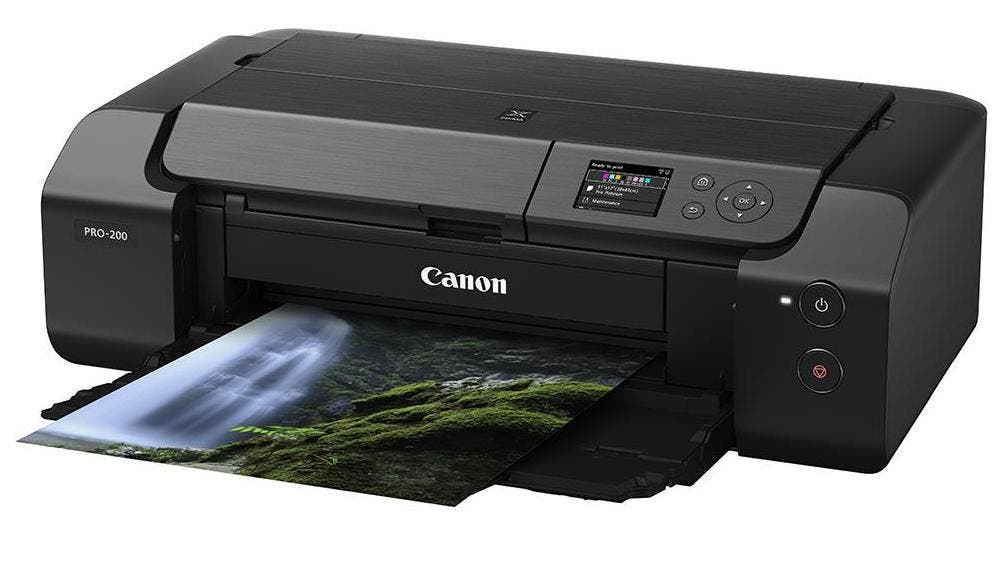
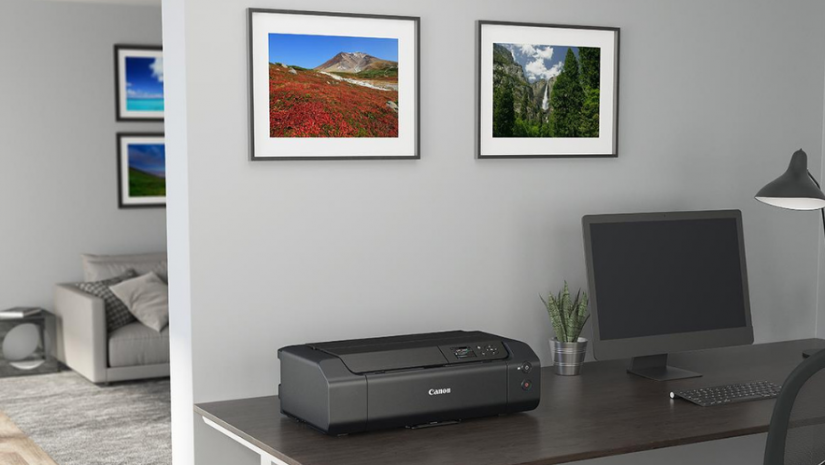
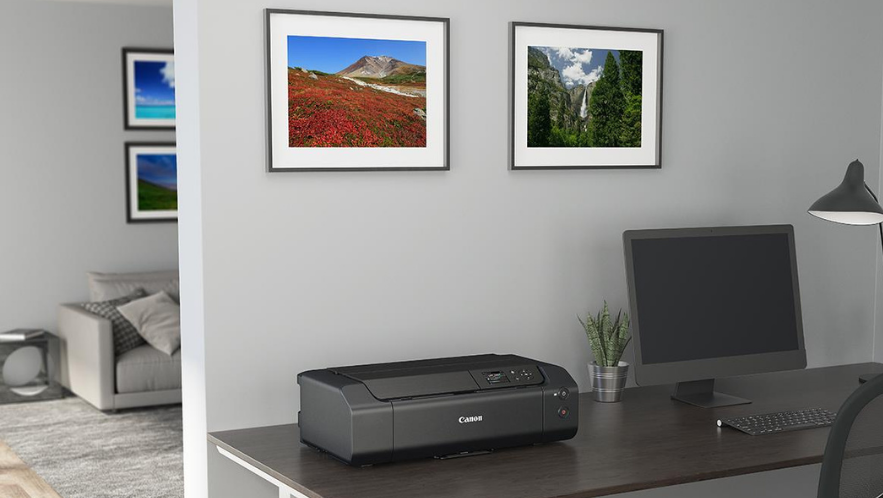
The PIXMA PRO 200 is a 13-inch-wide printer designed for photographers and graphic artists. Versatile and easy to use, print borderless up to 13 inches x 19 inches on a variety of media types and sizes with beautiful and vibrant print quality, high-speed printing, and outstanding productivity. Key features include:
- 8 Color dye-based ink system produces vibrant, high-quality prints
- Compact Size Save space in your home or studio with a compact design
- Borderless Printing from 3.5 inches x 3.5 inches up to 13 inches x 19 inches
- Print through WI-FI or networked Ethernet connection
- With Panorama Printing print up to a custom size of 13 inches x 39 inches
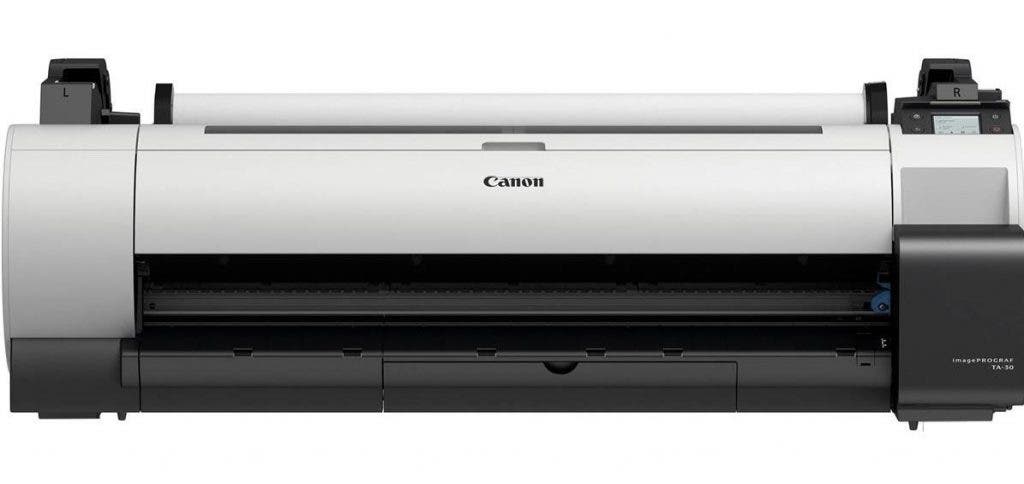
Canon imagePROGRAF TA-30 5-Color 36″ Large-Format Inkjet Printer ()
Bring your printing in house with the imagePROGRAF TA-30 large-format printer. This printer (stand sold separately) offers a cost-efficient, easy-to-use solution to help optimize the workflow and productivity of your small business as well as first-time large format print users. Key printers features include:
- Low Cost of Operation: 40% less ink usage in Economy Print Mode
- Unparalleled Speed: Print 113 24 x 36 posters per hour
- Print Outdoor Posters: TA Series use pigment ink to produce weather-resistant posters
- Super Quiet: The TA is the quietest printer in this market
- More Paper, More Printing: Utilize long rolls and a wide variety of media
Epson
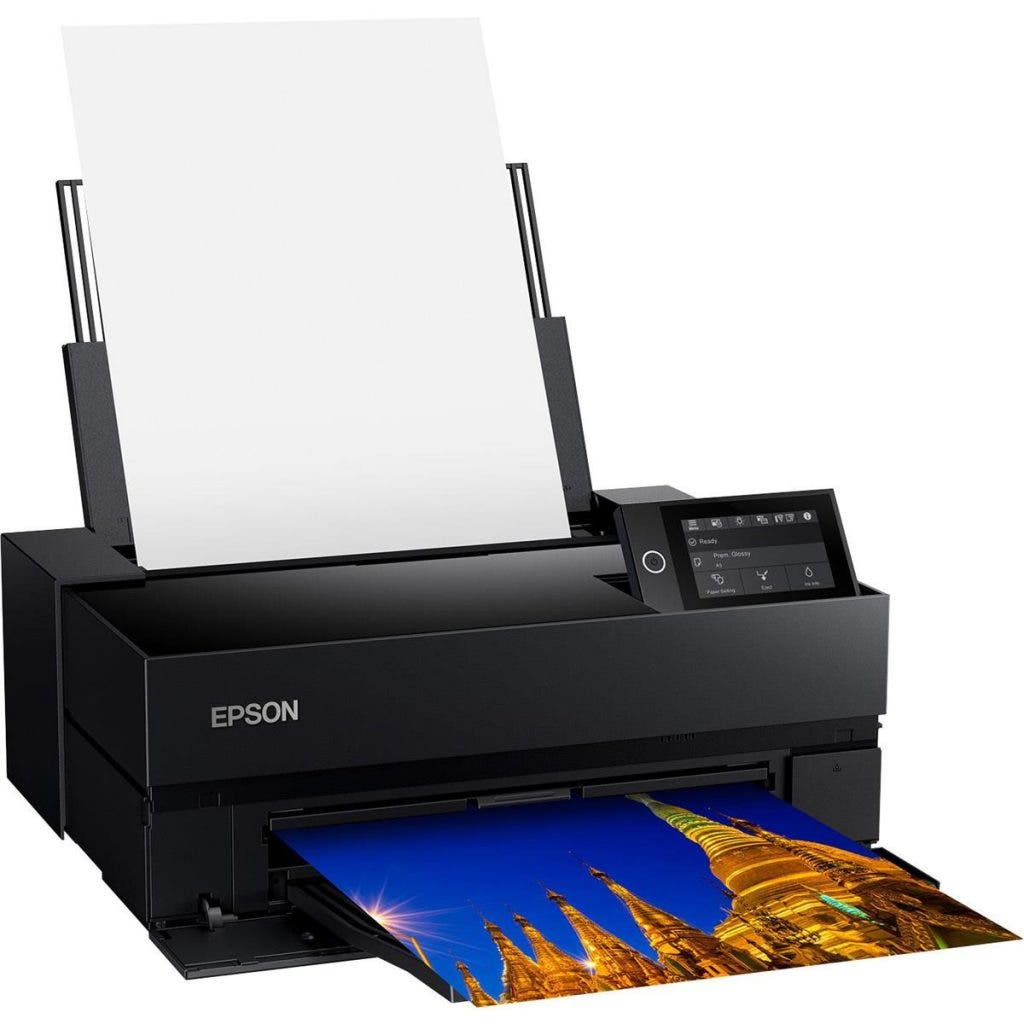
Epson SureColor P700 Wide Format ()
The SureColor P700 photo printer promises gallery-quality images. It incorporates the same large-format printing technology used by top professional photographers into a sleek, compact design, available right from your desktop.
- Simple, streamlined photo printing interface
- Full ICC profile & printer color support and professional-level printing
- Advanced black and white photo mode with live preview
- Panorama & gallery wrap print options
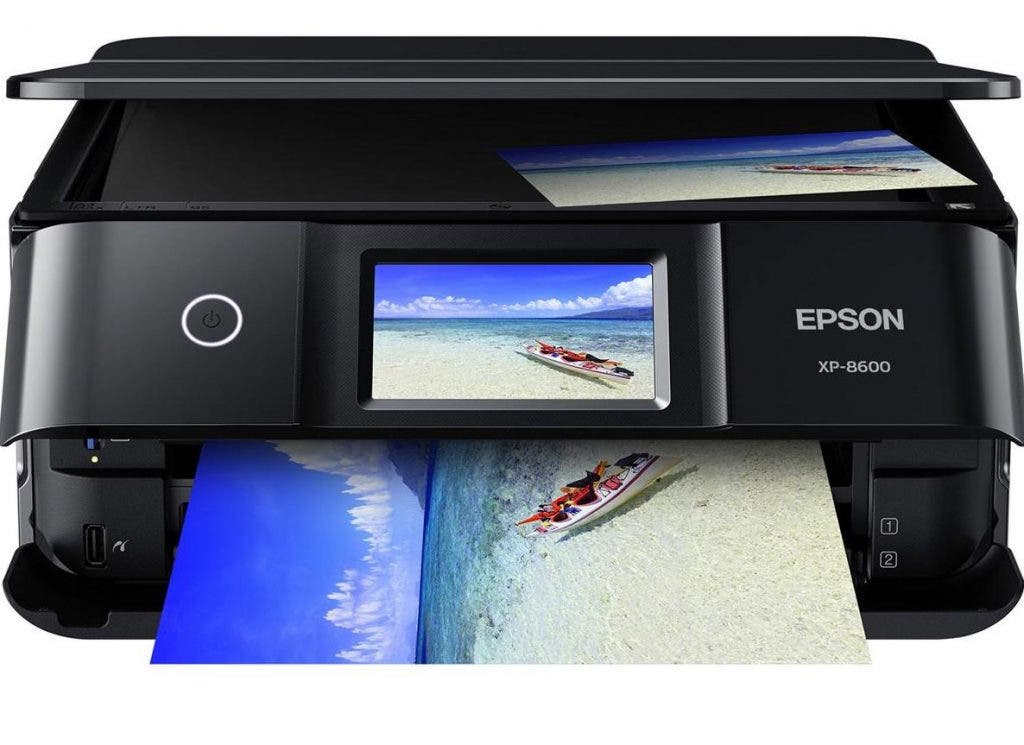
Quickly and easily print photos, documents, and creative projects with the Expression Photo XP-8600 Small-in-One printer. This photo printer delivers 4 x 6 photos in as fast as 10 seconds and borderless photos up to 8 inches x 10 inches. The XP-8600 offers vibrant, versatile printing all in a compact design.
- The powerful photo all-in-one, with fast performance in a compact, space-saving design
- Epson Creative Print mobile app offers printing photos, create custom cards, and stationary
- Scan and share: scan to the cloud for easy photo sharing
- Easily adjust photos, includes tools for red-eye removal, photo restoration, and more
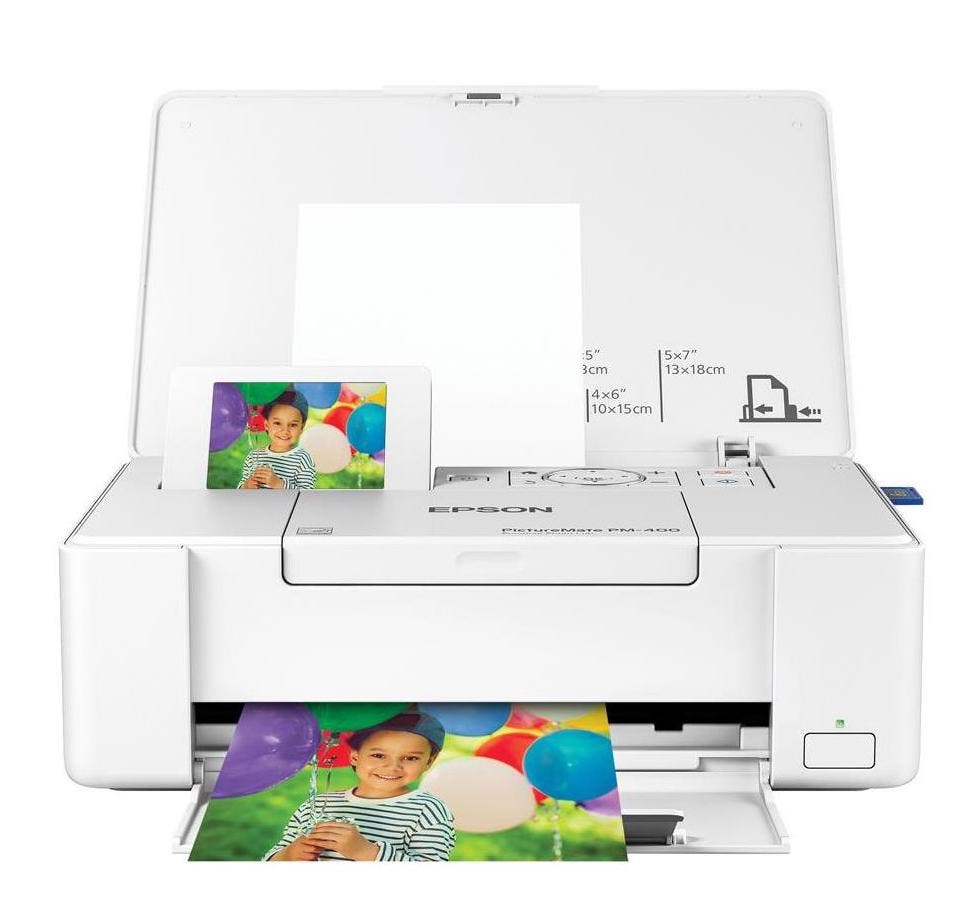
Epson PictureMate PM-400 Wireless Compact Printer ()
The PictureMate PM-400 wireless is a compact and portable photo printer. This lightweight printer delivers borderless 4 x 6 photos as fast as 36 seconds via wireless connectivity directly from your phone, tablet, or computer.
- Includes Printer only
- Resolution: 5760 x 1440 dpi
- AirPrint Interface, Google Cloud print interface, memory card slot interface, mobile device capable interface, USB interface, Wi-Fi interface
- Fast and reliable printing
DNP
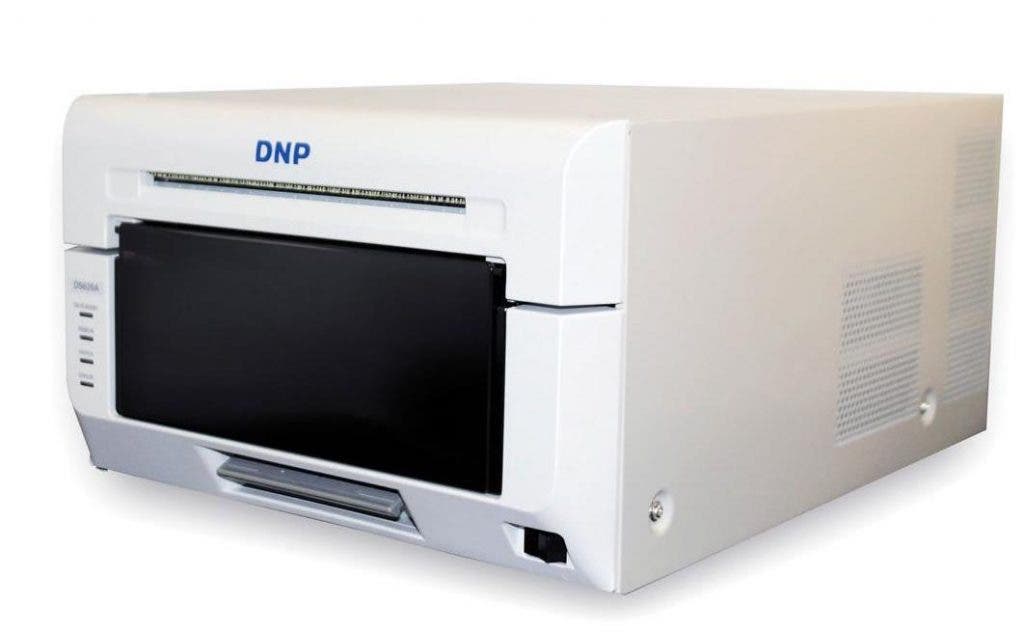
DNP DS620A Dye Sub Professional Photo Printer ()
The DS620A features an enhanced thermal print head and print engine system that will last for years to come. Capable of 400 prints per hour, the DS620A is fast with prints in 8.3 seconds, making it one of the speediest professional photo printers on the market.
- Dye sublimation / thermal transfer
- Max Resolution: 300 dpi
- Print Sizes: 2 x 6 inches to 6 x 8 inches
- Print Speed: 4 x 6 inches in 8.3 Seconds
- Panoramic 6 x 20 inches Photos with Software
HP
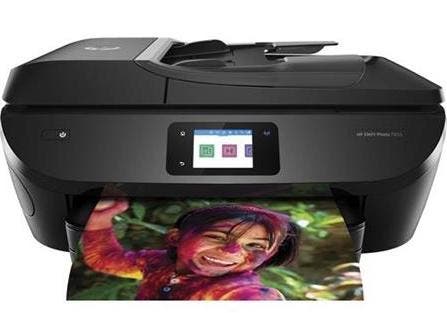
This HP ENVY is an all-in-one printer, scanner, and copier. It comes with a USB port and SD card slot for quick printing of colorful, borderless photos. Enable Wi-Fi so you can print directly from your mobile device.
- Print Resolution: 4800 x 1200 dpi
- Maximum Document Size: 8.5 x 14 inches
- Print Speed: 15 ppm Black / 10 ppm Color
- Optical Scan Resolution: 1200 dpi
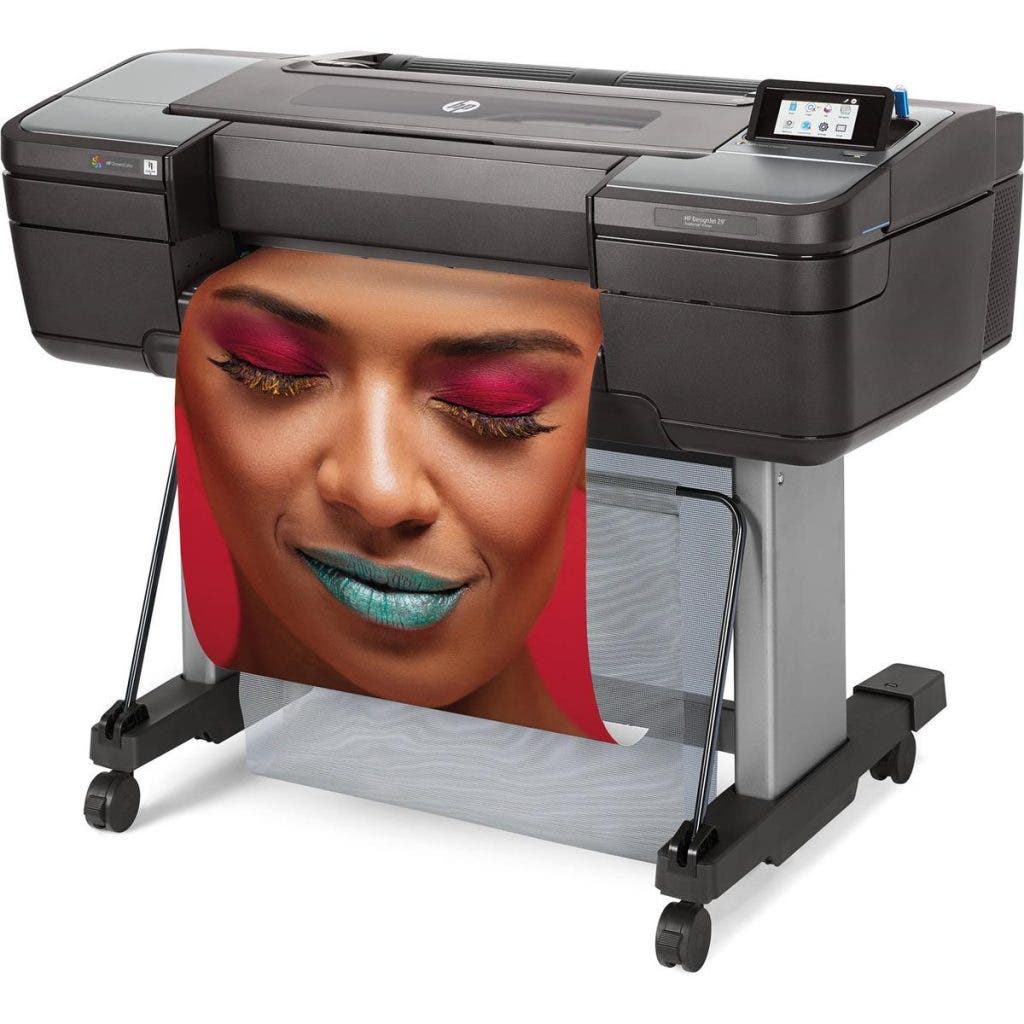
HP DesignJet Z9+ Large Format PostScript Photo Printer ()
Each image will have incredibly sharp details thanks to HP Pixel Control. The printer includes an integrated vertical trimmer which helps save time. This printer is especially useful for those who print large items like posters, banners, or canvas prints.
- Color images: maximum print speed: 228 ft 2/hour
- HP Thermal Inkjet; 9 ink system
- Automatic roll feed, cut sheet feeder, 500 GB HDD, touchscreen display
- FCC Class A emissions, for use in a commercial environment
Other Considerations When Choosing a Photo Printer
When selecting the best photo printer (or best all-in-one photo printer) for creating beautiful prints at home, it helps to consider more than just purchase price and features.
For example, if you live somewhere remote, it’s smart to choose from reliable printers with good reviews. The last thing you want to do is wait for special order ink or replacement parts. Another important consideration is that Canon ink tends to dry out less quickly than other brands, making Canon an ideal choice for arid or high-altitude environments.
Before you select the best photo printer for you, here are a few key points to consider:
Is printing your own photos cost effective?
Even the best photo printers aren’t necessarily cost effective. It all comes down to what and how often you want to print.
When possible, try to compare printers based on the average cost per print. That will help you decide what size and style of photo printer makes the most sense for you. Ordering photo prints from professional photo printer services is a great option if you don’t plan to print frequently. But if printing is a regular activity for you, a reliable printer to use at home will be more than worth the money in the long run.
When it comes to making small prints, selecting the best all-in-one photo printer is the same decision as choosing the best budget photo printer. All-in-ones are cost-effective and will fit most budgets. By contrast, large-format, professional photo printers tend to require a larger investment.
Print frequency
Before you compare printers or select a model, ask yourself how frequently you plan to print. Do you need to make small prints or large ones? Do professional photo printers or more casual desktop printers make more sense for your workflow?
If you don’t plan to print very often, consider choosing a more basic model. Selecting the best budget photo printer doesn’t have to mean low quality, either. However, if you’ll print frequently, then you’ll appreciate a higher-quality machine.
The printers on our list represent the full range of casual and multipurpose printers, along with high-end, archival printers for serious photographers.
Color vs black and white?
Some color printers use just three ink tanks to deliver the full spectrum. Others have eight or more ink tanks for a more nuanced approach. If you plan to print mostly in black and white, these more complex color ink systems may be overkill.
Photographers who gravitate toward black-and-white work can save money with a photo printer that requires fewer color ink tanks. However, if you’ll print lots of vivid color prints, then a more sophisticated color ink system is a smart investment.
Another consideration is that some printers, like models by Epson, offer both matte black and glossy black ink cartridges. Each type of black ink will create a different look in your prints. Many photographers appreciate having the extra option. “Better to have it and not need it” applies here, depending on your budget.
Portable vs desktop?
Two more questions to ask when choosing a photo printer are: where do you expect to do most of your printing? And, is portability really that important to you? Large-format printers and printers that require calibration are best left in one location. Otherwise, you’ll spend lots of time readying your printer each time you move it from one place to another.
If you work from a dedicated home office, or in a professional studio with plenty of space, then compare printers that have a desktop or freestanding configuration. If you’re looking for the best all-in-one photo printer to pack up and take to events with a photo booth or school shoot, then a portable photo printer is the obvious choice.
Fortunately, the portable-vs-desktop issue is relatively easy to decide. Ask yourself how often you’ll need to relocate and go from there. If you suspect you’ll need to travel with your printer but you also have plenty of studio space, then purchasing two photo printers may be the best choice. With both a dedicated home printer and an easy-to-set-up travel printer, you can be portable as needed without sacrificing the quality of your home printing experience.
Wired vs wireless?
As more and more printers hit the market, many models offer wireless printing, but do you really need to print wirelessly? Let’s take a look at your connectivity options.
The easiest way to decide on wired vs wireless is to determine how many devices you’ll want to print from. If you have a dedicated home printing area set up next to your computer, then wired printers will work fine. If you plan to share your printer in an office or school setting, then a wireless photo printer (perhaps one with Bluetooth capabilities) will let multiple photographers connect simultaneously.
Before you make your printer selection, look at the types of inputs and outputs on both the printer and your laptop or desktop computer. If your computer doesn’t offer compatible ports, then a wireless printer will save you time, effort, and money on adapters.