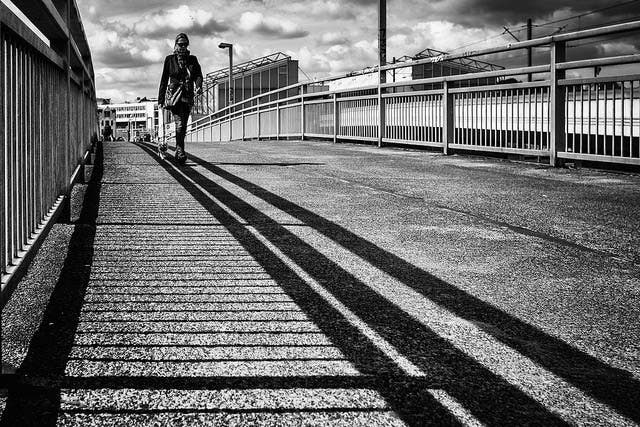
Black and white photography has not become obsolete. Just as film wasn’t made redundant when digital photography developed, black and white photography is a quintessential art form of its own.
And while monochrome photography is often associated with the nostalgia of film, it can be produced using digital camera technology with more precision and elegance than ever before. Here are the basic techniques and considerations needed to delve into black and white digital photography.
Capturing Black and White Images

The first key to capturing black and white images is to shoot in color. Ironically, setting your camera’s mode to monochromatic will actually result in worse black and white images. That’s because when your DSLR captures a black and white JPEG, it excludes all the photo’s color information, resulting in much less data to work with in post production.
The second reason to shoot black and white photography in color is because shooting in RAW demands it. It’s common knowledge that the enormous data captured by shooting in RAW allows for the finest photography, and black and white makes no exception here. However, all RAW files are captured in color, so waiting until post to convert to black and white will be a necessity.
However, many will find it challenging to photograph in color while trying to picture how the photograph will appear in black and white. For this, set your camera to shoot in RAW + JPEG, and then set your camera mode to monochromatic. This way, your camera will capture the color RAW files for later, and in your playback and live view mode, you’ll be able to see the black and white JPEGs to assist your composition.
As a final tip, you’ll want to keep ISO as low as possible. This is of course a goal universal to digital photography, but it’s especially important in black and white, where noise will be more apparent.
Black and White Post Production
This article explains the process using Adobe Lightroom and Photoshop, although the process should be similar in other programs.
After importing your RAW files into Lightroom and exporting them to Photoshop, there are a couple of ways to change the files to black and white. While you can “unsaturate” the photo in Hue/Saturation, the most common way to switch the Treatment from color to black and white.
After you’ve converted the photo to black and white, you can tweak it just as you would a typical photo. Although this will vary depending on your style and taste, I find that black and white photos offer much more leeway on contrast, and changing white balance can produce some subtle but interesting effects as well. Recovery, dodge and burn and fill light and blacks are other common Photoshop tools especially critical when editing a black and white photo.
Black and white composition

Black and white photo composition is a vast subject, and from an artistic standpoint, it’s unnecessary to separate digital from film techniques. For an introduction, watch this great video on Adorama Learning Center on black and white landscape photography, and check out this extensive Digital Camera World article and this article on black and white composition for more in-depth analysis.
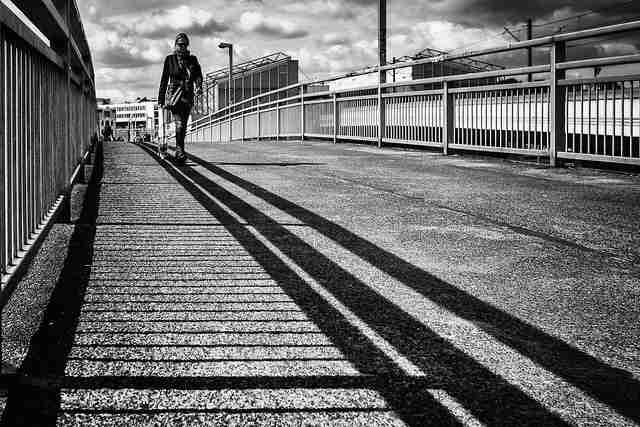
The very basic idea, however, will be to look at shapes rather than colors. Typically, we use vivid colors to direct the viewer’s attention or tell a story. Removing color, black and white photography depends on striking shapes and contrast to harness the viewer’s attention.
Final Thoughts
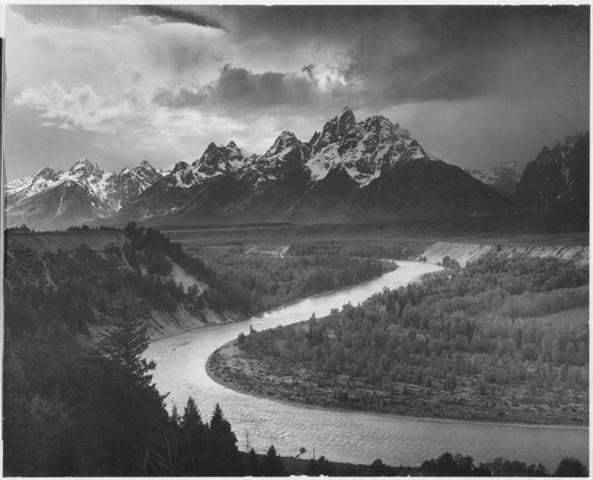
Shooting in black and white unlocks a whole new world within photography. You won’t become Ansel Adams overnight, but learning to compose photographs with the new perspective black and white offers will undoubtedly make you a better, more well-rounded photographer. Most importantly, today’s digital photography tools have made the monochrome world more alluring than ever before.