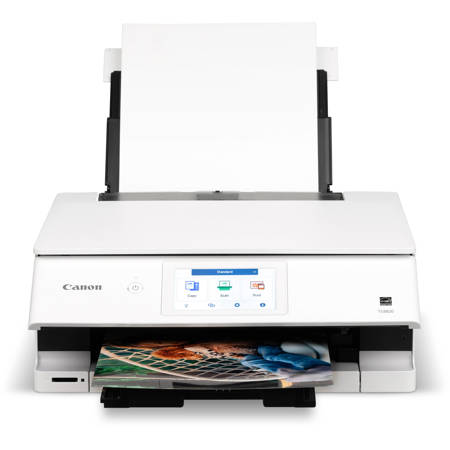
Best Printer For Printing Envelopes
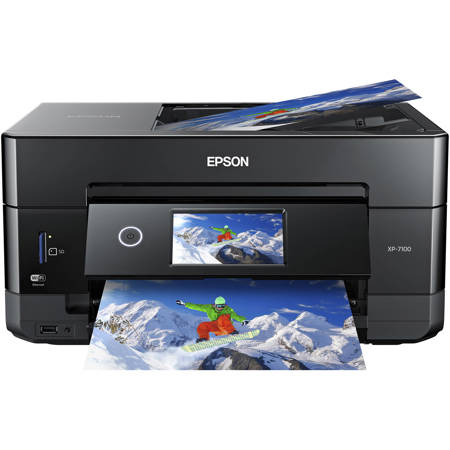
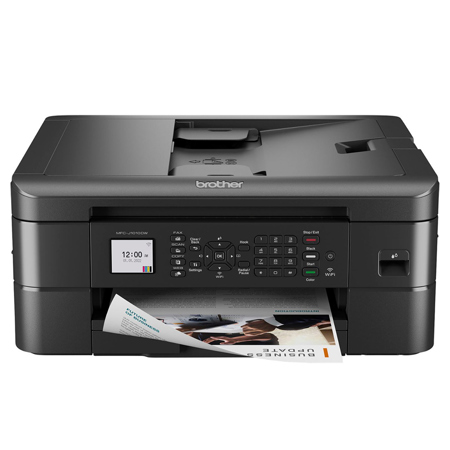
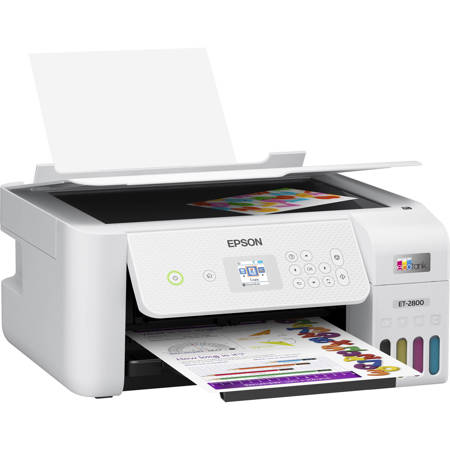
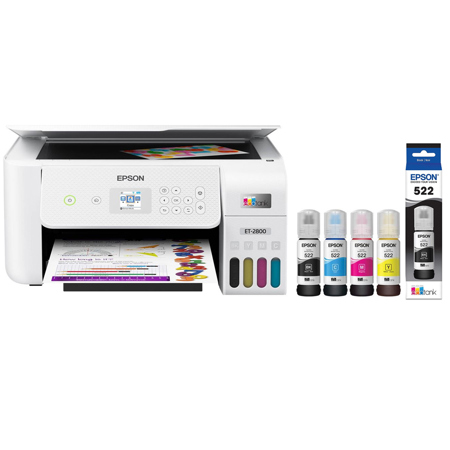
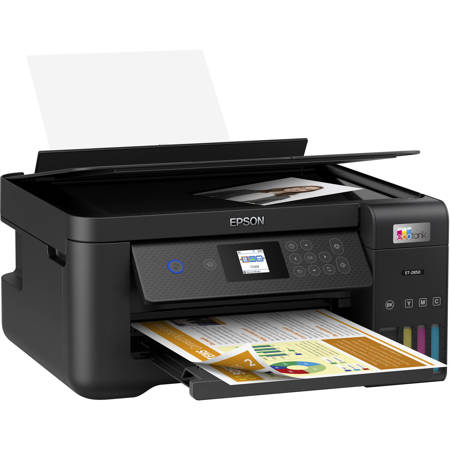
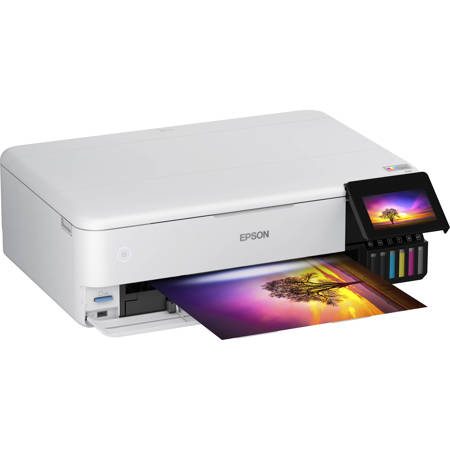
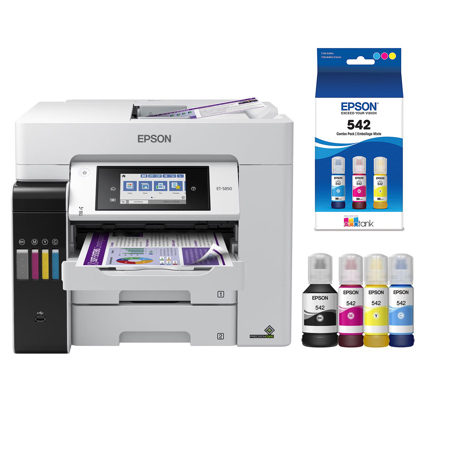
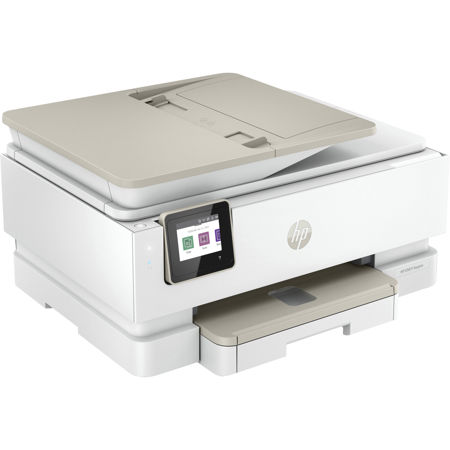
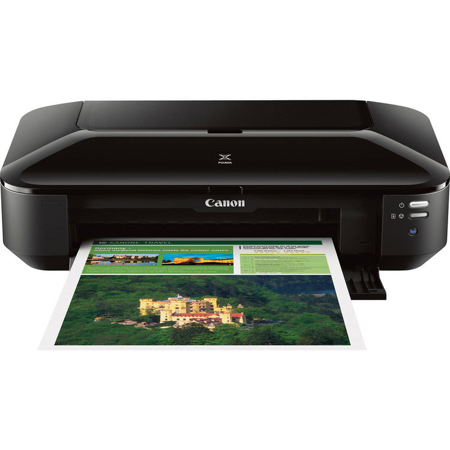
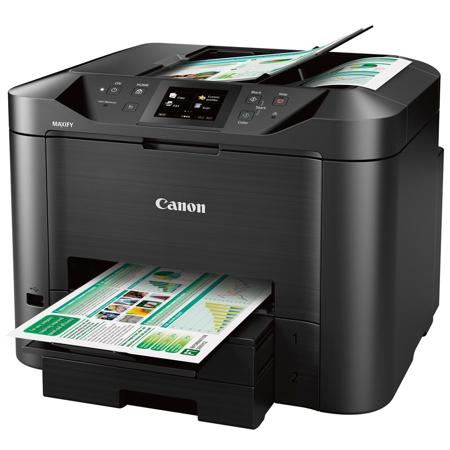
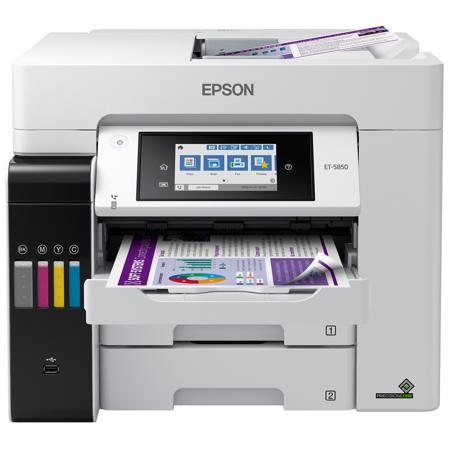
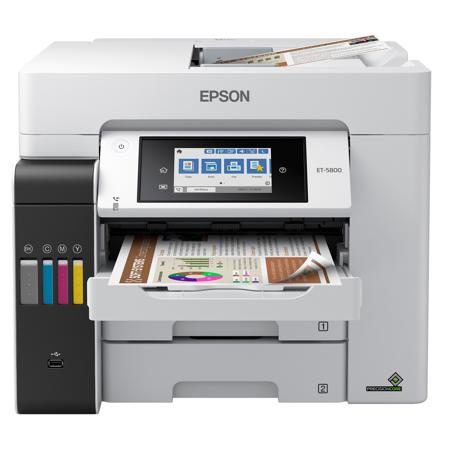
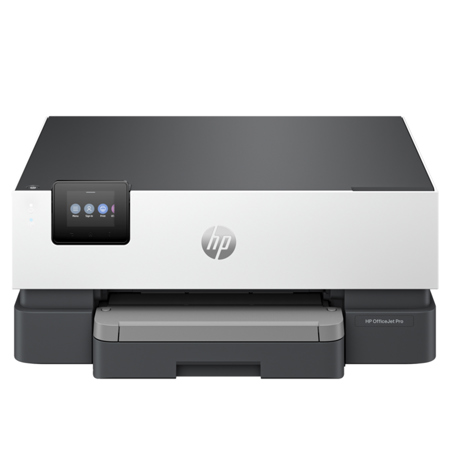
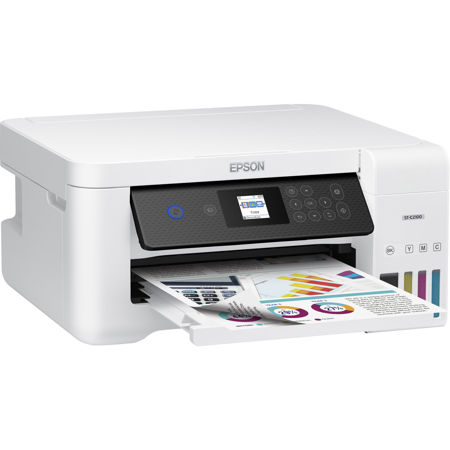
Selecting the best printer for printing envelopes is all about matching your specific needs with the right features and capabilities. Whether you’re a small business owner preparing batches of branded correspondence, a stationery designer crafting bespoke invitations, or someone who loves sending personalized holiday cards, choosing the right printer can make all the difference in efficiency and quality. During the winter months, as invitations for weddings, galas, and other events are being prepared, or as businesses ramp up for a new year of client communications, reliable envelope printing becomes especially important. Many home offices and creative studios rely on inkjet models for their versatility and vibrant color reproduction, making them a top choice for printing invitations, greeting cards, and decorative envelopes. The best inkjet envelope printer will typically offer a straight paper path—often through a rear feed tray—which helps prevent jams and ensures crisp, professional results even on thicker or textured envelopes. For those who need to print on window envelopes or heavier stock, inkjets are particularly well-suited, as they avoid the heat that can cause laser printers to melt adhesive seals or warp specialty papers.
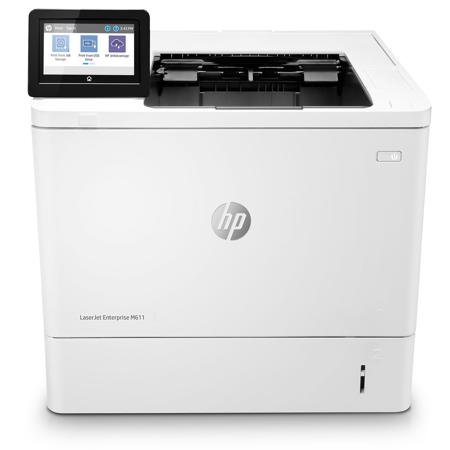
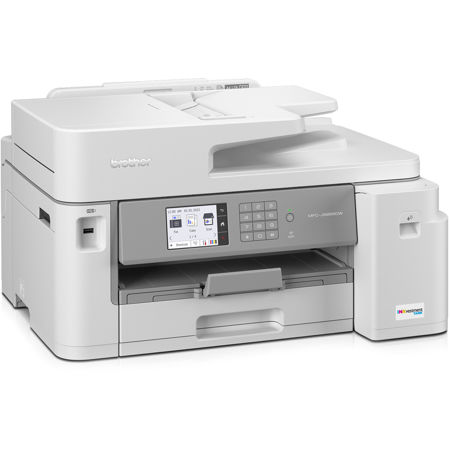
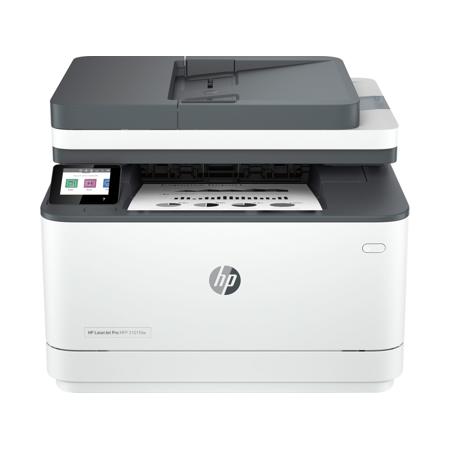
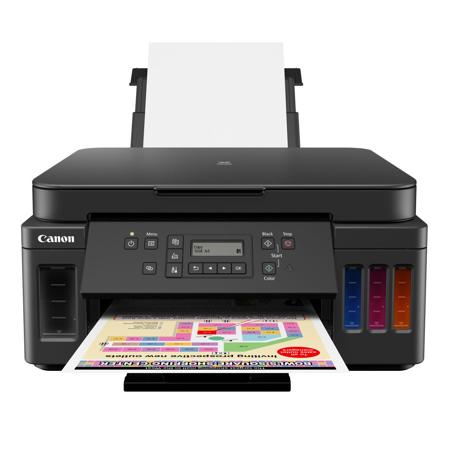
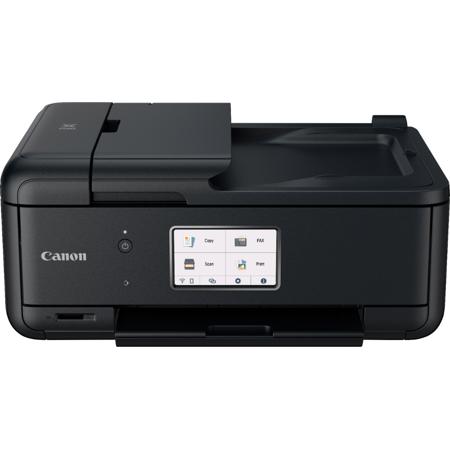
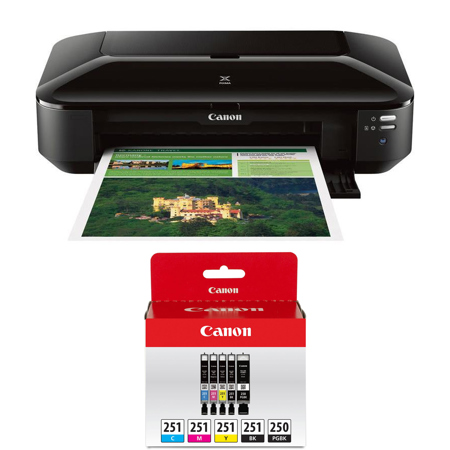
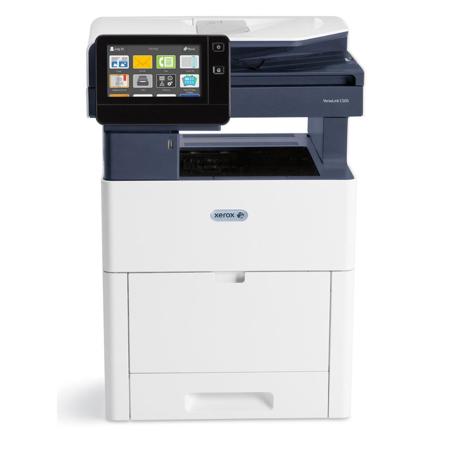
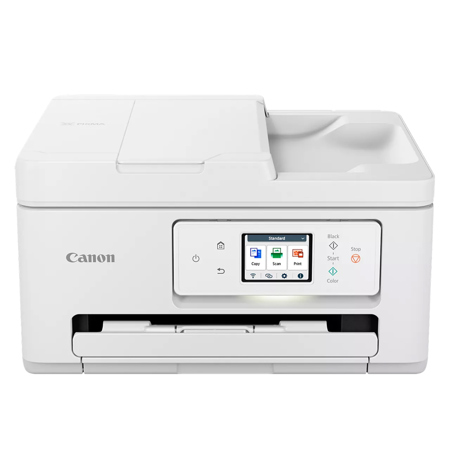
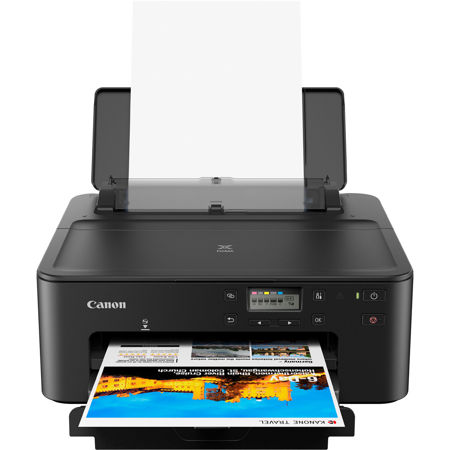
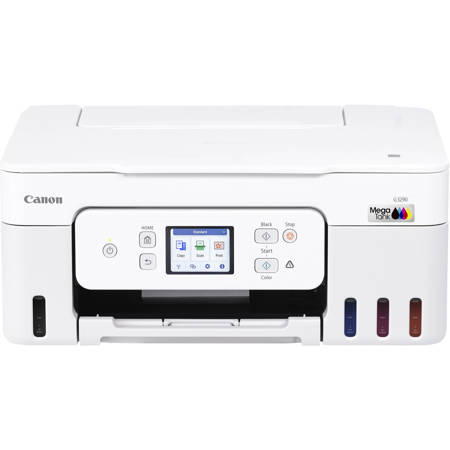
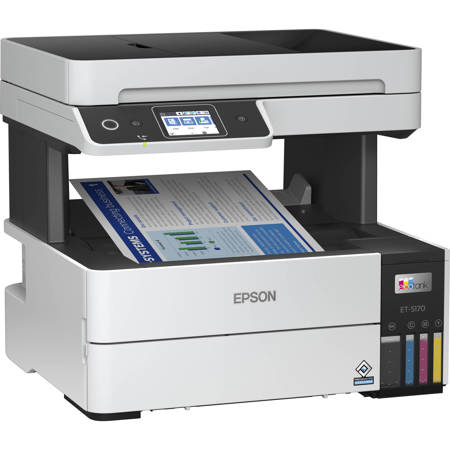
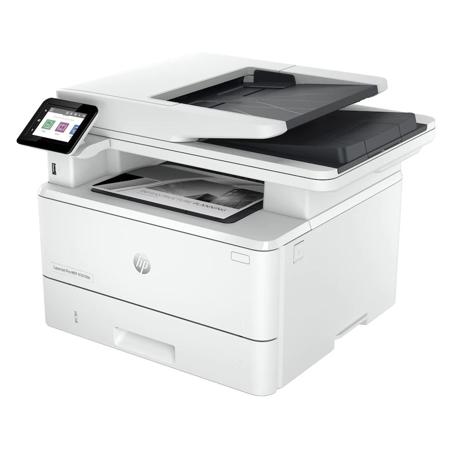
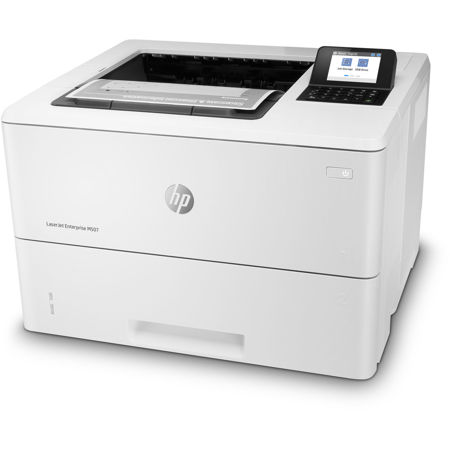
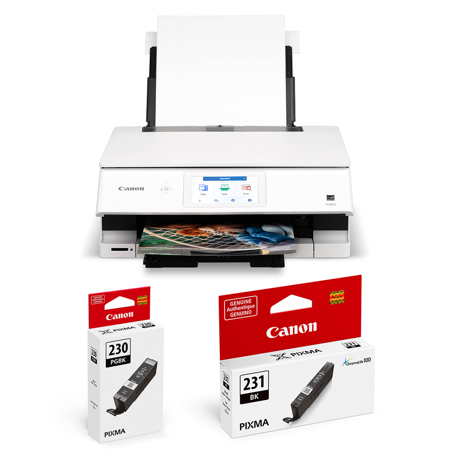
On the other hand, if your needs are more focused on volume and speed—such as addressing hundreds of envelopes for a direct mail campaign or maintaining a steady flow of business correspondence—a laser printer might be the better fit. These models excel at fast, high-volume output with sharp, smudge-free text, and are ideal for standard #10 envelopes. However, it’s important to check compatibility with specialty envelopes and ensure your printer supports the sizes and types you plan to use. For creative professionals and hobbyists, a model that doubles as a 4x6 postcard printer adds extra flexibility, allowing you to produce not only envelopes but also custom postcards and invitations from the comfort of your workspace. The best printer for envelopes and invitations will offer adjustable guides, multiple paper trays, and support for a range of media weights and finishes. If you’re looking for a gift for a college student, home office worker, or a creative friend who loves crafting personalized stationery, a versatile printer—such as a canon pixma printer—can be both practical and inspiring. Many users appreciate the convenience of all-in-one models, which combine scanning, copying, and high-quality color printing in a compact footprint, perfect for limited desktop space.
As you browse the options for envelope printers, consider not just the initial purchase price, but also ongoing costs like ink or toner, and whether the printer is designed for occasional or frequent use. Inkjet printers, such as those in the printer pixma family, are ideal for vibrant color and detailed graphics, but they benefit from regular use to prevent clogs and maintain print quality. Laser printers, in contrast, are built for reliability and lower long-term costs, especially when handling primarily text-based tasks. No matter your choice, ensuring your printer is compatible with your preferred envelope sizes and types will help you achieve the professional look you want, whether you’re sending out winter party invitations or keeping up with everyday business correspondence. To explore a full range of options that cater to both creative and business needs, including models that excel as envelope and postcard printers, visit our curated selection of Desktop Printers. With the right equipment, you can streamline your workflow, elevate your projects, and make a memorable impression with every piece of mail you send.
On the other hand, if your needs are more focused on volume and speed—such as addressing hundreds of envelopes for a direct mail campaign or maintaining a steady flow of business correspondence—a laser printer might be the better fit. These models excel at fast, high-volume output with sharp, smudge-free text, and are ideal for standard #10 envelopes. However, it’s important to check compatibility with specialty envelopes and ensure your printer supports the sizes and types you plan to use. For creative professionals and hobbyists, a model that doubles as a 4x6 postcard printer adds extra flexibility, allowing you to produce not only envelopes but also custom postcards and invitations from the comfort of your workspace. The best printer for envelopes and invitations will offer adjustable guides, multiple paper trays, and support for a range of media weights and finishes. If you’re looking for a gift for a college student, home office worker, or a creative friend who loves crafting personalized stationery, a versatile printer—such as a canon pixma printer—can be both practical and inspiring. Many users appreciate the convenience of all-in-one models, which combine scanning, copying, and high-quality color printing in a compact footprint, perfect for limited desktop space.
As you browse the options for envelope printers, consider not just the initial purchase price, but also ongoing costs like ink or toner, and whether the printer is designed for occasional or frequent use. Inkjet printers, such as those in the printer pixma family, are ideal for vibrant color and detailed graphics, but they benefit from regular use to prevent clogs and maintain print quality. Laser printers, in contrast, are built for reliability and lower long-term costs, especially when handling primarily text-based tasks. No matter your choice, ensuring your printer is compatible with your preferred envelope sizes and types will help you achieve the professional look you want, whether you’re sending out winter party invitations or keeping up with everyday business correspondence. To explore a full range of options that cater to both creative and business needs, including models that excel as envelope and postcard printers, visit our curated selection of Desktop Printers. With the right equipment, you can streamline your workflow, elevate your projects, and make a memorable impression with every piece of mail you send.