
Data Ports
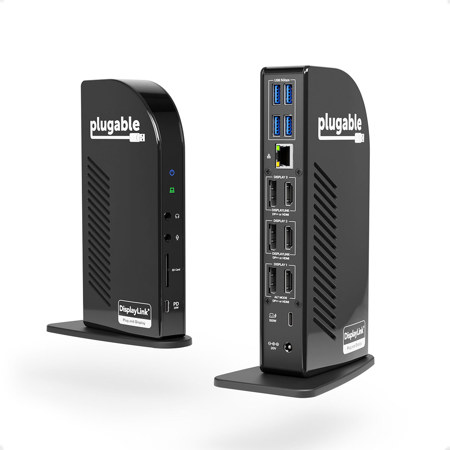
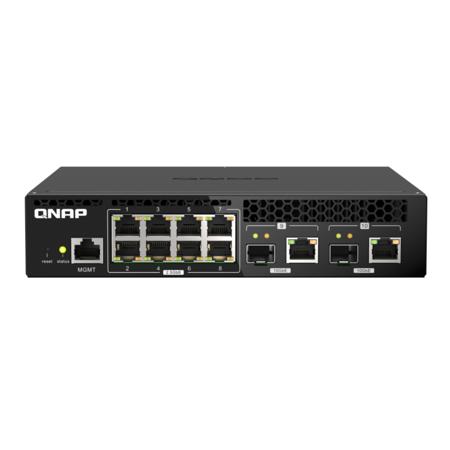
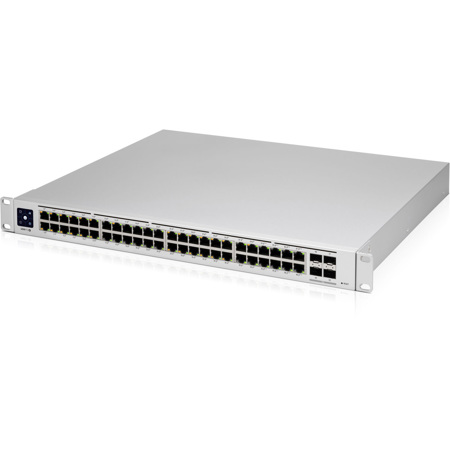
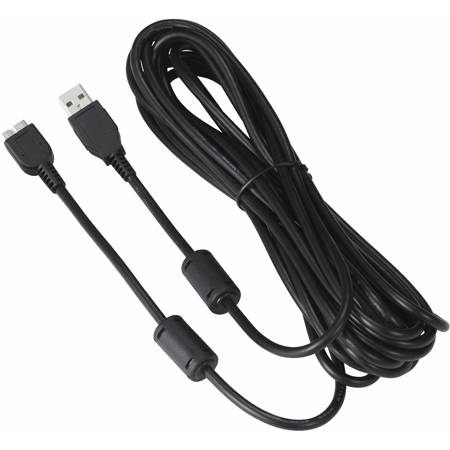
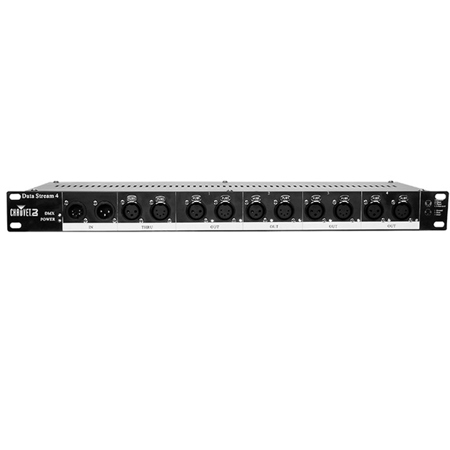
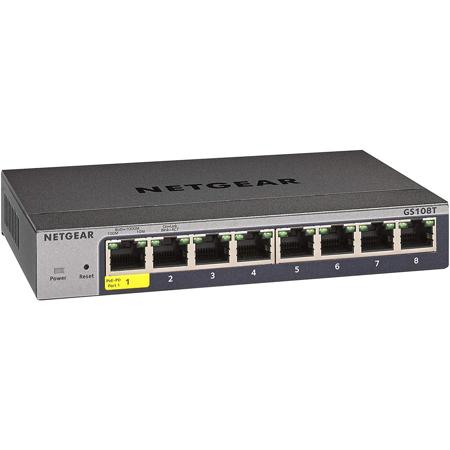
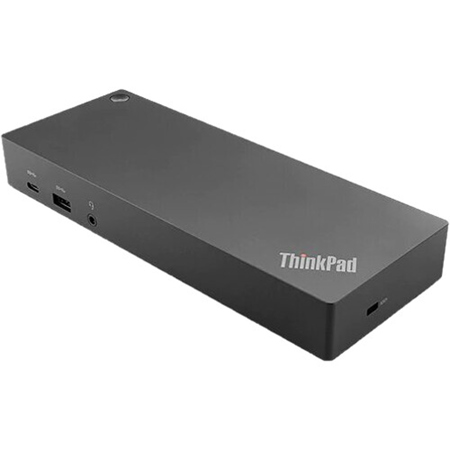
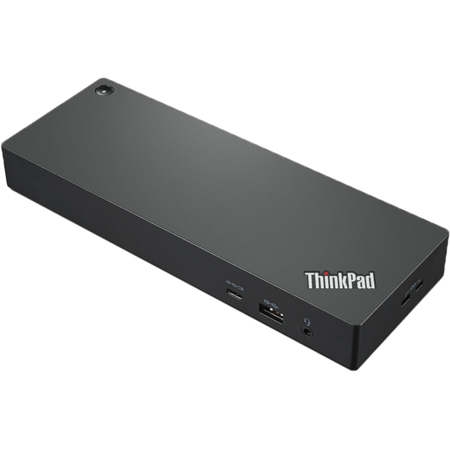
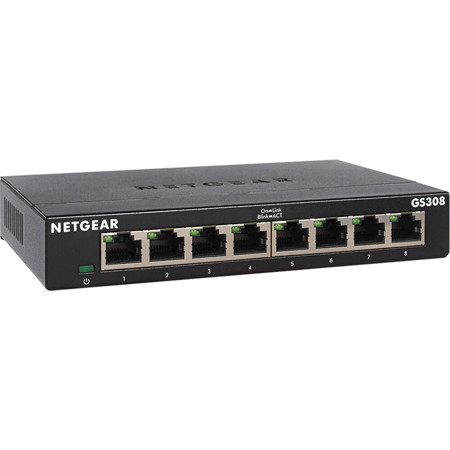
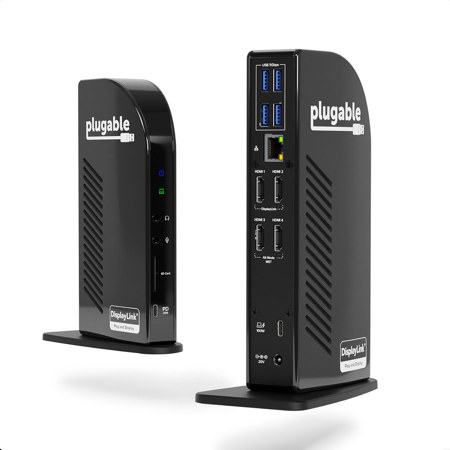
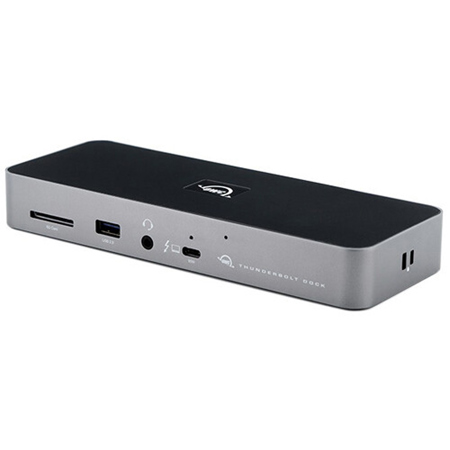
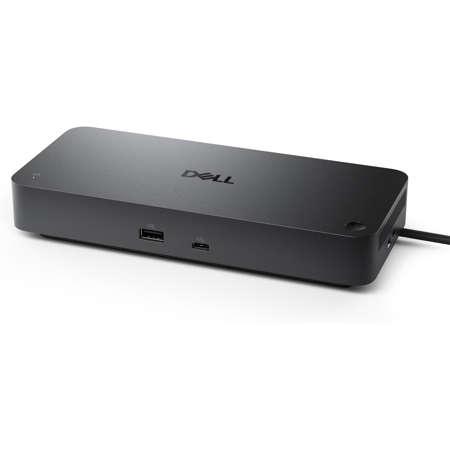
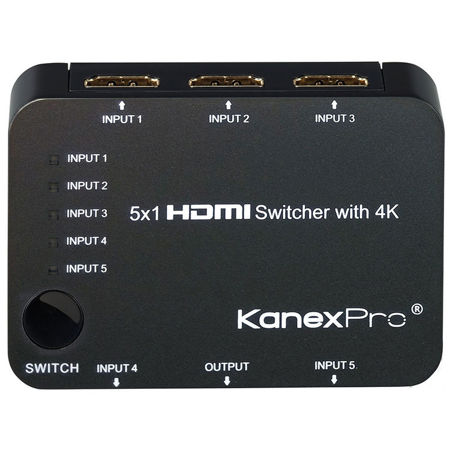
Data ports are the unsung heroes in the world of digital connectivity, quietly enabling seamless communication between computers, peripherals, and networks. Whether you’re setting up a home office, building a creative studio, or streamlining your gaming rig, the right data ports can make all the difference in how efficiently your devices interact. Physical data ports—such as USB, Ethernet, HDMI, and Thunderbolt—are essential interfaces that connect everything from external hard drives and audio interfaces to high-resolution monitors and network routers. USB ports, especially the newer USB-C standard, offer remarkable speed and versatility, making them indispensable for transferring large files, charging devices, and connecting accessories. Ethernet ports provide the high-speed, stable internet connections that professionals and gamers rely on for uninterrupted performance. Video ports like HDMI and DisplayPort transmit crisp digital video and audio signals, perfect for content creators, photographers, and anyone who demands clarity in their visual work. Thunderbolt ports, often favored by creative professionals, deliver lightning-fast data transfer and the ability to daisy-chain multiple devices, streamlining even the most complex workstation setups.
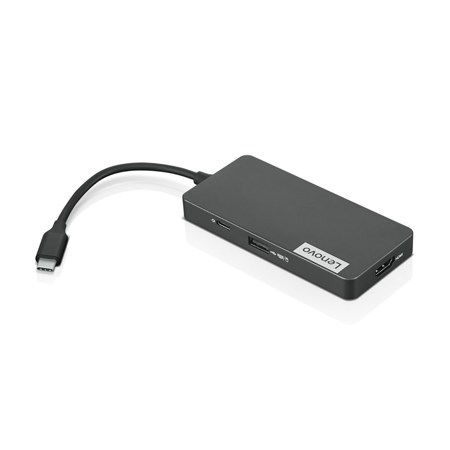
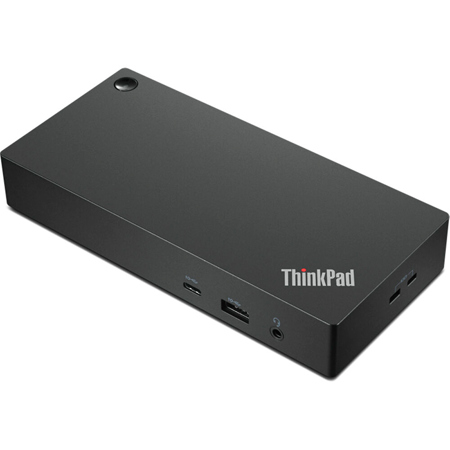
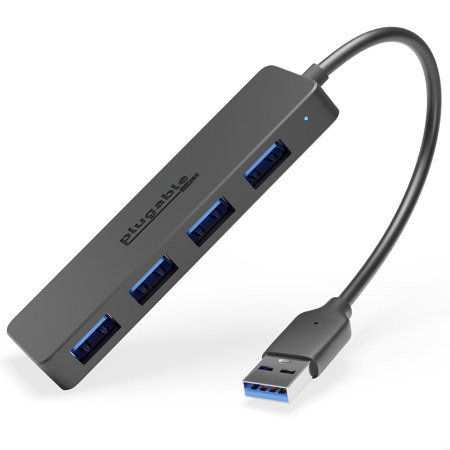
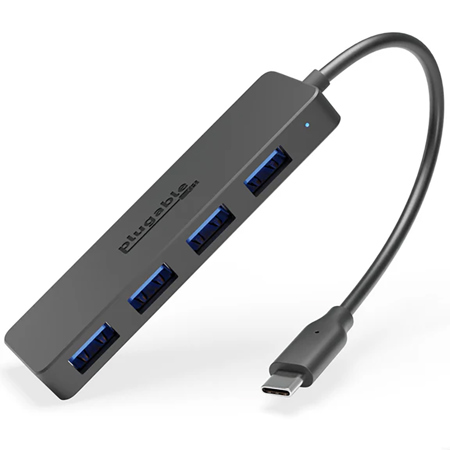
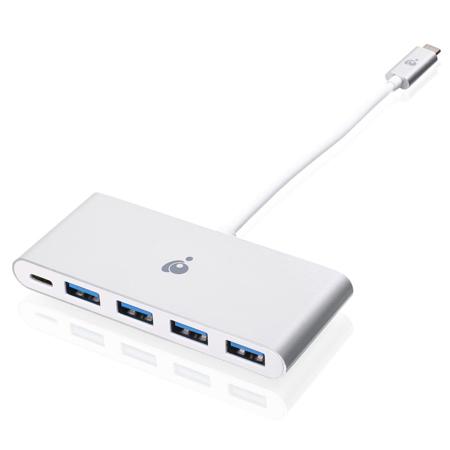
As technology evolves, the variety and capabilities of data ports continue to expand, making it important to consider your current and future needs when choosing equipment. For those managing multiple devices—laptops, tablets, external drives, cameras, and more—having the right mix of ports can transform workflow and eliminate bottlenecks. Students heading back to campus in February, IT professionals upgrading office infrastructure, or families looking to enhance their home entertainment systems all benefit from thoughtful data port selection. These products also make practical gifts for tech-savvy friends, remote workers, or anyone setting up a new workspace. Imagine the convenience of connecting a laptop to a projector for a winter movie night, or the ease of transferring holiday photos to a backup drive with a single cable. As more devices adopt compact designs, multi-functionality becomes key; adapters and hubs that combine several ports in one compact unit are especially valuable for those on the go. For a closer look at solutions that expand your connectivity options, explore our range of Multi Port Adapters—perfect for bridging the gap between old and new technology.
Understanding the difference between physical and virtual data ports can also help you make informed decisions about network security and device compatibility. While physical ports are tangible connectors found on laptops, desktops, and other hardware, virtual ports are managed by your operating system to direct network traffic to the right services or applications. For example, well-known ports like 80 (HTTP) and 443 (HTTPS) are essential for web browsing, while registered and dynamic ports support everything from database access to secure file transfers. Whether you’re a photographer backing up RAW files, a musician syncing audio tracks, or a small business owner managing cloud storage, the reliability and speed of your data ports influence every aspect of your digital life. As you browse our curated selection of data port solutions, consider how each interface fits into your workflow and how investing in high-quality connectors today can future-proof your setup for tomorrow’s innovations.
As technology evolves, the variety and capabilities of data ports continue to expand, making it important to consider your current and future needs when choosing equipment. For those managing multiple devices—laptops, tablets, external drives, cameras, and more—having the right mix of ports can transform workflow and eliminate bottlenecks. Students heading back to campus in February, IT professionals upgrading office infrastructure, or families looking to enhance their home entertainment systems all benefit from thoughtful data port selection. These products also make practical gifts for tech-savvy friends, remote workers, or anyone setting up a new workspace. Imagine the convenience of connecting a laptop to a projector for a winter movie night, or the ease of transferring holiday photos to a backup drive with a single cable. As more devices adopt compact designs, multi-functionality becomes key; adapters and hubs that combine several ports in one compact unit are especially valuable for those on the go. For a closer look at solutions that expand your connectivity options, explore our range of Multi Port Adapters—perfect for bridging the gap between old and new technology.
Understanding the difference between physical and virtual data ports can also help you make informed decisions about network security and device compatibility. While physical ports are tangible connectors found on laptops, desktops, and other hardware, virtual ports are managed by your operating system to direct network traffic to the right services or applications. For example, well-known ports like 80 (HTTP) and 443 (HTTPS) are essential for web browsing, while registered and dynamic ports support everything from database access to secure file transfers. Whether you’re a photographer backing up RAW files, a musician syncing audio tracks, or a small business owner managing cloud storage, the reliability and speed of your data ports influence every aspect of your digital life. As you browse our curated selection of data port solutions, consider how each interface fits into your workflow and how investing in high-quality connectors today can future-proof your setup for tomorrow’s innovations.