DisplayPort KVM Switches
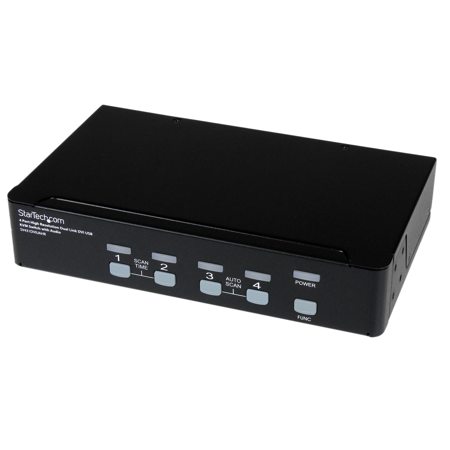
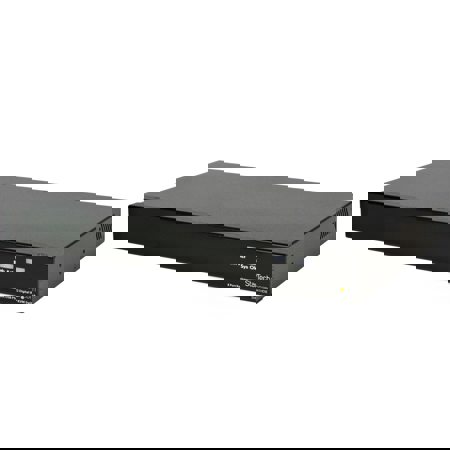
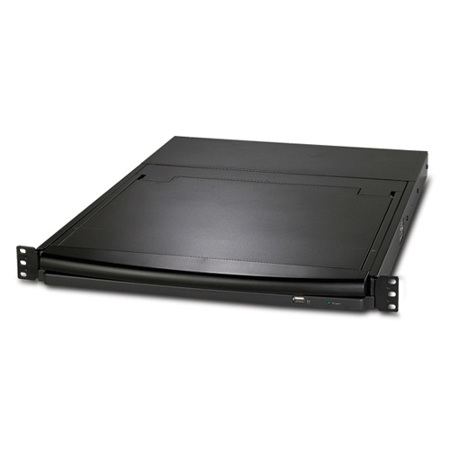
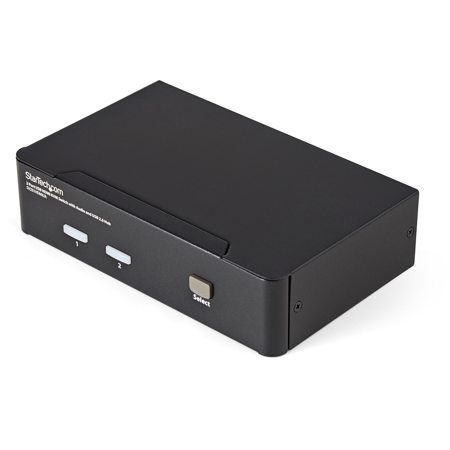
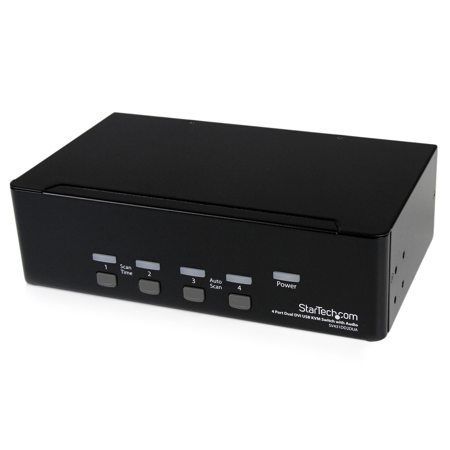
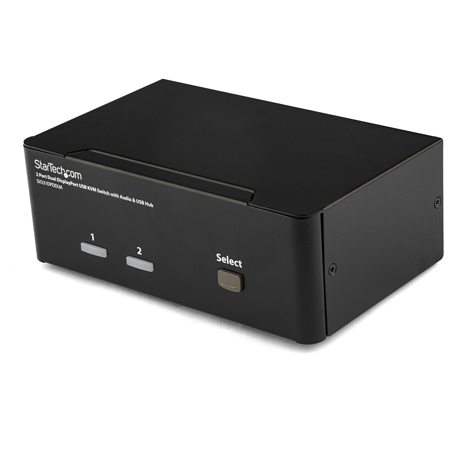
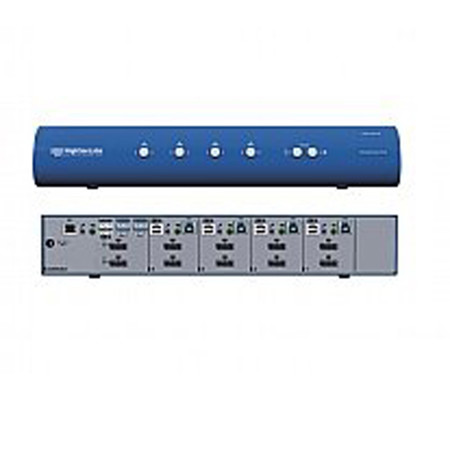
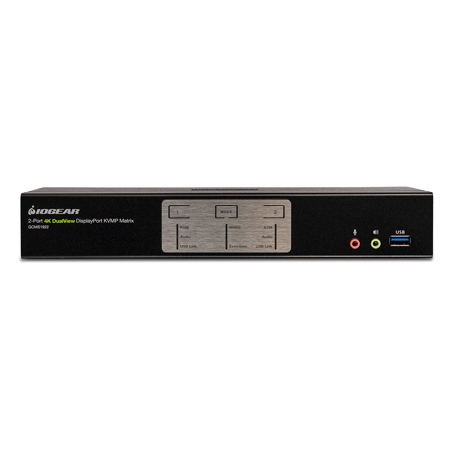
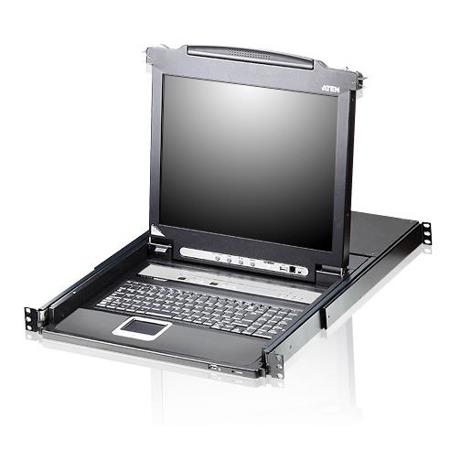
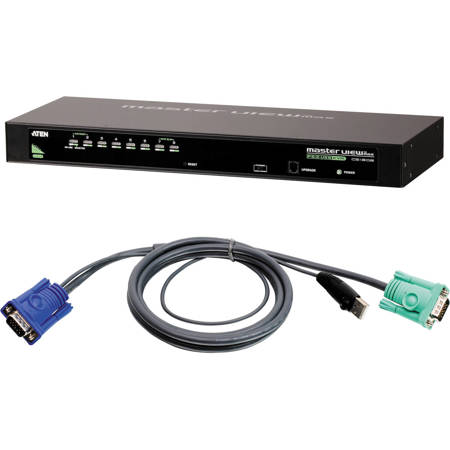
DisplayPort KVM switches have become an essential addition to modern workspaces, gaming setups, and creative studios, especially as technology continues to evolve and multi-device workflows become the norm. These devices are designed to streamline your desk and enhance productivity by allowing you to control multiple computers—such as a powerful desktop, a work-issued laptop, or even a media server—using a single keyboard, mouse, and DisplayPort monitor. Whether you’re managing a home office as the weather warms and projects ramp up, or you’re a content creator editing high-resolution video across several systems, a DisplayPort KVM switch can dramatically simplify your setup. For those who rely on high refresh rates and resolutions, such as gamers or video editors, it’s crucial to look for models supporting DisplayPort 1.4, which can deliver 4K at 144Hz or even 8K at 60Hz. Meanwhile, standard office environments may find that a DisplayPort 1.2 switch, capable of 4K at 60Hz, meets their needs without stretching the budget. Features like EDID emulation are especially valuable for professionals who demand seamless transitions; this technology ensures your desktop layout remains intact when switching between systems, sparing you the frustration of rearranged windows or lost workspace.
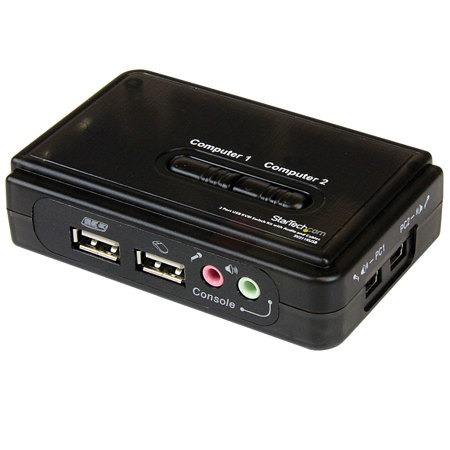
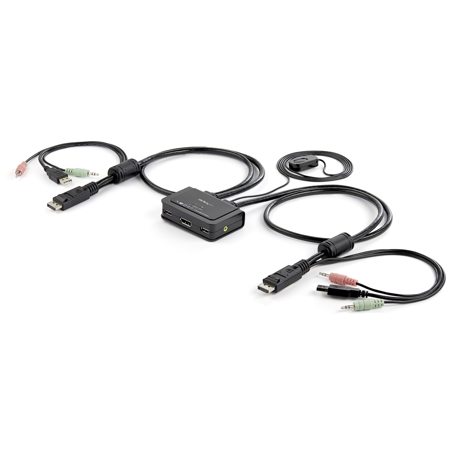
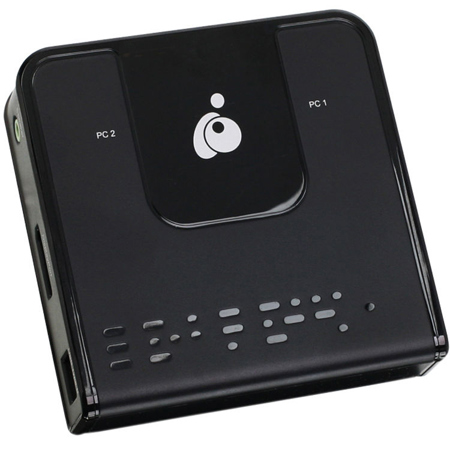
Choosing the best KVM switch under $1000 involves more than just matching technical specs to your monitor and peripherals. Consider how many computers you need to control, the number of monitors in your setup, and whether you require dual-monitor support—a must-have for multitaskers and designers who thrive on expansive digital canvases. Many DisplayPort KVMs now include integrated USB 3.0 hubs, letting you share webcams, printers, and high-speed storage devices effortlessly. This is particularly handy during the busy summer and fall months, when collaboration and content production often peak, and the ability to hot-swap between workstations can save valuable time. For those bringing laptops into the mix, especially models with USB-C, it’s important to confirm that your port supports DisplayPort Alt Mode, and to use a quality USB-C to DisplayPort cable or adapter for reliable connectivity. Cable management is another often-overlooked benefit: compact, bus-powered KVM switches can help keep your workspace tidy, reducing clutter and making it easier to focus on the tasks at hand.
DisplayPort KVM switches make thoughtful gifts for tech enthusiasts, remote workers, or anyone upgrading their home office or gaming station. Imagine the satisfaction of toggling between a high-powered gaming rig and a professional workstation with a single button press, all without the need to juggle cables or peripherals. For those comparing different video standards or seeking alternatives, it may be worthwhile to explore HDMI KVM Switches as well, especially if your monitors or devices are HDMI-based. As the seasons shift and your workflow adapts, investing in a reliable DisplayPort KVM switch ensures your setup remains flexible, efficient, and ready for whatever projects or play sessions lie ahead. With the right switch, you can maximize your hardware’s potential, keep your desk organized, and enjoy seamless control across all your devices, making it a cornerstone of any modern, connected workspace.
Choosing the best KVM switch under $1000 involves more than just matching technical specs to your monitor and peripherals. Consider how many computers you need to control, the number of monitors in your setup, and whether you require dual-monitor support—a must-have for multitaskers and designers who thrive on expansive digital canvases. Many DisplayPort KVMs now include integrated USB 3.0 hubs, letting you share webcams, printers, and high-speed storage devices effortlessly. This is particularly handy during the busy summer and fall months, when collaboration and content production often peak, and the ability to hot-swap between workstations can save valuable time. For those bringing laptops into the mix, especially models with USB-C, it’s important to confirm that your port supports DisplayPort Alt Mode, and to use a quality USB-C to DisplayPort cable or adapter for reliable connectivity. Cable management is another often-overlooked benefit: compact, bus-powered KVM switches can help keep your workspace tidy, reducing clutter and making it easier to focus on the tasks at hand.
DisplayPort KVM switches make thoughtful gifts for tech enthusiasts, remote workers, or anyone upgrading their home office or gaming station. Imagine the satisfaction of toggling between a high-powered gaming rig and a professional workstation with a single button press, all without the need to juggle cables or peripherals. For those comparing different video standards or seeking alternatives, it may be worthwhile to explore HDMI KVM Switches as well, especially if your monitors or devices are HDMI-based. As the seasons shift and your workflow adapts, investing in a reliable DisplayPort KVM switch ensures your setup remains flexible, efficient, and ready for whatever projects or play sessions lie ahead. With the right switch, you can maximize your hardware’s potential, keep your desk organized, and enjoy seamless control across all your devices, making it a cornerstone of any modern, connected workspace.