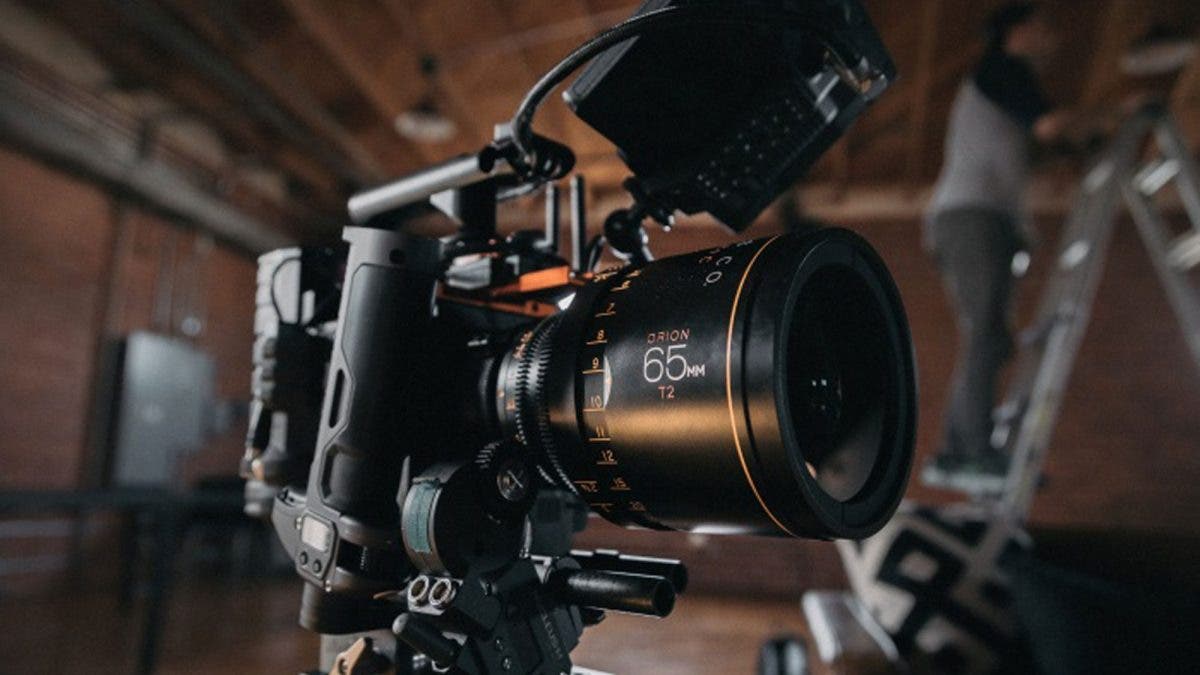
Whichever platform you use for your live broadcast, the camera you choose plays a crucial role in ensuring the overall success of your live stream. Much like picking a camera for vlogging, there’s a demand for the best camera for live streaming that provides great audio-visual clarity and detail. This generally rules out smartphones (which come with potential audio and network quality issues), leaving you with several other camera options.
So what’s the best camera for live streaming? In this article, we’ll give you not just one but several options for each type of high-resolution camera, so you can choose the one that best suits your needs.
Types of Cameras for Live Streaming
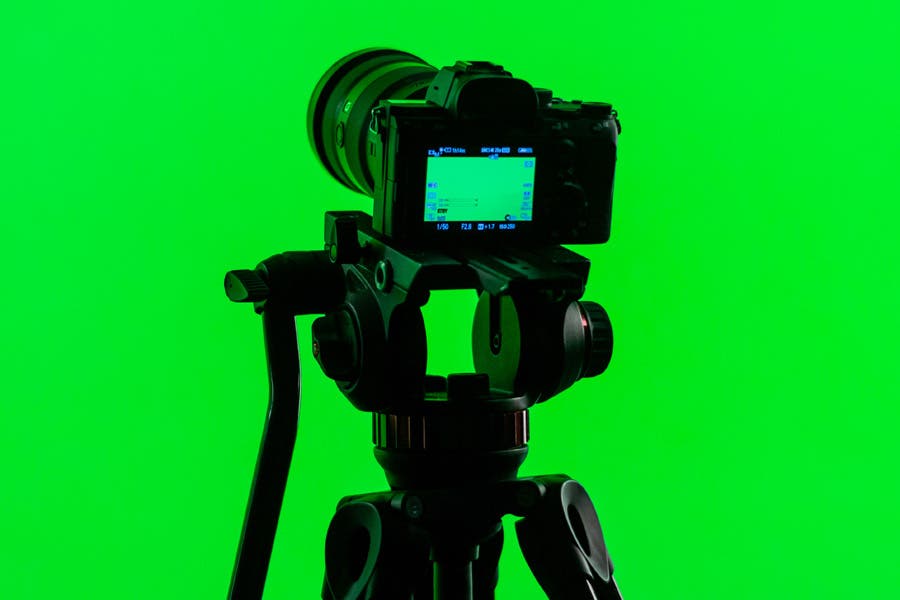
Webcams
Webcams are one of the top streaming cameras since they’re affordable and easy to use. They’re ideal for live video chats, video game streaming, or other live streams that don’t involve getting out of your chair.
But this isn’t the same built-in webcam on your laptop. Rather, it’s an external webcam that offers at least 720p resolution and a functional built-in microphone. Webcams are directly connected to your computer so you won’t be needing a separate video encoder. For better audio, however, you might want to purchase a separate headset or mic.
DSLR or Mirrorless Cameras
Using DSLRs offer excellent video quality, ultra-high photo resolutions, and impressive low-light performance. If you want the same image quality of a DSLR with a more compact camera, consider using a mirrorless camera for your live stream.
If you plan to use a DSLR or mirrorless camera for live streaming, make sure your model can accommodate longer recordings and offers a clean HDMI output that hides the viewfinder status and icons. Your camera should also be connected to a video encoder so it can send the HDMI output to online streaming platforms.
Camcorders
Camcorders are built for recording videos, and that’s why they’re our top camera choice for live videos. These cameras are easy to set up and their ergonomic design makes them ideal for handheld shooting or filming longer streams. They produce clean HDMI outputs without skimping on video resolution and frame rates. Another great benefit of using camcorders is their 4K resolution output, giving you the best in video quality.
Action Cameras
Action cameras are great for capturing immersive videos. Despite their small size, they’re powerful enough to produce superior footage, making them ideal for live streaming action-packed events and sports. This type of camera is normally equipped with a wide-angle lens and offers a first-person point of view. This can, however, somewhat limit output to informal live streams. Nevertheless, they’re one of the most popular choices for live recording.
What to Look for in a Live Streaming Camera
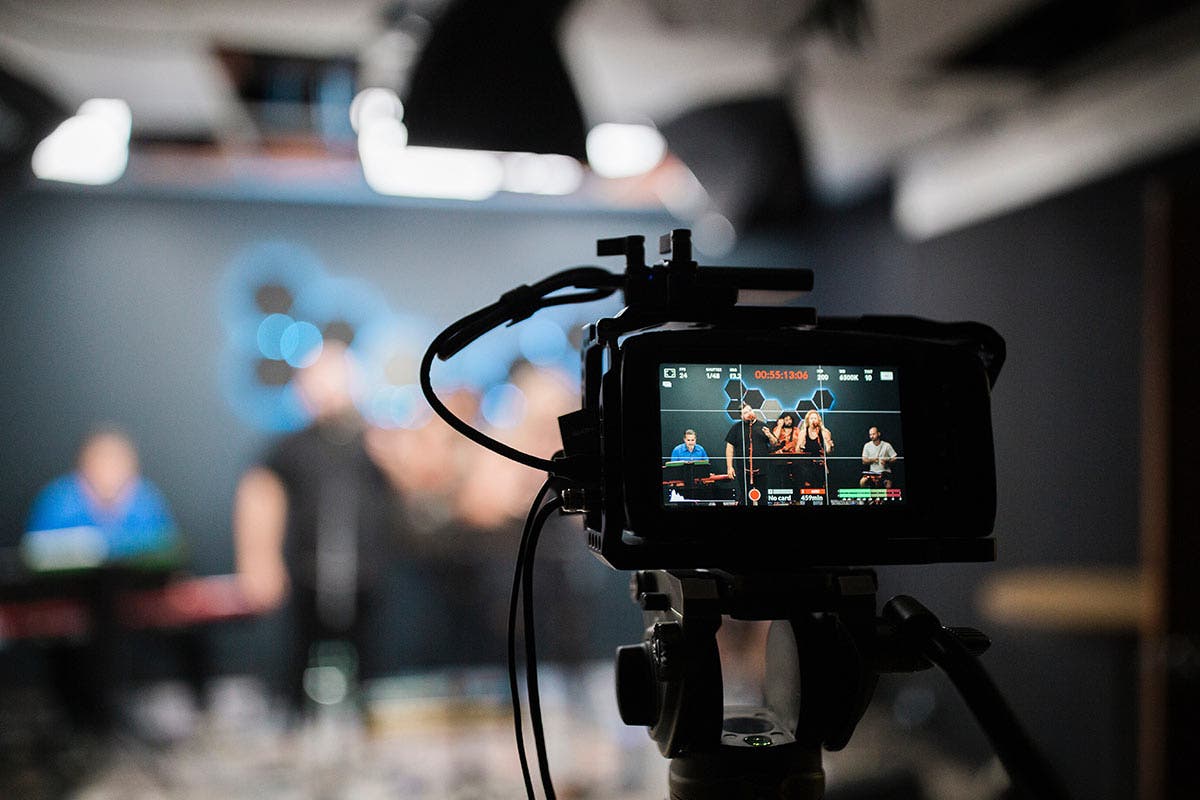
Content creator understand the importance of having the proper camera. Whether it’s to showcase products, to give the audience a face to relate to, or to get every detail of a how-to tutorial, content creators who invest in a quality camera usually see more viewers in their content. Finding the right camera depends on the type of content you want to share. Are you a streamer who tends to move around with the camera? Then weight and size of the camera is something you want to focus on. Maybe you’re a streamer who values image quality, then resolution is what you want to focus on.
Here are some features to look for in live streaming cameras.
- Compatibility with your setup. Is it plug and play?
- Streaming resolution
- Frames Per Second (FPS) count. In general, the higher this number, the higher quality the stream
- Weight, size, and maneuverability
- Image color, low light settings, and auto focus performance
- Types of additional accessories you may need, such as lenses and battery adapter
Once you decide on what’s most important to you, you can then find a camera that fits your budget. Every streamer starts somewhere so investing in the proper equipment may take time.
Best Cameras For Live Streaming
Logitech C920 HD Pro
Make a great impression with the Logitech C920 HD Pro — no wonder its a best camera for live streaming. You’ll appear on screen with vibrant colors and remarkable clarity thanks to its Full HD 1080p at 30 frames per second. It boasts a full HD, five-element glass lens that captures razor-sharp images, while its premium autofocus can be adjusted smoothly to keep your video in HD throughout the stream.
Featuring automatic HD light correction, the camera adjusts image quality and adapts to different lighting conditions so that your video looks clear and bright even when you’re recording in dim areas. It’s equipped with stereo microphones (found on either side of the camera) that reduce background noise and captures realistic sounds from every angle. As a result, your audio comes out louder and clearer.
Why is this a great camera for live streaming?
Even if you don’t have a sophisticated lighting setup for live streaming, this camera will make you look good. If you’ve ever felt like your camera is too dim, too bright, too uneven, or too slow to respond to lighting changes, the C920 HD Pro’s adaptive lighting will come as a big relief.
Green Extreme T200 Full HD Webcam
If you’re looking for a budget-friendly HD camera that doesn’t compromise on quality, then look no further than the Green Extreme T200 webcam. Many contemporary webcams feel overdesigned or overcomplicated, but the T200 has all the features you need with simplified setup for any computer.
Designed for straightforward, plug-and-play use, this webcam works well with any conferencing and live streaming software on both Windows and Mac machines.
Why is this a great camera for live streaming?
For simple, frustration-free streaming, the T200 is a fantastic choice. It features a f/3.1 aperture, which lets in plenty of light for quality video content even in dim environments. Plus, the integrated autofocusing lens ensures you always appear sharp in your footage, and the dual microphones capture clear audio up to fifteen feet away from the webcam.
Logitech C930e Full HD
The Logitech C930e can be described as the business version of the C920. Equipped with sophisticated technology, it delivers clear video and sound in any environment, including low-light settings. Designed for business, it features 1080p resolution, H.264 video compression, and a wide 90-degree field of view for seamless video conferencing.
Use the C930e to show your best side during video calls, conference meetings, and live streams. To improve the video quality even further, you can adjust its 90-degree field of view, pan, tilt, and 4x digital zoom to suit your environment. And the superior quality of its videos doesn’t stop there—the C930e supports H.264 with Scalable Video Coding and UVC 1.5 encoding. This ensures the device can keep recording even with limited computer and network resources.
Why is this a great camera for live streaming?
If your preferred live streaming content involves showing off your skills, you need a wide field of view that’s capable of capturing more than just your face. The C930e’s 90-degree view handily captures makeup tutorials, DIY crafting, and any other content you want to share with the world in perfect focus.
Best DSLRs/Mirrorless Cameras for Live Streaming
Panasonic Lumix GH5 II
The Panasonic Lumix DC-GH5 II is the upgraded model of the GH5. Upgraded and redesigned, it offers an impressive imaging platform for shooters looking for top-quality video and still photography in a compact package.
All of its features are similar to the GH5’s, with the addition of live-streaming capabilities. At the heart of the camera is a 20.3MP Digital Live MOS sensor as well as a new Venus Engine processor. Its ultra-fast speed allows you to record 4K video at up to 60 fps. Moreover, it lets you record Full HD video at up to 180 fps and12 fps continuous shooting.
The GH5 II also extends its upgrades to storage space and image transfer. It features two UHS-II SD card slots and can pair with mobile devices through Wi-Fi and Bluetooth.
Why is this a great camera for live streaming?
The LUMIX Sync smartphone app makes live streaming simpler than ever. Whether you prefer to stream wired or wirelessly, indoors or outdoors, you’ll find that the GH5 II and its impressive collection of lenses are a step above traditional webcams. With your choice of focal length, aperture, and settings like white balance and exposure compensation, you’ll always look your best.
Sony Alpha a7 IV
The Sony Alpha a7 IV has a full-frame 33MP sensor that delivers outstanding speed and superb image quality. With an increased AF speed, improved levels of color gradient, and a focus on natural-looking human skin texture this is an incredibly powerful camera for streaming. All it takes is a USB connection to turn the Sony Alpha a7 IV into a performance webcam. You can choose from four different output formats, including high-resolution 4K video. With the power of the processing engine, you get real-time eye AF and real-time tracking features. If you tend to move around a lot while streaming or showcase objects closer to the camera, the advanced AF feature will come in handy.
You want to look as clear, crisp and natural as possible while streaming. The a7 IV’s built-in soft skin effect has four levels of settings. This makes the skin look bright and beautiful, softening wrinkles, blemishes, and dull-looking areas while adding emphasis to the eyes and mouth. This will allow you to pop more while streaming. This is a top-quality camera for that streamer in your life who is looking for some of the best equipment available. Check out how Sony Artisan Renan Ozturk uses the camera in this hands-on review.
- Live streaming up to 4K 15fps, 1080 60fps
- 34 MP
- Weight: 1.4lbs (658g)
- May need battery options depending on stream length
Why is this a great camera for live streaming?
Professional live streaming requires a professional-grade camera, and the Sony Alpha a7 IV certainly fits that bill. Setting up this full-frame mirrorless camera as a webcam is as simple as it gets, so you can enjoy 4K quality video right away. Add a professional lavalier or shotgun mic and your footage will sound as good as it looks.
Canon EOS R6 Mark II
Thanks to Canon’s high-performance sensor and DIGIC X image processor, you can go from photographing high-speed action to filming in 4K cinematic video. This camera features a 35mm full-frame sensor with approximately 24MP of resolution.
The in-camera image stabilization system is a big help for videography and live streaming. Shoot smooth footage without needing to invest in an expensive gimbal rig. Combine that with Canon’s image stabilized lenses, and you can achieve up to eight stops of shake reduction.
Improved heat reduction and dispersal compared to the EOS R6 means you can shoot video and live stream longer, without worrying about an overheating camera.
Upgrades to the autofocusing system make it easier to stream confidently without constantly monitoring your footage. Just turn on focus tracking to capture your face, and you’re on your way.
- Live streaming up to 4K 60fps, Full-HD 1080p 60fps and 120fps
- 24.2MP
- Weight: 20.7oz (588g)
- May need battery options depending on stream length
Why is this a great camera for live streaming?
Whether you live stream from a studio environment or you take your show on the road, flexibility and quality are key when selecting a camera. The R6 Mark II’s noise-canceling internal microphone and large range of lenses support your artistic vision by leveling up the quality of your recordings without toting tons of equipment along.
Nikon Z 6II
The Nikon Z 6II excels at low light at 24.5MP with a video performance of 4K UHD at 60p. With dual EXPEED 6 processors you get an improved AF performance and functionality that work together for faster image processing. You get 273 focus points across the frame that can be changed manually or tracked automatically. Nikon’s intelligent Eye-Detection AF can lock onto humans, dogs or cats.
What is remarkable about the Nikon Z 6II is that you can control the camera with your phone. You can see what your camera sees, change settings and remotely start and stop recording. The Nikon Z 6II has a great wide focus that allows you to show off your entire streaming space. The Nikon is on the lighter side, which makes it easier to stream on the go. It’s a fantastic camera that will save on your budget.
- Live streaming up to 4K 25fps
- 25 MP
- Weight: 1.3lbs (615g)
- May need battery options depending on stream length
Why is this a great camera for live streaming?
Besides the Nikon Z 6II’s quality of focusing, resolution, and versatile sound inputs, there’s one very important factor to consider for prolonged streaming use: power supply. The Z 6II can charge while shooting with a USB-C, so you’ll never run out of juice or need to worry about swapping batteries mid-shoot.
Are DSLRs Good for Streaming?
DSLR cameras are a great choice for streaming video. They provide much better image quality and flexibility of settings for your footage than a webcam. Between the ability to swap out lenses and the variability of settings like aperture and white balance, you can achieve a far more professional look to your footage when shooting with a DSLR.
To prepare your DSLR for effective streaming, you may need to download a firmware update. It’s also a good idea to explore external microphones for optimal sound quality.
How to Use a Mirrorless Camera as a Webcam
Using your mirrorless camera as a webcam is easy, requires little setup, and produces great quality video. Simply follow our tutorial for how to use your mirrorless camera as a webcam to get started.
Best Camcorders for Live Streaming
Panasonic HC-V800
The Panasonic HC-V800 is a solid choice for live streaming at a mid-range price point (and you can spend a bit more for the 4K version if your budget allows). The built-in Leica Dicomar 24x optical zoom lens has a fantastic focal range of 25-600mm, so you can position your camera and subject just about anywhere and still enjoy sharp focus and great resolution.
The large sensor performs well in low light, letting you keep the stream going indoors or out, regardless of changing lighting conditions. The new Active Contrast technology and HDR Movie mode mean you’ll definitely notice an improvement in dynamic range and gradation compared to similar camcorders.
The built-in wireless multi-camera feature is helpful for DIY and behind-the-scenes footage. You can connect directly with up to three smart phones for multi-angle shots and sub-window footage.
Why is this a great camera for live streaming?
If you’re looking for a streaming setup that’s more sophisticated than a webcam, but less gear-intensive than a DSLR or mirrorless camera body, the HC-V800 is a smart choice. Image stabilization, lighting controls, audio inputs, and other handy features will make your streams easier to create and more professional.
Canon XA15
If you’re looking for the best camcorder for streaming, consider the Canon XA15. It’s a great camera that’s suitable for event coverage, electronic new gathering, and documentary filmmaking. This advanced camcorder can capture high-quality HD videos because of its powerful DIGIC DV 4 Image Processor and impressive 20x High Definition optical zoom lens. You can also transmit uncompressed videos with audio and timecodes without a hitch thanks to its HD/SD-SDI terminal.
Lightweight yet durable, the Canon XA15 features an LCD touch panel and 1.56 million dot electronic viewfinder that allows it to operate for extended periods, no matter the conditions. Versatile and compact, this camcorder delivers the performance you need for a 24-hour news workflow.
Why is this a great camera for live streaming?
Even if you’re not part of a remote news crew, you can enjoy professional-grade streaming and recording capabilities at a reasonable price. Built-in image stabilization, dual phantom audio inputs for microphones, and a tilting touch screen will elevate the quality of your streaming footage. You can even assign custom functions to five different buttons for convenience.
Panasonic HC-X2000
In need of a professional grade camcorder for broadcasting? The Panasonic HC-X2000 4K is a terrific camera with a robust collection of features that you’re sure to love. It’s highly precise and features impressive speed autofocusing in 4K and Full-HD shooting, so you can shoot at any focal length with sharp focus. Face detection technology is a helpful upgrade for subject tracking across a stage, during sporting events, and for other live applications.
This camera is equipped for live streaming without the need for peripheral equipment thanks to a built-in WiFi module. You can easily connect to a tablet for extras like wireless remote shooting, lens, and settings adjustment.
The camcorder body here was designed with heat dissipation in mind so you never have to worry about overheating on location, even when shooting in 4K.
For an upgrade in shutter speed capabilities and other features, consider the AG-CX10.
Why is this a great camera for live streaming?
Choosing a camera designed for broadcasting makes almost every aspect of live streaming that much simpler. Instead of fussing with lenses or plugging in hard wired accessories, the HC-X200 prioritizes simplicity, stabilization and sharp focusing so you don’t have to worry about your rig when it’s time to start streaming.
Sony FDR-AX700
If you want an ultra-compact camcorder that doesn’t compromise on features and ease of use, the Sony FDR-AX700 4K Handycam Camcorder is ideal. It really is the traveling content creator’s dream, weighing in at less than 2 lbs and easily fitting in any purse, fanny pack, or small personal bag.
The AF system features 273 focus points covering 84% of the frame, so you can frame just about any shot in any setting with accurate focus — even in 4K. Face detection and subject tracking also improve your accuracy when you’re following a moving subject.
While this model doesn’t have an internal XLR port, the compatible Multi-Interface shoe makes adding peripheral audio gear a breeze.
- Live streaming up to 4K
- 14.2 MP
- Touchscreen, Dual media slots, Built-in ND filters
- Weight: 32.98oz (935g)
Why is this a great camera for live streaming?
The built-in WiFi technology is a major perk. It lets you connect to any 2.4 GHz WiFi network without a switching device for simple live streaming. If you’re recording yourself on location, you’ll love the wired remote add-on for adjusting settings and pressing the record button remotely. Between the simplicity-focused features and compact size, the FDR-AX700 is a streamer’s dream.
Best Action Cameras for Live Streaming
GoPro Hero10 Black
This is the best camera for live streaming and vlogging on the go! The GoPro Hero10 was designed for action and sports footage, but can also be used as a streaming camera. You get a 1080p resolution with Super Photo and HDR. For those of you who utilize it as a camera, you get 23MP photos and 5.3K video resolution at 60fps. GoPro’s have some of the best video stabilization on the market, perfect for those streams where you’re moving around the space. The size and weight of the GoPro allow you to not take up a lot of desk space and bring it with you on the go!
- Live streaming 1080p
- 23 MP
- 8x slo-mo at 2.7K
- Weight: 5.39 oz (153g)
- Will need battery options for longer streams
Why is this a great camera for live streaming?
As powerful as a camcorder, but as compact as a webcam, the GoPro Hero10 Black can go anywhere and do just about anything for your audience. No weather, no location, and no activity is too tough for this GoPro. With an inexpensive price tag, this just might be the best live streaming cam there is.
What Cameras Do Streamers Generally Use for Streaming?
Streamers use a wide variety of cameras for their live streams. From DSLRs and action cameras to smartphone cameras and high-end webcams, you can use almost any camera to stream live.
The choice of the best camera for live streaming comes down to settings, price, and functionality. If you need a portable kit for streaming on the fly, action cameras are generally the best option. If you’re streaming from a stationary position and want professional results, DSLRs are a great choice. And for a simple, inexpensive introductory option, a robust webcam is enough to get started with live streaming.
Essential Hardware for Live Streaming
Before we get into the best video cameras for live streaming, here are some of the basic equipment you can use with your camera for better audio and visual quality when live streaming:
External Microphone
Audio quality is just as important as video quality. And like built-in cameras, it’s advisable not to use built-in microphones when live streaming. External microphones are the best choice since they help make your audio quality sound more professional.
Our pick for a great live streaming microphone is the Samson Q2U. This microphone works with either XLR or USB outputs and even lets you plug in headphones to use as portable studio monitors. Ideal for studio streaming, desktop streaming, and podcasting, the Q2U is an affordable and functional offering with both dynamic-handheld and tabletop-microphone configurations. If you need something portable for on-the-go live streaming, you may opt for lavalier microphones (they clip on easily to your clothes) or on-camera microphones that can be mounted to your video camera.
Video Encoder
A “box” or video encoder is necessary if you want to upload your live video. These devices encode your live video using dedicated algorithms that gather streamable content. Encoders vary in shape and size, but most units are compact.
The Blackmagic Design Web Presenter HD works seamlessly with nearly every live streaming platform, including YouTube, Facebook, and Twitch, as well as video conferencing programs like Zoom and Skype. With an HDMI or SDI video source, you can immediately stream your video by plugging it into the Web Presenter and your computer, enabling you to broadcast professional-looking content.
You can also stream via ethernet, or connect to a 5G or 4G phone for mobile data usage. For a 4K option, check out the Blackmagic Design Web Presenter 4K.
Another option is the Elgato Cam Link 4K Game Capturing Device, a smaller, budget-friendly, “plug and produce” device for gamers and content creators. Turn any existing camera into a streamable webcam so you can create the videos you want without big investments.
Internet Device
You can use top-quality cameras but fall short of winning your viewers over if you lack a decent internet connection. After all, access to a strong, stable Wi-Fi connection is a common problem during on-location shoots.
You’ll need at least 3 to 5Mbps for HD streaming, and at least 25Mbps for UHD and 4K videos. For good measure, make sure you have an LTE modem or any internet live streaming device on hand so you can connect to the Internet more easily.
Battery Power System
Changing batteries is not an option when recording continuous live streams, so you’ll need to get your hands on a sophisticated battery system like the Tether Tools Case Relay Camera Power System. This Case Relay Camera Power System will give your camera the extra juice it needs to stay powered up during long broadcasts. Most cameras with USB-C can power on their own from that USB port, but if you’re using an older camera or one with some other type of port, it may need the Case Relay system.
Tripod or Mount
Live streaming can sometimes be time-consuming, making it impractical to record using a handheld device. A mount for smaller cameras or a sturdy tripod like the Manfrotto Element Traveller or Manfrotto Element MII makes it easier for you to position, frame, and stabilize shots for optimal viewer experience. Just choose a compatible mount or tripod for your camera and make sure it’s sturdy enough not to detach or topple over.
Tips to Improve Your Live Streaming
If you’ve never live streamed before, you may feel overwhelmed about getting started. From investing in the equipment and setting up your recording space to choosing the right camera and audio settings to produce high-quality footage, you have plenty to think about!
Here are a few key considerations to help you make better live content.
Use High-Quality Equipment
In almost every situation, using better equipment equates to better streaming quality. While you don’t necessarily need to start a makeup tutorial stream with a 4K professional camcorder, it is a good idea to choose the best quality gear within your budget.
Pay attention to details like resolution, auto focusing, low-light performance, and add-on capabilities. As you grow your audience, you’ll be glad to have a camera you can upgrade with new lenses, audio equipment, and other helpful gear.
Remember that all equipment has a learning curve. Spend some time getting familiar with the features so you can get exactly what you envision from your gear.
Use the Appropriate Encoder Settings
One of the most important configurations for your live stream are the encoding settings.
Encoding is a process of compressing video content so it can be sent out over the internet to your viewers. Unencoded video is cumbersome, so streaming it over an internet connection results in buffering, errors, and choppy footage.
Different devices require different encoder settings. You want your footage to be accessible to the largest number of potential viewers, so it’s important to select universal encoder settings. The most common encoder standard is H.264, but if you use a service like YouTube or Twitch to stream, the platform will usually take care of the encoder settings for you.
Use the Appropriate Bitrate Settings
Bitrate is a speed measurement that you’ll read about a lot when preparing for live streaming. Bitrate can refer to upload rates on the creator’s end and download rates on the viewer’s end.
Video compression, or encoding, helps reduce the size of your content so you can upload it faster and more smoothly, and your audience can view it without lags or errors.
The biggest consideration related to bitrate is the resolution of your footage. Better resolution is more entertaining to watch, but it does require a better internet connection. Fortunately, apps like YouTube automatically adjust the bitrate for the viewer, so they can get the best viewing experience possible.
Always Do a Trial Run
In technology and entertainment, nothing goes perfectly the first time. There’s a reason why awards shows, performances, and concerts have sound checks and rehearsals.
Before you go live, do a trial run to test your equipment and streaming settings to make sure everything works properly. This also gives you a chance to mentally prepare yourself for the task at hand.
During your rehearsal, practice all the complicated things you’ll be doing in your stream, like switching between video feeds and zooming in or out. Check the audio levels of all your microphones, too, so you don’t create any feedback.
With a bit of practice, you’ll be ready for a successful, popular live stream in no time.